
Protecting My Digital Privacy in 2025: The Best Free Linux Applications
Hey there! 👋 As we navigate through 2025, I've become increasingly concerned about my digital privacy. With data breaches becoming more sophisticated and companies constantly hungry for our personal information, I've made it my mission to find the best privacy-focused applications for my Linux system. You might be wondering: why should I bother switching from the standard applications that come with my Linux distribution? Well, let me share what I've discovered about taking control of my digital footprint.
🔍 Privacy-Focused Web Browsers
Web browsers are probably the applications I use most on my system, which means they present the highest risk for privacy issues. After extensive testing, here are my top picks:
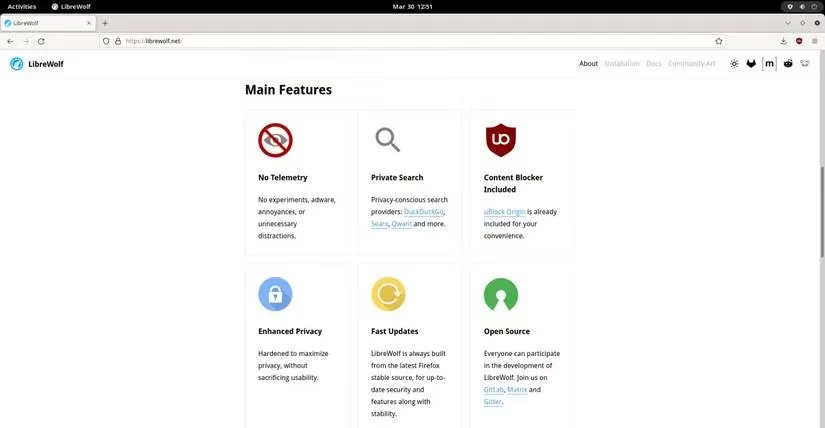
LibreWolf has become my go-to browser for everyday use. As a fork of Firefox, it takes privacy protection to the next level. What makes it special? It's designed specifically to combat modern tracking and fingerprinting technologies. The developers have removed all telemetry, data collection, and annoying features while disabling anti-freedom elements like DRM. It's like Firefox, but without the privacy compromises.
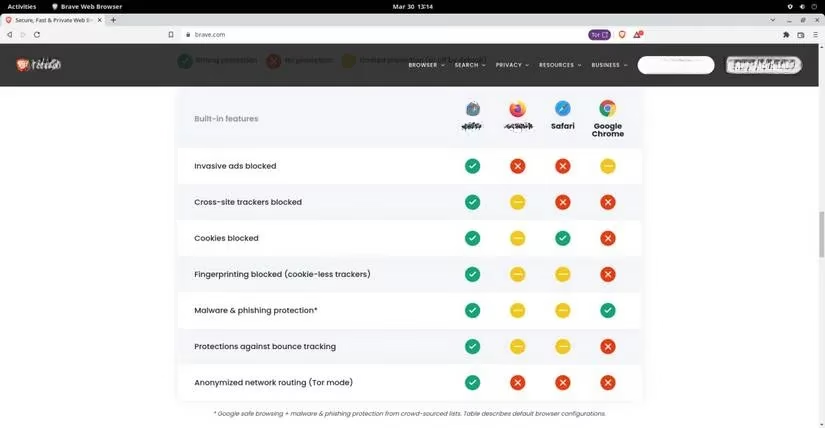
Now, I know what you might be thinking: "But what about all my favorite Chrome extensions?" That's where Brave comes in! 🚀 This Chromium-based browser gives me the best of both worlds - full compatibility with Chrome extensions while providing enhanced privacy protection. Brave blocks ads, trackers, and cookies by default, plus it protects against fingerprinting, malware, and phishing sites. The ability to sync data across all my devices is just the cherry on top!
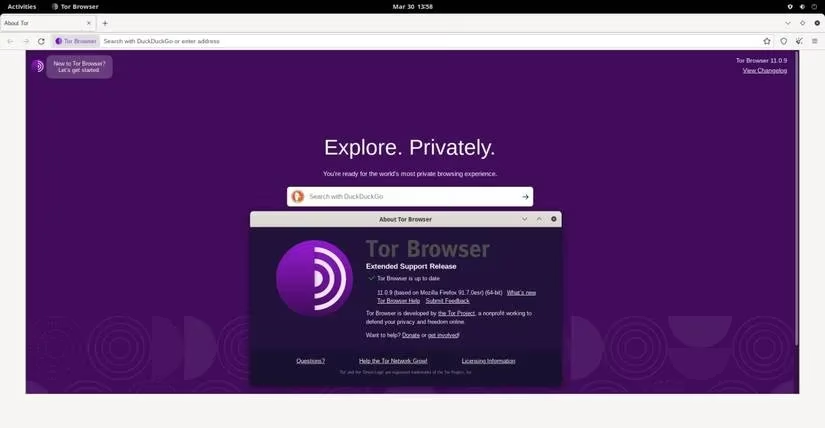
When I need the ultimate in anonymous browsing, Tor is my choice. It's not just a browser - it's an entire anonymized network of proxy servers worldwide. The way it works is fascinating: your communications get wrapped in multiple encryption layers and pass through several servers. Each server only knows where to send the packet next, but not where it came from or where it's ultimately going. The result? Complete anonymity that's perfect for sensitive research or when I want to be extra cautious.
📧 Secure Email Clients
My email inbox contains some of my most sensitive information, so choosing the right client is crucial. Here are my top recommendations:
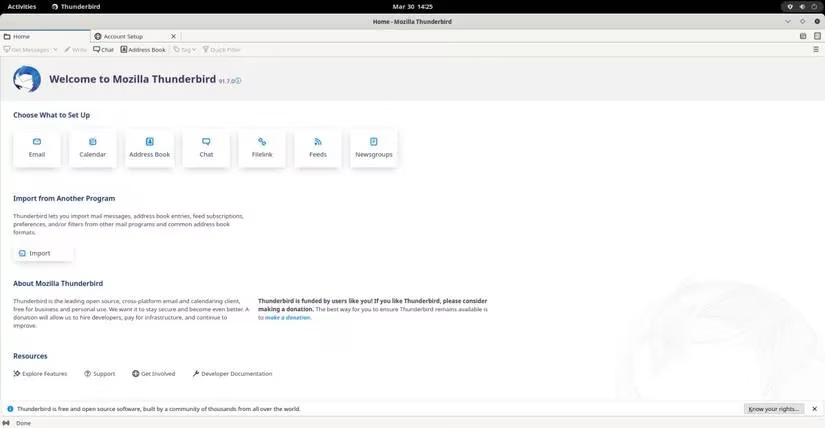
Thunderbird has been my trusted companion for years. Coming from the creators of Firefox, this email client automatically blocks inline images to prevent IP tracking and includes robust anti-phishing measures. But it's more than just email - it includes message encryption, calendar integration, address book management, and even RSS feed support. After 20+ years of development, it's matured into a comprehensive privacy solution.
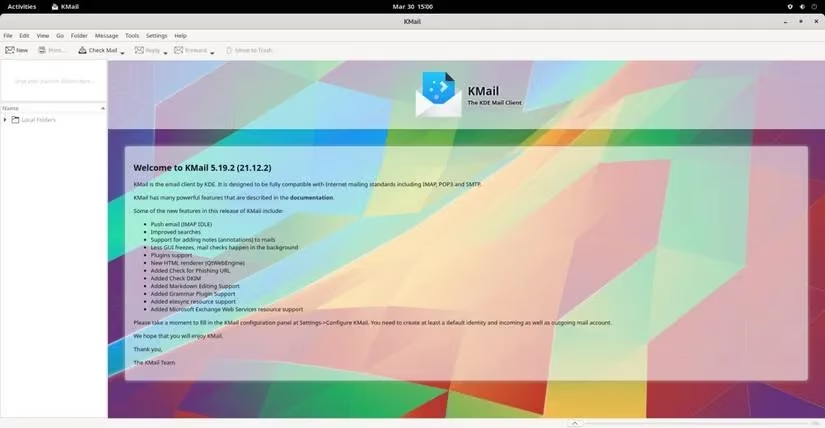
For KDE users, KMail is an excellent choice that integrates seamlessly with the KDE ecosystem. What I love about KMail is its automatic end-to-end encryption using OpenPGP and TLS/SSL secure connections. It imports mail from virtually any existing client and includes automatic backup features. The integration with other KDE applications makes it a powerful tool for productivity while maintaining privacy.
💬 Private Messaging
In 2025, with messaging apps becoming more integrated into our daily lives, choosing the right one is critical for privacy.
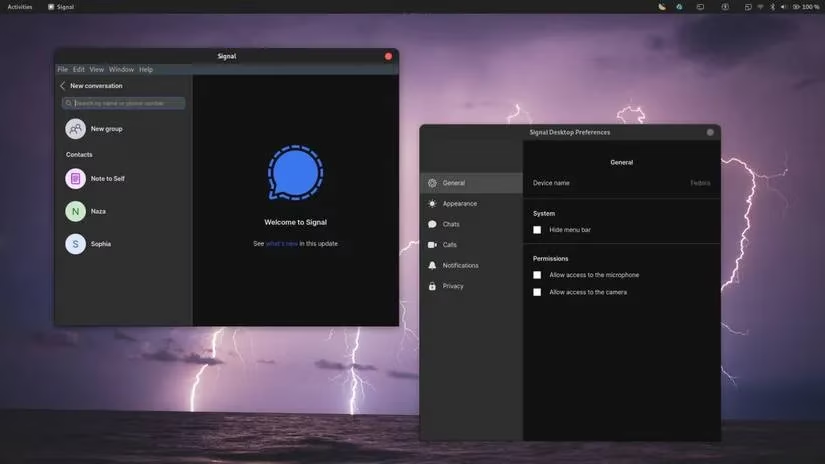
Signal has become my messaging app of choice. It's free, open-source, and works seamlessly across my phone and PC. The end-to-end encryption ensures that only the intended recipient can read my messages. Whether I'm sending texts, files, or making audio/video calls, I know my communications are secure. The interface is intuitive, making the transition from other messaging apps painless.
🔐 Password Management
Remembering dozens of complex passwords used to be a nightmare until I discovered the perfect solution.
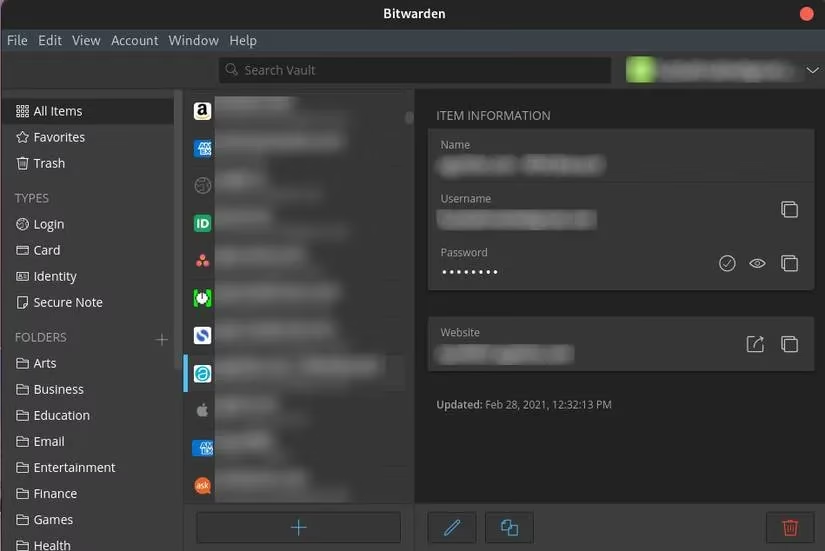
Bitwarden has revolutionized how I manage my digital security. This free, open-source password manager works across all my devices - web browsers, mobile apps, you name it! It stores not just passwords but also secure notes and credit card information. The best part? It imported all my existing passwords from other managers in seconds. Now I have unique, strong passwords for every service without the headache of remembering them all.
📊 Comparison Table: Privacy Applications at a Glance
| Application | Category | Key Features | Best For |
|---|---|---|---|
| LibreWolf | Browser | Anti-tracking, no telemetry | Daily browsing |
| Brave | Browser | Chrome extension compatible | Extension users |
| Tor | Browser | Complete anonymity | Sensitive research |
| Thunderbird | Anti-phishing, encryption | Comprehensive email needs | |
| KMail | KDE integration, OpenPGP | KDE desktop users | |
| Signal | Messaging | End-to-end encryption | Secure communications |
| Bitwarden | Password Manager | Cross-platform sync | Password management |
️ Why These Tools Matter in 2025
You might be asking: "Do I really need to switch from the applications I'm comfortable with?" In today's digital landscape, where data is currency and privacy breaches are commonplace, I believe the answer is yes. Each of these applications puts user privacy first without sacrificing functionality.
What I've learned through my journey is that privacy isn't about having something to hide - it's about having control over my personal information. Linux gives me the freedom to choose applications that align with my values, and these tools have become essential components of my digital life.
Remember, this is just the beginning! The beauty of Linux is that if an application doesn't meet your privacy standards, there's almost always a better alternative waiting to be discovered. Have you tried any of these applications? What privacy tools are you using in 2025? I'd love to hear about your experiences! 💻🔒