
How to Stop Gmail from Revealing When You Read Emails
Your inbox might appear tidy after spam filtering, but that cleanliness doesn't equate to privacy. Marketing emails and newsletters often contain hidden tracking pixels that silently report back to senders when images load. Each request creates a timestamped record of when you opened the message, allowing senders to build profiles of your reading habits over time. The tracking activates automatically—you don't need to click any links, as simply loading email images is sufficient to trigger the surveillance.
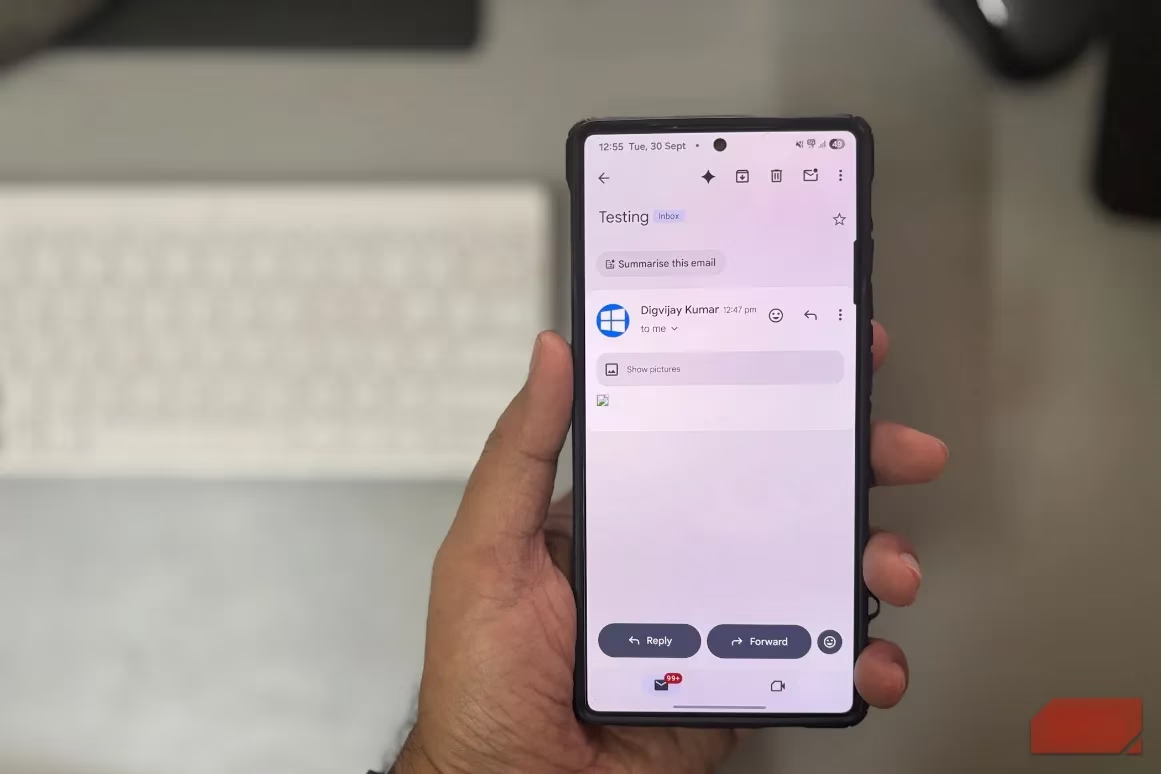
Gmail offers a simple yet powerful setting to intercept these tracking attempts. When enabled, it prevents automatic image loading until you explicitly choose to display them. This puts you in control of which messages can report back to senders and which remain private. Think of it as having a personal privacy gatekeeper for your inbox—it's like having a vigilant assistant who asks, "Are you sure you want to show images from this sender?" before letting anything through.
Modern emails are typically built using HTML, the same language that creates websites. This format allows senders to include remote elements like images, logos, and those sneaky invisible tracking pixels that load from their servers when you open a message. The tracking mechanism is clever but simple: hidden among legitimate graphics is a transparent one-pixel image that, when fetched by your email client, sends a signal back to the sender's server logging the exact opening time.
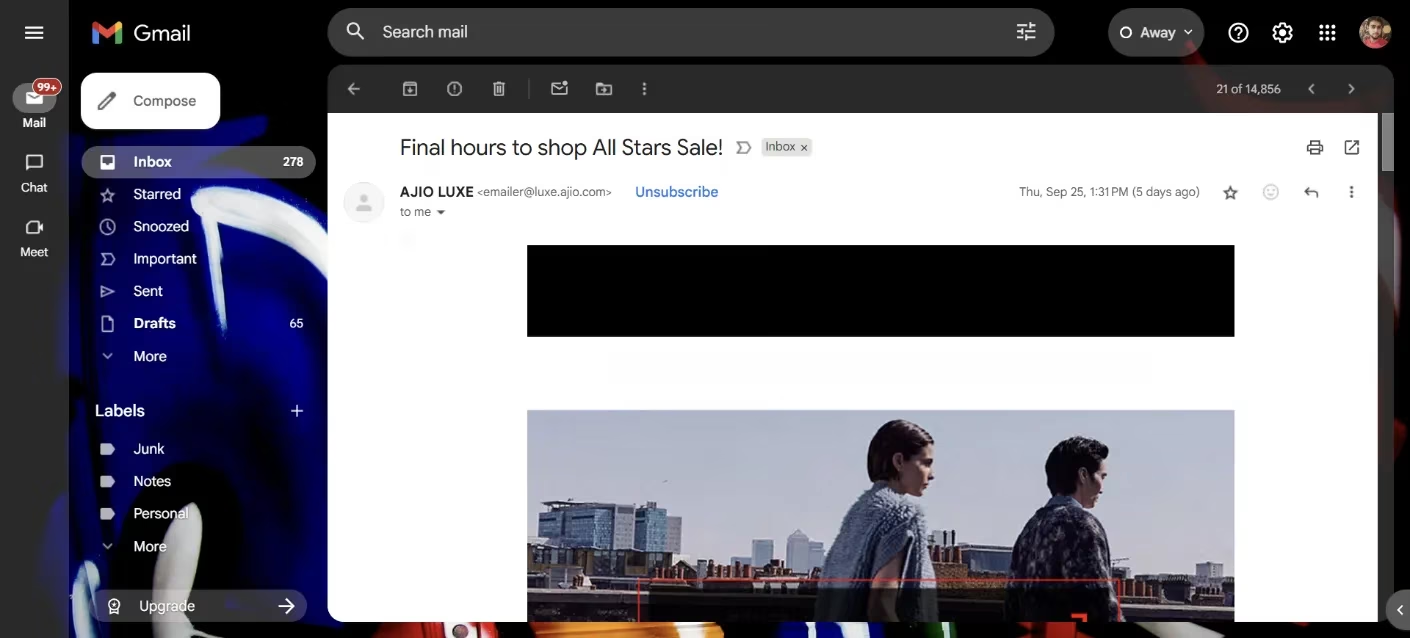
Here's how Gmail's image proxy adds an extra layer of protection: when images load through Gmail, they pass through Google's image proxy first. This system hides your IP address and presents a generic GoogleImageProxy user-agent to the sender instead of your personal information. Google also caches and scans images for security threats before they reach your inbox, giving you both privacy and protection.
Enabling Image Protection on Different Platforms:
| Platform | Steps to Enable Protection |
|---|---|
| Gmail Website | Click gear icon → See all settings → General tab → Images → Select 'Ask before displaying external images' → Save Changes |
| Gmail Mobile App | Tap three-line menu → Settings → Choose account → Images → Select 'Ask before displaying external images' |
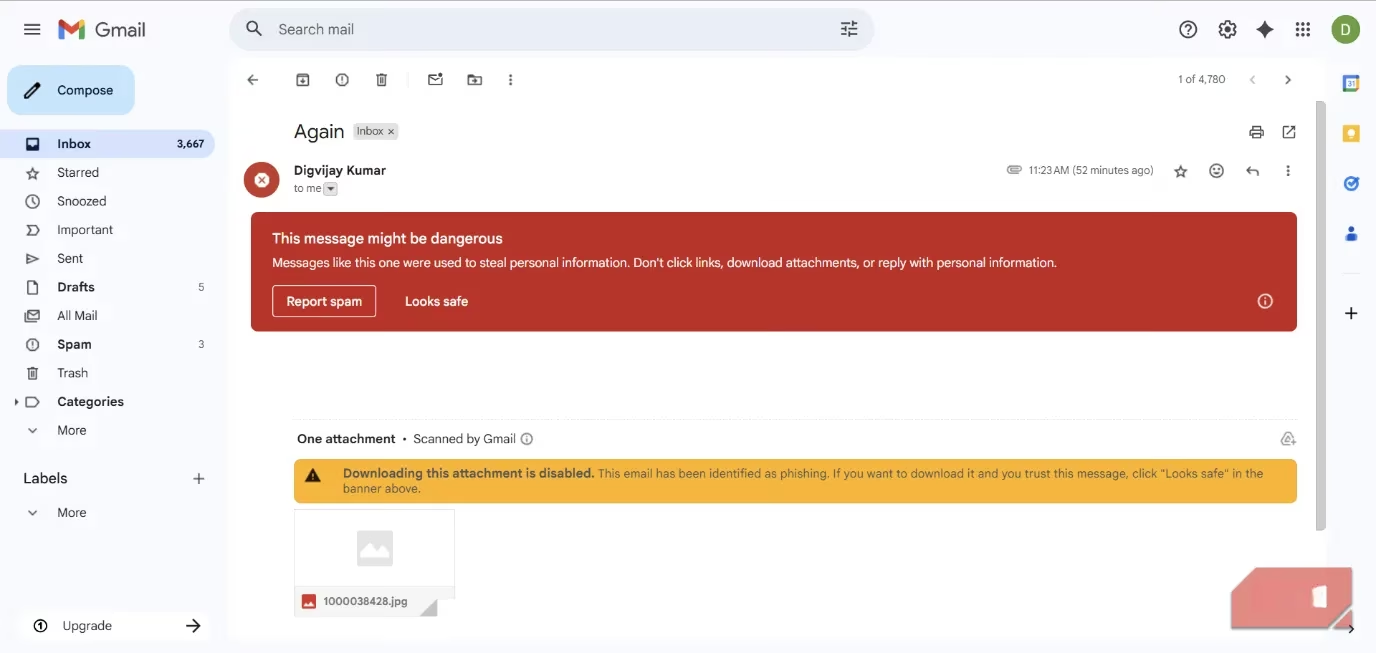
Once activated, Gmail transforms how messages appear in your inbox. When an email contains remote images, a prominent banner appears offering you the choice to display them. You can either load the images or proceed to the next message without triggering any tracking pixels. For suspicious emails, Gmail displays a warning banner with options like 'Report spam' or 'Looks safe,' keeping images and downloads blocked until you confirm the message's safety.
The beauty of this approach lies in its flexibility. You can still view images whenever necessary—simply click 'Show pictures' for individual messages or select 'Always show pictures from this sender' for trusted sources like banks or subscription services. This balanced approach means you don't sacrifice functionality for privacy; instead, you gain conscious control over your digital footprint.
Imagine your inbox becoming a more focused space where emails appear less cluttered and text becomes easier to scan. Without automatic image loading, you can quickly browse through non-essential messages without unconsciously feeding data to marketers. It's like tidying up your digital workspace—everything feels cleaner, more organized, and distinctly yours.
Making this small adjustment transforms your email experience from passive consumption to active management. Each time you choose whether to load images, you're making a conscious decision about your privacy rather than letting senders make that choice for you. The setting works quietly in the background, giving you peace of mind that your reading habits remain your business alone.
So before you open your next email, take a moment to enable this privacy shield. It's one of those simple changes that pays dividends in personal data protection. After all, in an age where digital privacy feels increasingly rare, taking control of what others can learn about your habits is both empowering and necessary.