
Why Running Two VPNs Simultaneously Is a Terrible Idea in 2026
Picture this: you're all about that double-layered security life, so you fire up two VPN apps at once, thinking you've just unlocked the online equivalent of Fort Knox. More encryption equals more protection, right? Well, not so fast. In reality, stacking two VPNs is like putting two captains on the same ship—chaos ensues, and you're probably going nowhere fast. It might sound counterintuitive, but using two VPNs together tends to cause more headaches than it's worth, and here's the lowdown on why this setup is a hot mess.
VPNs are designed to encrypt your internet traffic so that your ISP, nosy advertisers, and even overly curious governments can't peek at what you're doing. The app creates a secure tunnel between your device and a server, scrambling the data so it looks like gibberish to anyone intercepting it. When you sign into a second VPN, you're effectively adding another encryption tunnel on top of the first. On paper, that sounds like a dream for privacy junkies—double the encryption, double the fun. But in practice, VPN apps aren't built to play nice in pairs. They're like two siblings fighting over the same toy, each trying to route your traffic to its own server at the same time. This digital tug-of-war leads to dropped connections, cryptic error messages, and the kind of frustration that makes you want to chuck your router out the window.
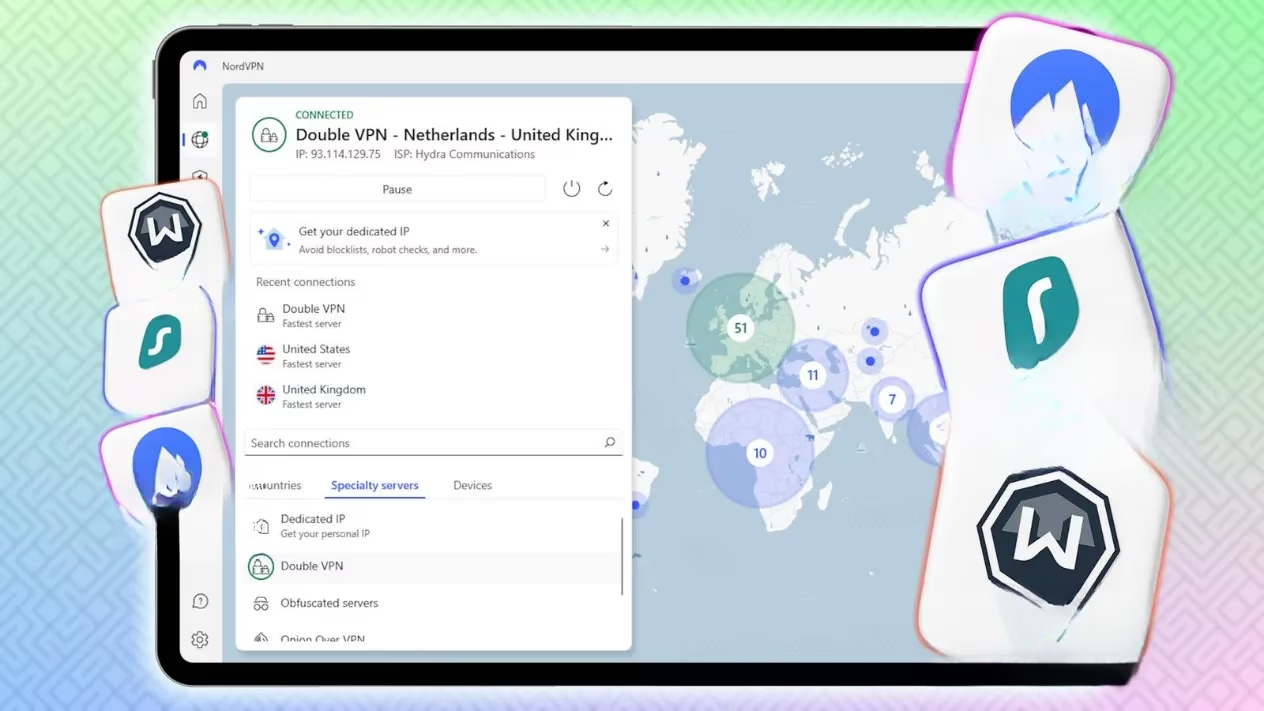
Things get even dicier if you have the kill switch enabled on both apps. For those not in the know, a kill switch is a safety net that cuts your internet connection if the VPN drops, preventing any data from leaking out unencrypted. With two VPNs running, each one sees the other as a potential threat, triggering the kill switch in a never-ending loop. One VPN blocks the other, and vice versa, leaving you with an internet connection that’s deader than a doornail. If you absolutely must use two VPNs, the only somewhat workable hack is to install one on your router and another on your device. That way, traffic passes through the router VPN first, then hits the device VPN, but even this setup can bog things down.
Now, let’s talk speed—or the lack thereof. Modern VPNs are pretty snappy at encrypting data, and you'll barely notice the latency with a single app. Add a second VPN, however, and your data has to run through an extra round of encryption and hop through two remote servers instead of one. The result? Your connection slows to a crawl, making even basic web browsing feel like you’re back in the dial-up days. How much speed you lose depends on the server load, your base connection quality, and the specific VPN services you're using, but don't be surprised if your streaming buffer wheel becomes a permanent fixture on the screen.
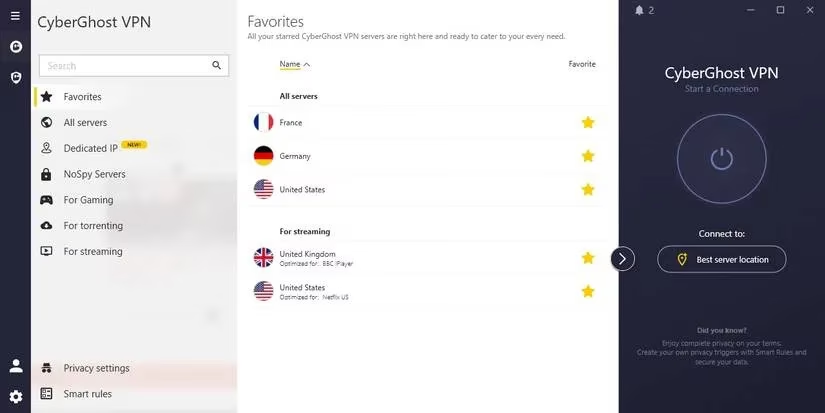
Then there’s the wallet issue. Most people who care about privacy shell out for a premium VPN because freebies often come with sketchy data caps, fewer features, and a nasty habit of selling your browsing data. If you're considering doubling up on paid services, the math gets ugly fast. As of 2026, combining a monthly ExpressVPN subscription with NordVPN’s basic plan will have you coughing up over $25 every month. Even snagging annual deals doesn’t save you that much—you're still looking at an extra $60 to $80 a year on top of what you're already paying. And since VPN apps fight each other tooth and nail to work simultaneously, you might end up wasting money on a service that can't even connect properly.
Battery life takes a hit, too. Any app running in the background drains power, and VPNs are no exception. According to research by SurfShark, a single VPN can gobble up between 1% and 7% more battery per hour than having no VPN active. Double that with two apps, and your smartphone or laptop will be gasping for a charger before lunchtime. If you’re out and about with no power outlet in sight, that second VPN might be the reason your phone goes dark at the worst possible moment.
Browser-based VPN extensions don’t save you from this mess, either. Fire up two extensions at once, and they’ll be duking it out to redirect your traffic to their respective servers, causing the same connection conflicts and slowdowns you’d get with full desktop apps. Often, one extension will simply refuse to turn on if another is already active, leaving you with a false sense of extra protection.
So what’s the smart move if you genuinely want an extra layer of encryption without the headache? Enter the double VPN—also known as multihop. Instead of using two separate apps, a double VPN feature routes your traffic through two servers within the same VPN infrastructure, applying encryption twice in one seamless process. Because it’s all handled by a single app, there’s no infighting, no kill-switch loops, and a much more stable connection, even though you’ll still notice some speed reduction from the dual encryption.
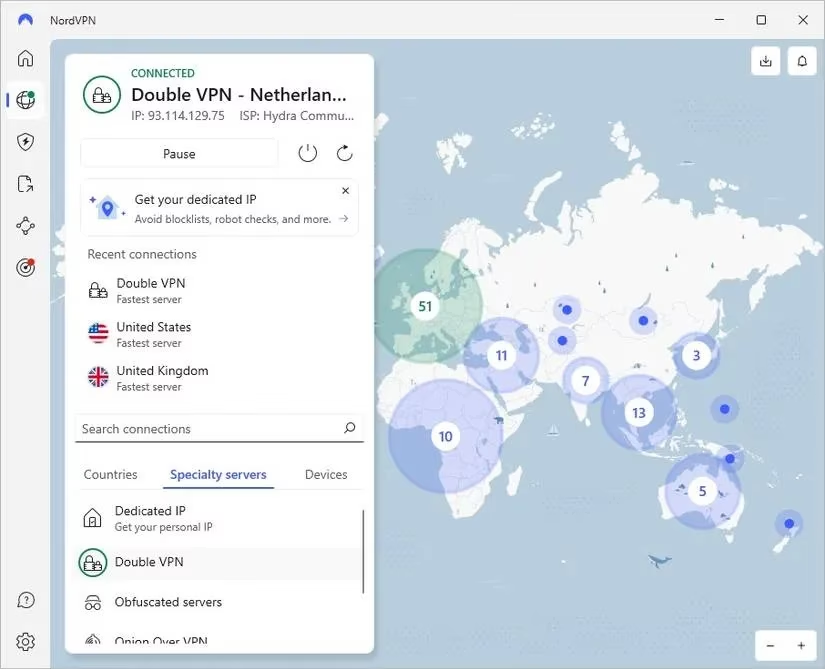
As of 2026, several top-tier VPN providers have built-in double VPN options that are a breeze to enable. NordVPN, for instance, offers a dedicated Double VPN server category you can toggle on in a snap. SurfShark’s Dynamic MultiHop lets you pick both servers yourself, giving you granular control. ProtonVPN, Windscribe, and Hide.me also include multihop capabilities in their premium plans. Before you go signing up for a second service, check whether your current VPN already has this feature tucked away in its settings. You might be sitting on a treasure chest without even knowing it.
Who actually needs a double VPN, though? For most everyday users—streaming a show, gaming, or just avoiding targeted ads—a single reputable VPN is more than enough. Double encryption really shines if you’re a political activist, a journalist handling sensitive sources, or someone actively dodging government surveillance. Unless you fall into one of these high-risk categories, the extra layer is probably overkill. Even using your VPN’s browser extension alongside the main app can give you a similar double-hop effect, though again, it’ll cost you some speed.
The bottom line? Two separate VPN apps running at the same time is a recipe for connection chaos, battery drain, and a lighter wallet. If you’re serious about boosting your online security, ditch the dual-app hustle and look for a solid VPN with a built-in double VPN feature. It’s a cleaner, smarter way to double down on privacy without the digital drama.