
Why a Backup Email Is Still a Smart Security Move in 2026
In 2026, security advice often revolves around passkeys, authenticator apps, and password managers. Those tools matter, but one quiet safeguard remains easy to overlook: a backup email address. It is a secondary inbox tied to a primary account for recovery codes, security alerts, and account verification. Because it is used less often and exposed in fewer places, it gives people a second line of defense. What happens when the main inbox gets locked, hacked, or buried under promotional mail? A backup email can be the difference between a quick fix and a digital headache.
Why a backup email earns its place
At its core, a backup email is a safety net. It is not meant for everyday conversations or shopping receipts. It is meant to stay clean, private, and available when something goes wrong. That limited role is exactly what makes it useful. A secondary inbox is less likely to appear in old data breaches and less likely to attract attention. It also keeps sensitive account messages away from the clutter of daily life.
| Benefit | What it does in practice |
|---|---|
| Better security | If the primary inbox is compromised, the backup can still receive alerts and recovery messages. |
| Faster recovery | Password resets, verification codes, and account checks have a reliable second destination. |
| Cleaner organization | Important security messages stay separate from newsletters, receipts, and casual mail. |
| Early warning | Unusual login notices are easier to spot when the backup inbox is not noisy. |
How to set one up without overcomplicating it
A backup email does not need to be fancy, but it does need to be handled with care. The setup is simple enough for most people to finish in one sitting.
-
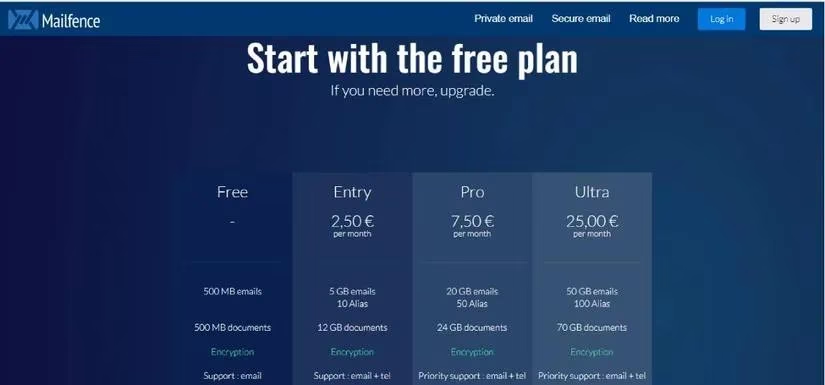
Pick a reliable provider. Strong encryption and two-factor authentication matter more than extra features. Mailfence, Proton Mail, and similar services are reasonable places to start. The key is choosing a provider with a solid security record and a recovery process that makes sense.
-
Create a unique address. A backup email should not be tied to a person’s full name or public username. An address that is hard to guess is less likely to be targeted.
-
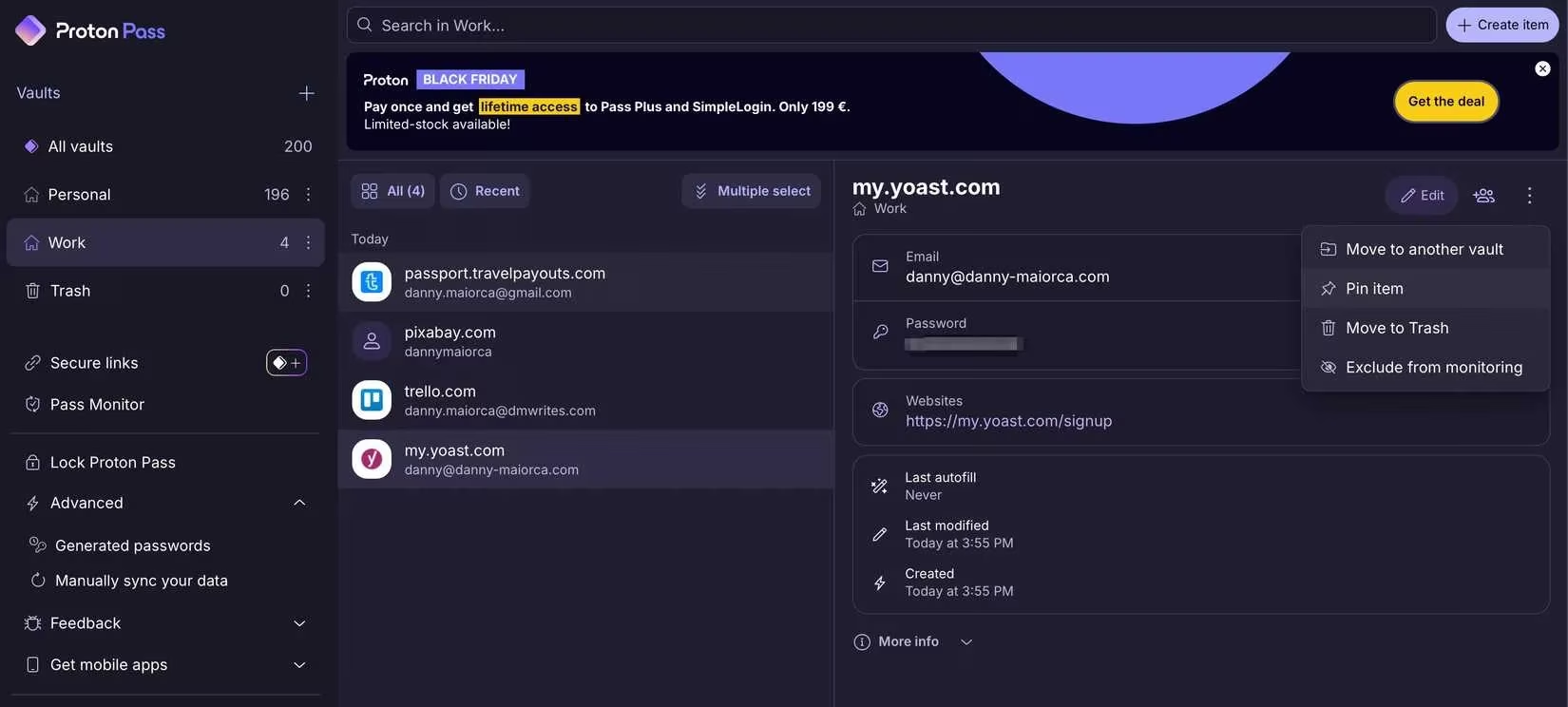
Use a strong, unique password. This password should not match the primary email password or any other account password. A password manager such as Dashlane, NordPass, or Proton Pass can generate and store it safely.
-
Connect only the important accounts. Banking, shopping, social media, and other major services are good candidates. Most platforms make this easy through account recovery settings. The backup inbox should not be attached to every random app and newsletter.
-
Confirm ownership. The provider will usually send a verification message to prove the backup address belongs to the user. That step is quick and worth completing properly.
-
Check it regularly. A backup inbox that is never opened can become a blind spot. A short monthly check can confirm access and reveal any strange notifications.
-
Rotate the password. Updating the backup email password every six months is a sensible routine. It limits the damage if an old password leaks.
-
Add two-factor authentication. An authenticator app or a hardware key makes the backup inbox much harder to hijack. Email-based 2FA is better than nothing, but app-based or hardware-based 2FA is stronger.
-
Keep it private. The backup address should not be shared casually. The fewer places it appears, the lower the chance it will be exposed in a breach.
The 2026 twist: passkeys do not remove the need for recovery
Passkeys are becoming more common, and that is good news. They reduce reliance on passwords and make phishing harder. Still, recovery flows often depend on email. If a person loses a device, changes phones, or gets locked out during travel, a backup inbox can be the fallback that restores access. Does that mean every account needs a backup email? No. It means the important ones deserve a recovery path that does not depend on a single inbox.
There is a catch, though. A backup email is only as strong as its protection. If it uses a reused password, skips 2FA, or sits ignored for months, it becomes a weak point in the recovery chain. In 2026, the smarter approach is to treat the backup inbox like a vault: strong password, app-based 2FA, limited sharing, and regular check-ins. Some users also prefer a different provider from their primary email, which can reduce the risk of one provider outage or breach affecting both inboxes.
Common mistakes to avoid
-
Reusing the primary email password for the backup account.
-
Choosing an address that includes a full name, birth year, or public handle.
-
Sharing the backup address in forums, social profiles, or casual sign-ups.
-
Ignoring the inbox until an emergency happens.
-
Attaching every minor account instead of focusing on high-value services.
-
Skipping 2FA because the inbox feels private.
Final thought
A backup email is not glamorous, and that is part of its charm. It sits quietly in the background, ready to receive a code, send an alert, or help someone regain control. Is twenty minutes of setup worth avoiding hours of account recovery? For most people, the answer is obvious. In a digital life built on connected accounts, one inbox is not enough. A well-protected backup email is a small habit with a large payoff. 🛡️