
What Google Really Knows About You and How to Take Control
Every day, billions of people invite Google into the most intimate corners of their digital lives, often without a second thought. From the moment they unlock an Android phone or type a query into the search bar, a silent but relentless data‑gathering engine begins to sketch a startlingly detailed portrait of their habits, movements, and desires. As of 2026, Google’s ecosystem has only grown more intertwined with daily existence, and the sheer volume of information it accumulates continues to expand. Understanding what the tech giant knows—and learning how to manage that knowledge—has become a critical skill for anyone who values privacy.

The Depth of Google’s Data Harvest
Google’s reach extends far beyond a simple search query. Services like Search, YouTube, Gmail, Chrome, Google Maps, and Android create a constant feedback loop of behavioral signals. When someone watches a video, reads an email, navigates to a restaurant, or even dictates a voice command to Google Assistant, a digital breadcrumb is filed away. The platform records the exact websites visited, the apps launched, the time spent on each, and the purchases made through email receipts. Over time, these fragmented pieces coalesce into a cohesive narrative—a mosaic that reveals a person’s interests, routines, and major life events.
This information isn’t just passively stored. It is analyzed, categorized, and used to build an intricate advertising profile. By inferring age, gender, relationship status, and even life milestones like moving or changing jobs, Google tailors the ads it serves with uncanny precision. While Google’s stated aim is personalization rather than malfeasance, the extent of its knowledge often surprises even tech‑savvy users.
Exploring the Activity Timeline
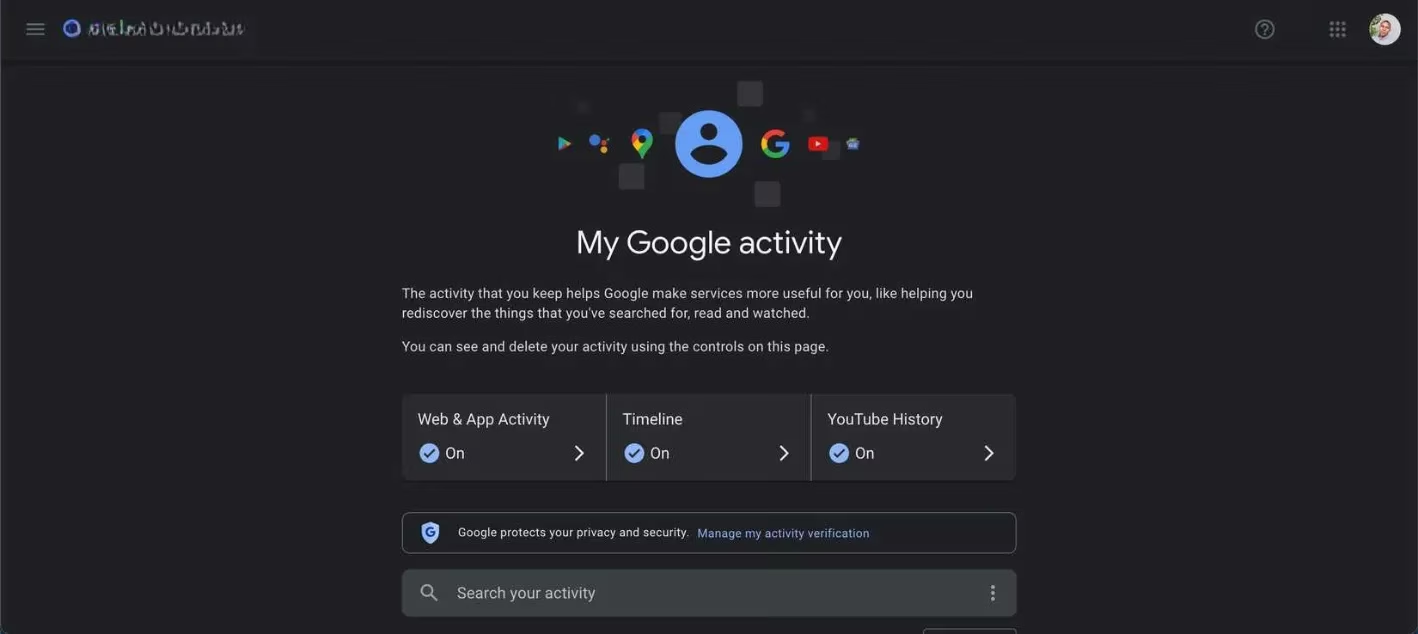
The first stop for anyone curious about their digital shadow is myactivity.google.com. This personal dashboard offers a searchable timeline of interactions across virtually every Google service. A user can scroll through years of search history, revisit long‑forgotten YouTube marathons, check voice commands captured by Assistant, and even see which news articles were read. Searching for a specific term like “weather” might reveal a daily fixation on forecasts, while a late‑night scroll could expose a sudden fascination with learning French. The granularity is both impressive and sobering.
The Advertising Profile That Follows You
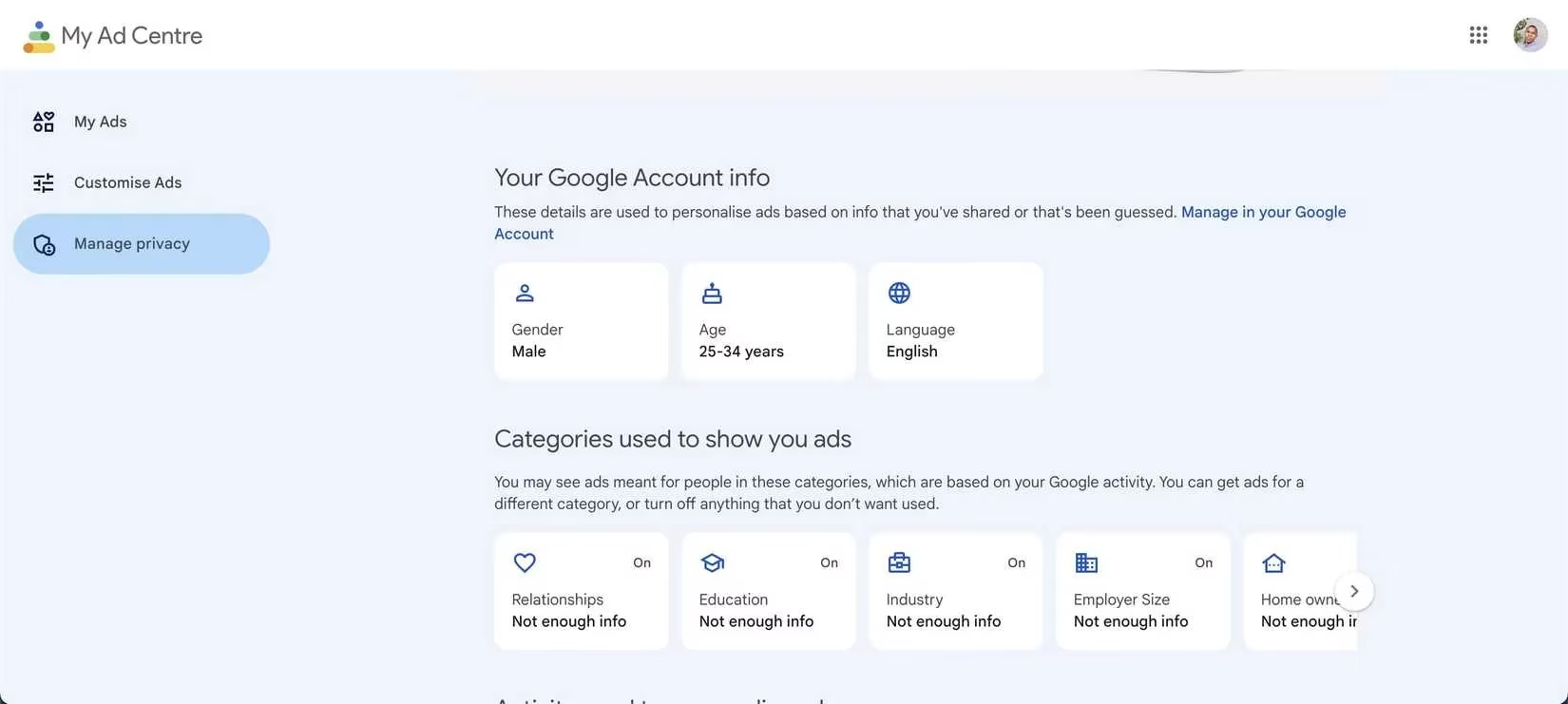
Next, adssettings.google.com unveils the silhouette of a person built entirely from data. Here, Google displays its inferred demographic details—age bracket, gender, language—along with a web of interests that can include everything from “Football” to “Pet Supplies.” The platform also notes significant life events it believes are happening now. While the accuracy isn’t flawless, many individuals are startled by how closely the profile mirrors reality. This is the engine that decides which commercials appear before a YouTube video or which display ads populate a news site.
Your Physical Journeys, Recorded Step by Step
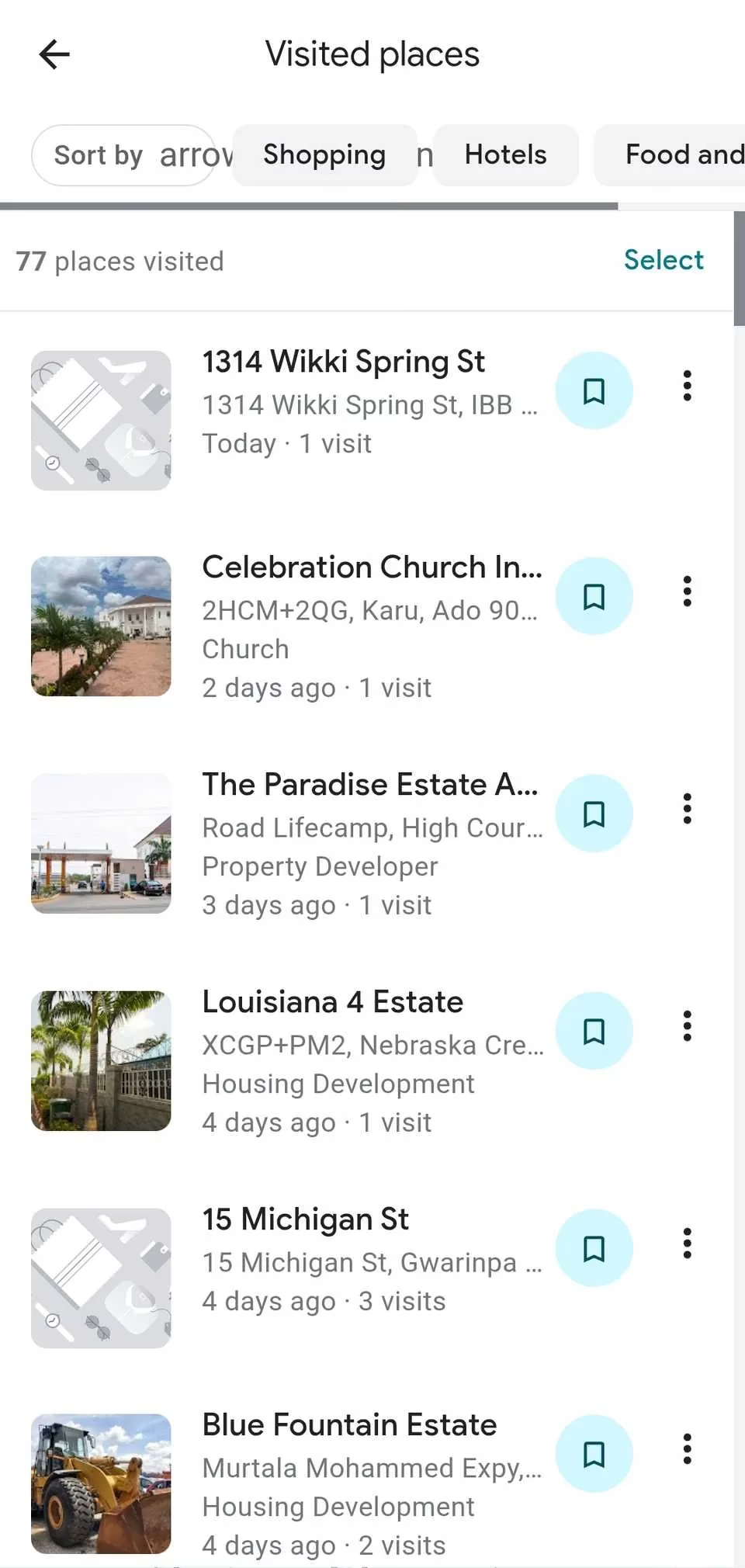
Perhaps the most vivid example of Google’s observational power lies in Google Maps Timeline. Opening the Maps app and tapping “You” followed by “Explore Timeline” reveals a map dotted with every restaurant visited, every holiday taken, and every daily commute made—sometimes down to the exact route. Google can infer modes of transport with remarkable accuracy, distinguishing between walking, public transit, and flying based on movement speed and patterns. For many, seeing a full year of their physical travels displayed on a screen can feel like discovering a secret diary they never meant to write.
Taking Back the Reins: Deletion and Limits
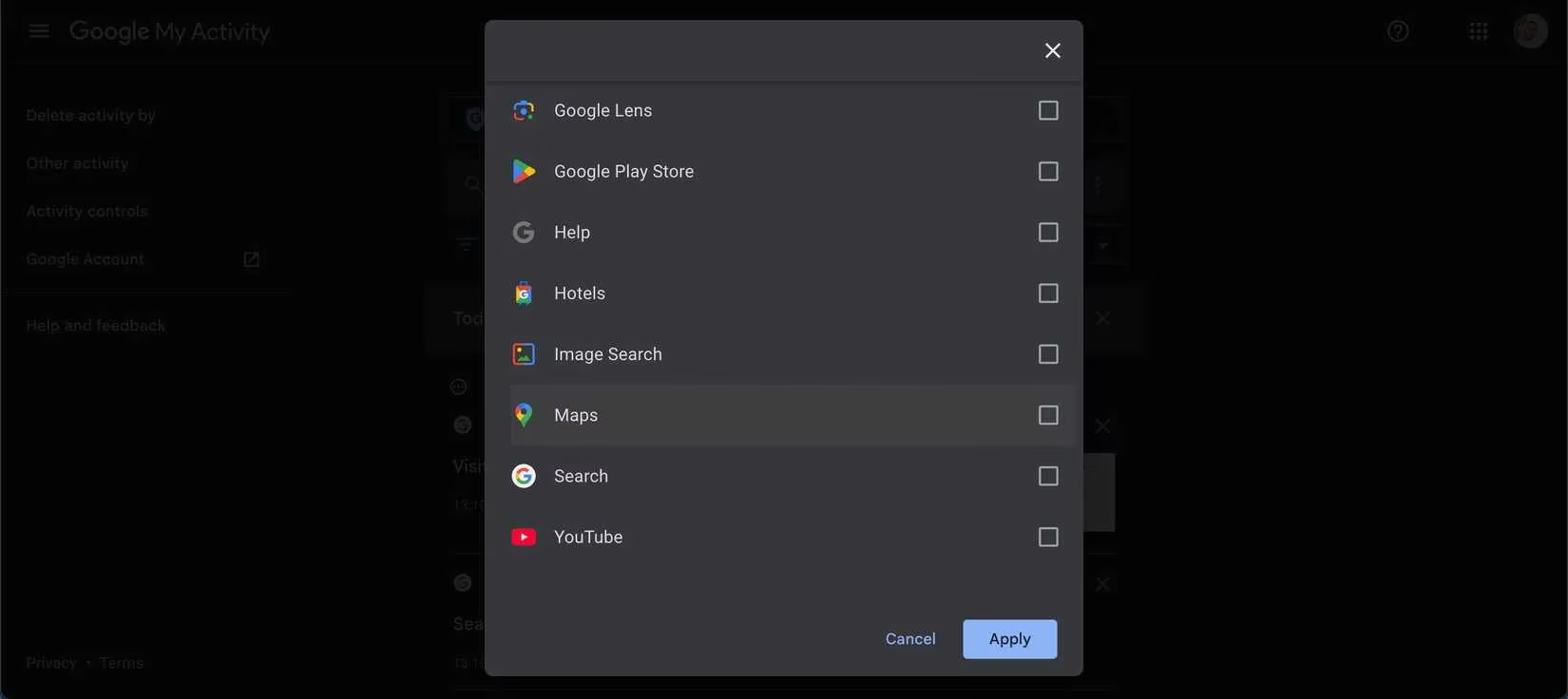
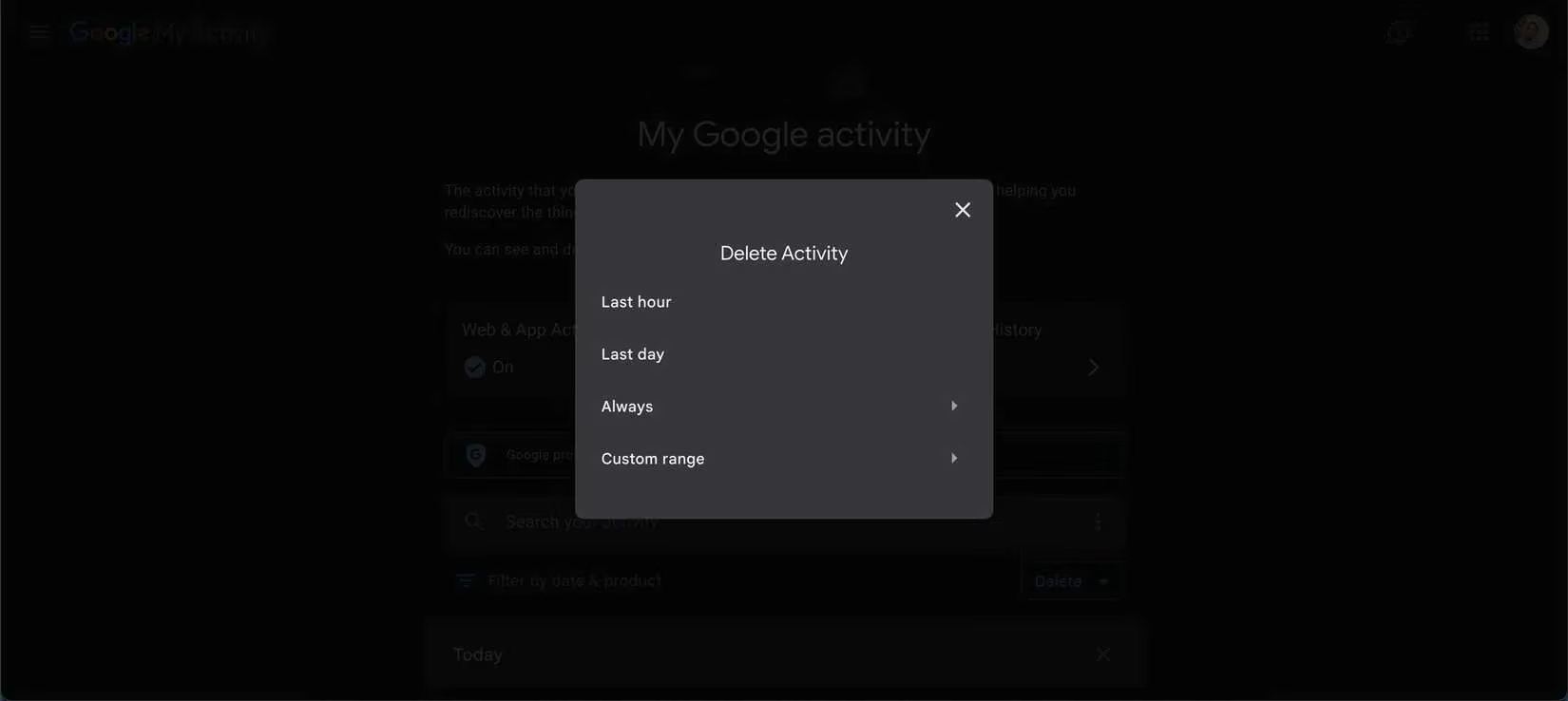
After confronting the sheer magnitude of stored data, the natural urge is to clean house. Google does provide built‑in tools to erase past activity and curb future collection. To delete history, one can go to myactivity.google.com, tap the menu, select “Delete activity by,” and pick a time range. For ongoing maintenance, an auto‑delete feature can automatically clear activity older than 3, 18, or 36 months.
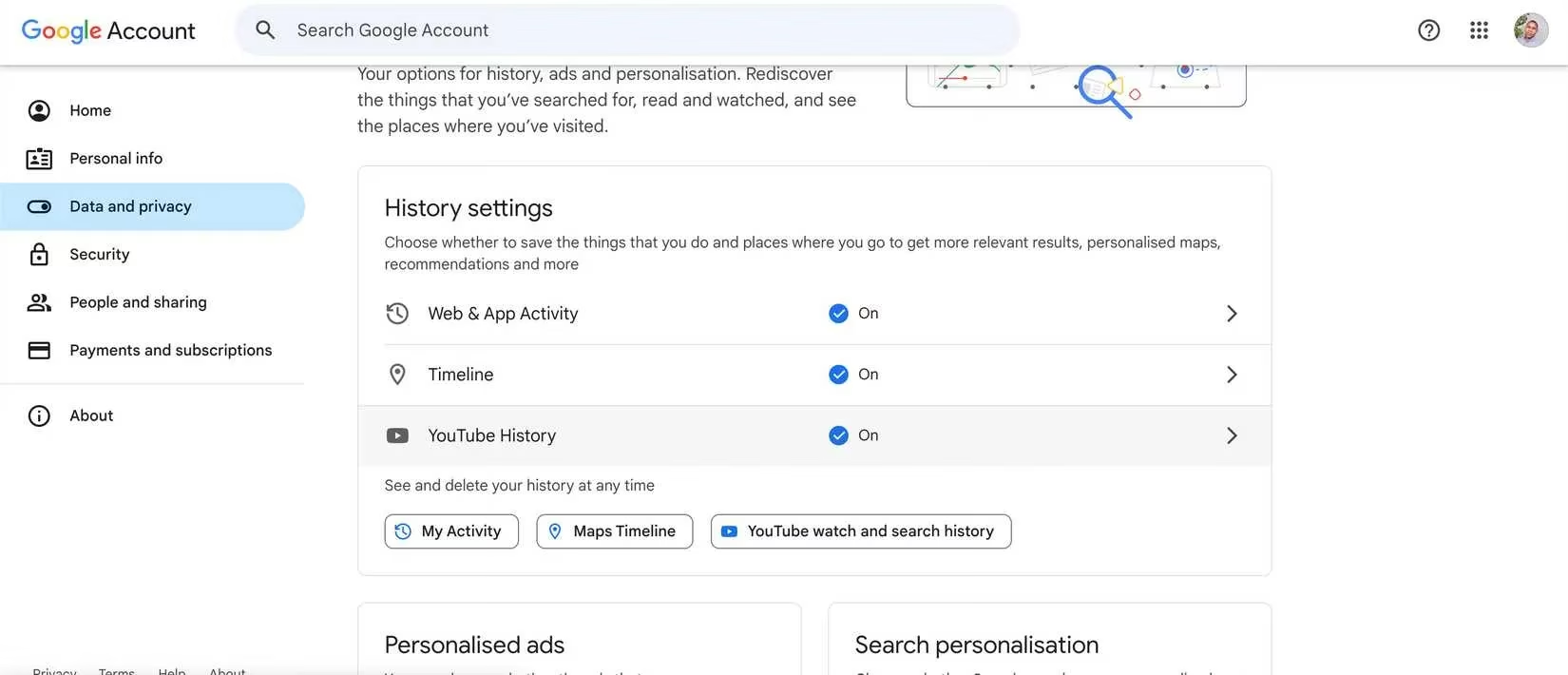
To pause tracking entirely, the “Data & Privacy” section of the Google Account holds the controls. Under “History settings,” users can toggle off Web & App Activity, Location History, and YouTube History. Ad personalization can be disabled from adssettings.google.com with a single switch. However, it is important to note that some conveniences—like accurate commute predictions or tailored Maps recommendations—may degrade when tracking is suspended. For many, the trade‑off is a worthwhile price for peace of mind.
The Limits of Erasure in a Connected Ecosystem
Even after thoroughly pruning activity logs and pausing future collection, a complete digital vanishing act remains elusive. Deleting data from a Google account removes it from the personal dashboard, but copies may persist in backups or be retained for legal and operational reasons, as described in Google’s privacy policies. Moreover, information shared with third‑party websites through Google’s tools—such as analytics or embedded ads—may still exist on remote servers beyond a user’s control. On an Android device, background telemetry can continue unless advanced measures are taken. Core items like Gmail messages or Drive files must be manually expunged, and unless the entire Google account is deleted, some level of tracking typically endures.
Despite these limitations, deliberate action carries genuine weight. By adjusting privacy settings, purging outdated logs, and limiting future data flows, individuals can dramatically shrink their digital footprint and regain a meaningful measure of control. In an era where information is currency, such steps have never been more essential.