
The Hidden Dangers of Public Wi-Fi: Essential Security Rules for 2026
The allure of free, convenient internet at airports, cafes, and hotels is undeniable. However, this convenience can be a digital siren's call, luring unsuspecting users into a web of security vulnerabilities. As we move through 2026, the landscape of public Wi-Fi threats has evolved, but the fundamental safety rules remain more critical than ever. The simple act of connecting to a network named 'Airport_Free' without a second thought can open a Pandora's box of cyber risks, from data interception to identity theft.
The Deceptive Lure of Familiar Names
One of the most common traps is connecting to any open Wi-Fi network with a familiar-sounding name. A hacker with a simple smartphone or laptop can easily create a malicious hotspot mimicking legitimate networks like 'Starbucks_Guest' or 'Hotel_Lobby_Free.' This deceptive network, a digital chameleon, waits patiently for users to connect. Once a device joins, the attacker can intercept unencrypted traffic, inject malware, or redirect users to sophisticated phishing sites that are perfect replicas of legitimate login pages. 
To combat this, always verify the official network name with venue staff. Treat any 'Unsecured Network' warning from your device as a serious red flag, especially if the network appears unexpectedly. The rule is simple: if in doubt, don't connect. A list of suspicious network characteristics includes:
-
Generic names like 'Free_WiFi'
-
Multiple networks with nearly identical names
-
Networks that don't require any Terms of Service click-through where one is expected
The Silent Threat of Auto-Reconnect
Our devices are programmed for convenience, automatically remembering and reconnecting to previously joined networks. This feature, while helpful at home, becomes a significant liability in public spaces. Your phone or laptop doesn't verify the authenticity of a network; it merely seeks a matching name. A malicious actor can exploit this by setting up a hotspot with the same SSID as a network you trusted in the past, such as 'Café_Network.' Your device will silently join, turning your connection into an open book for digital eavesdroppers.
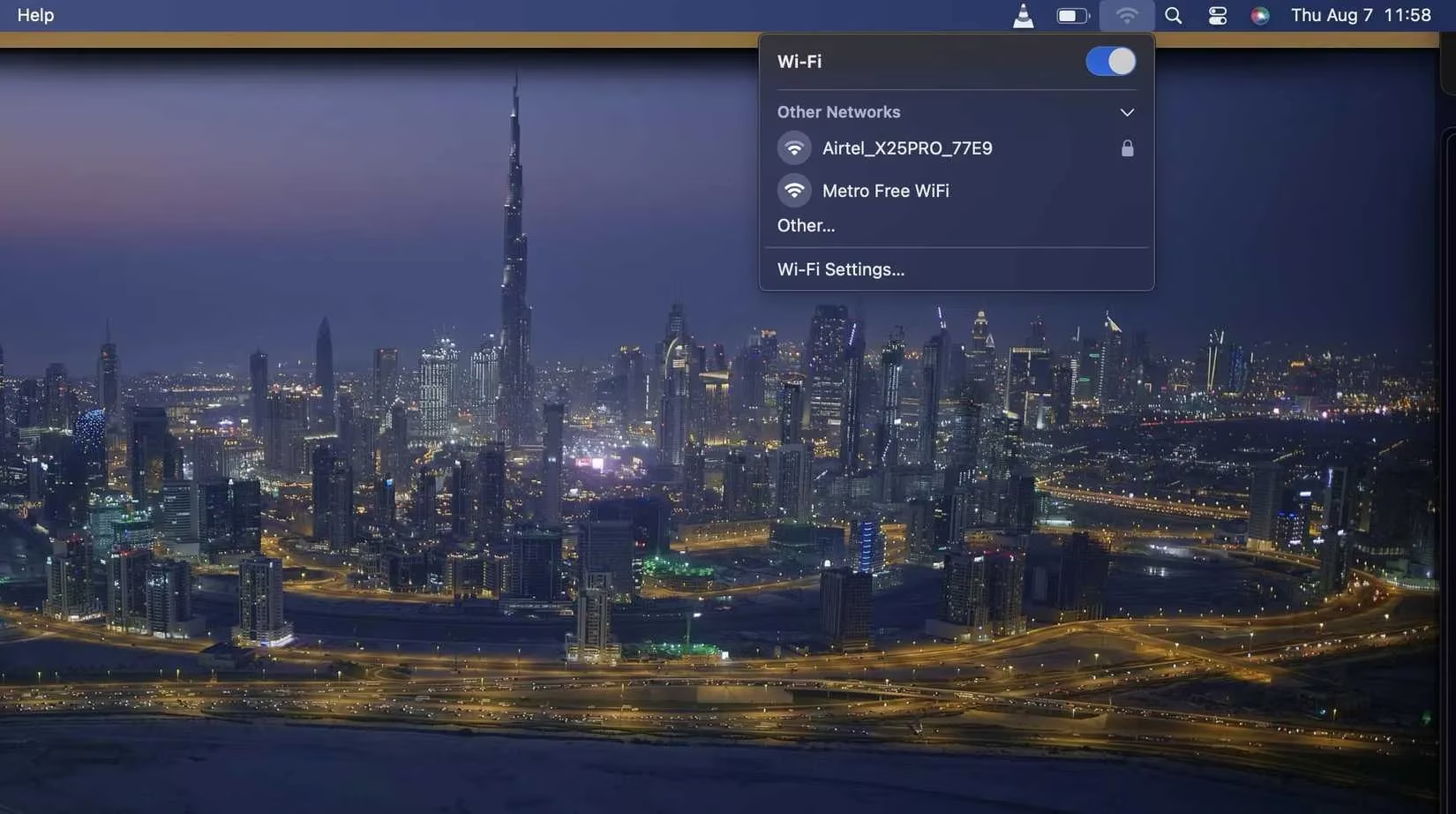
Protection requires proactive management of your device's memory:
-
On iOS/Android: Regularly review and 'Forget' public networks after use.
-
On Windows/Mac: Navigate to network settings and disable 'Auto-connect' for any network you don't fully control.
-
Best Practice: Make manual connection your standard procedure in all public venues.
The Overlooked Danger of File Sharing
File and printer sharing is a fantastic tool on trusted private networks but a glaring security hole on public Wi-Fi. When enabled, your device broadcasts its presence to everyone on the same network. On a café's Wi-Fi, this means strangers can see your computer's name appear in their network lists. Depending on your configuration, they might attempt to access shared folders or probe your system for weaknesses. Simply being visible makes your device a more attractive target for automated scanning tools.
| Operating System | Default Risk & Location | Action Required |
|---|---|---|
| Windows | Network Discovery often on by default for 'Private' networks. | Disable in 'Network and Sharing Center' before joining public Wi-Fi. |
| macOS | File Sharing can remain active across networks. | Turn off in System Settings > General > Sharing. |
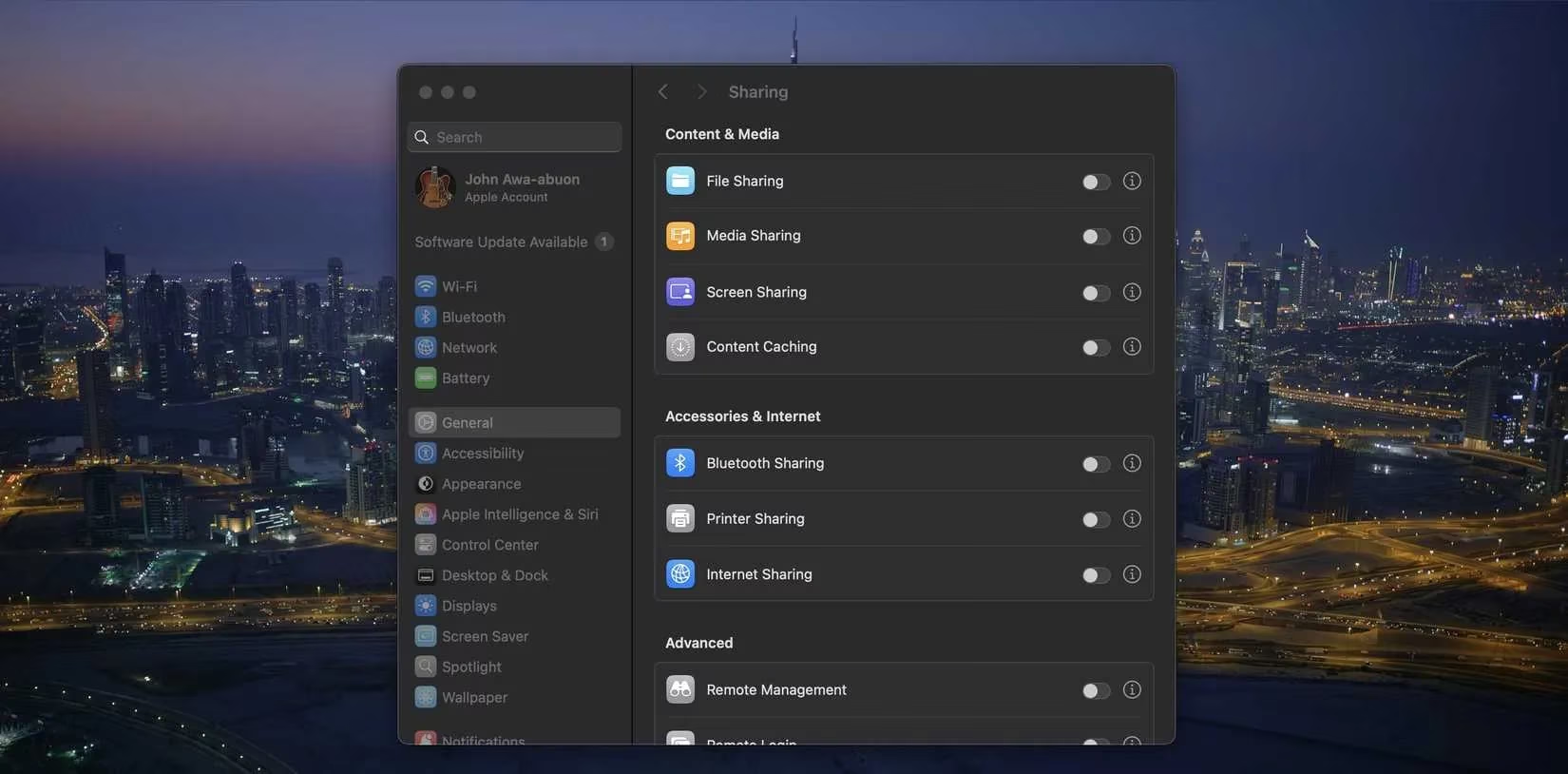
Cultivate the habit of toggling these features off as instinctively as locking your door when you leave home. It's a one-minute action that slams shut a major vulnerability.
Your Essential Digital Shield: The VPN
A Virtual Private Network (VPN) is the single most effective tool for public Wi-Fi security, yet it remains underutilized. A VPN creates an encrypted tunnel between your device and the internet, scrambling all your traffic. To anyone monitoring the network, your online activity becomes an impenetrable digital fortress, rendering intercepted data useless. Many users mistakenly believe VPNs are only necessary for accessing sensitive accounts like banking. In reality, every click, every app ping, and every website visit on an open network can leak information about you.
Key VPN considerations for 2026:
-
Always-On Policy: Use a reputable VPN service every time you connect to public Wi-Fi, not just for 'sensitive' tasks.
-
Performance: Modern premium VPNs offer speeds that make browsing seamless, eliminating the old excuse of 'slowing things down.'
-
Trust: Choose a VPN provider with a clear no-logs policy and strong independent audits.
The Critical 'S' in HTTPS
Website encryption via HTTPS (signified by the padlock icon and 'https://' in the address bar) is now a baseline expectation. This protocol encrypts data between your browser and the site, preventing eavesdroppers from reading it. However, complacency is a risk. Not all sites or apps enforce HTTPS by default, and some may load resources insecurely.
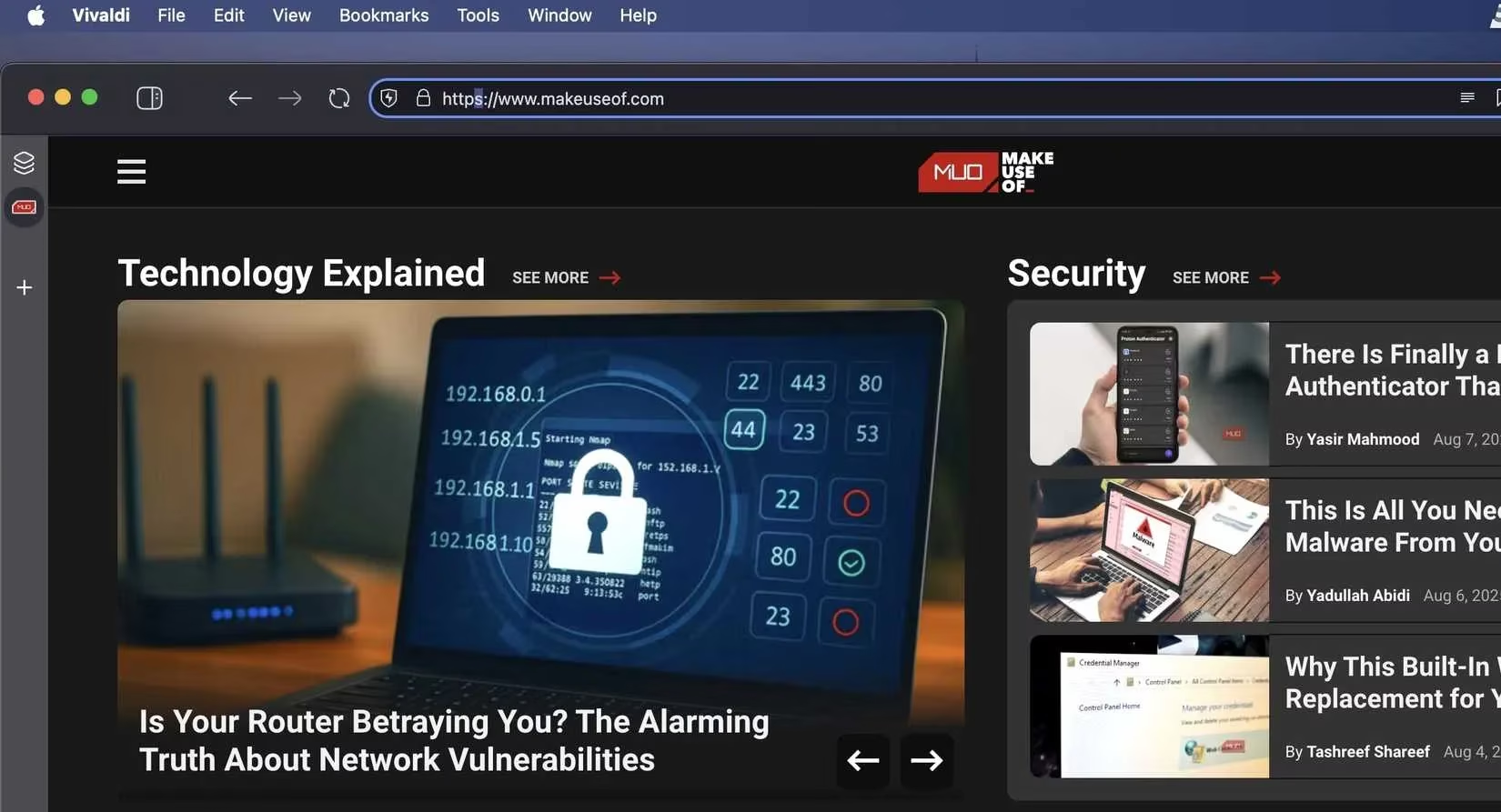
Develop these habits:
-
Glance at the address bar before entering any information.
-
Heed browser warnings about insecure connections; leave the site immediately.
-
Be wary of apps that may not encrypt all their background communications.
Sensitive Tasks Demand Extra Caution
Public Wi-Fi is inherently risky for accessing high-value accounts like online banking, corporate email, or any service holding sensitive personal data. Even with HTTPS, sophisticated attacks like 'man-in-the-middle' can potentially compromise sessions. This doesn't mean you must completely abstain, but you must add robust layers of defense.
Essential protective layers include:
-
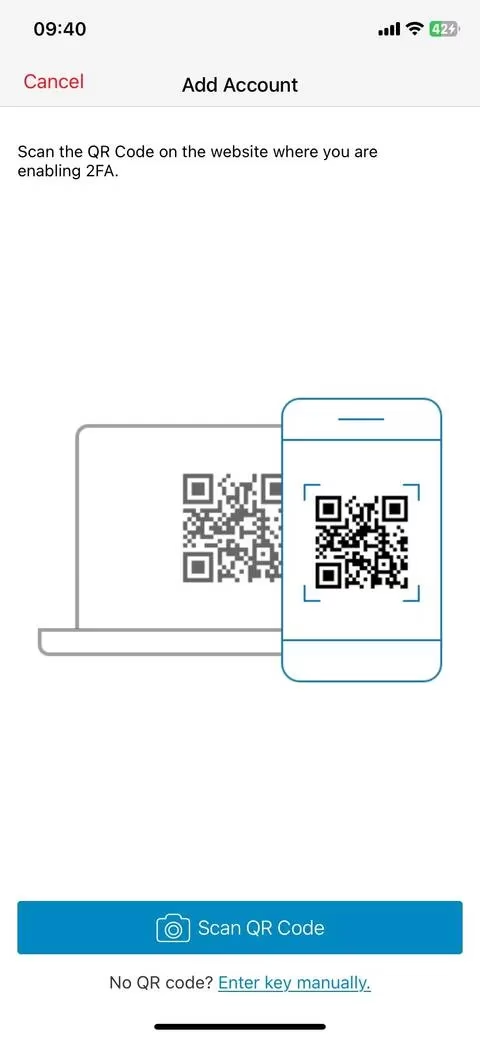
🔒 Two-Factor Authentication (2FA): Makes an intercepted password useless on its own. Use an authenticator app, not SMS-based codes.
-
🔑 Password Manager: Generates and stores complex passwords, autofilling them securely to avoid keyloggers.
-
⏳ Patience: If a task isn't urgent, wait until you're on a trusted, private network.
Public Wi-Fi itself is not the enemy; it's a tool. The danger stems from the small, forgettable security steps users overlook. In 2026, as connectivity becomes even more ubiquitous, cultivating these smart digital habits is not just advisable—it's essential for navigating the modern world safely. Treating every public network as a potential digital minefield that requires careful navigation is the mindset that separates the secure user from the vulnerable one.