
The Gamer's Guide to Locking Down Facebook, Instagram, and WhatsApp in 2026
Maya had spent years climbing ranked ladders, but the worst hack she ever faced did not happen in a game. It happened on a quiet Tuesday in 2026, when her phone buzzed with a message from a friend asking for emergency money. The friend's Instagram account had been hijacked, and the scammer was using her trusted profile to squeeze cash from everyone she knew. Maya felt the same cold dread she got when a teammate disconnected during a final round. This was not a lag spike. It was a takeover.
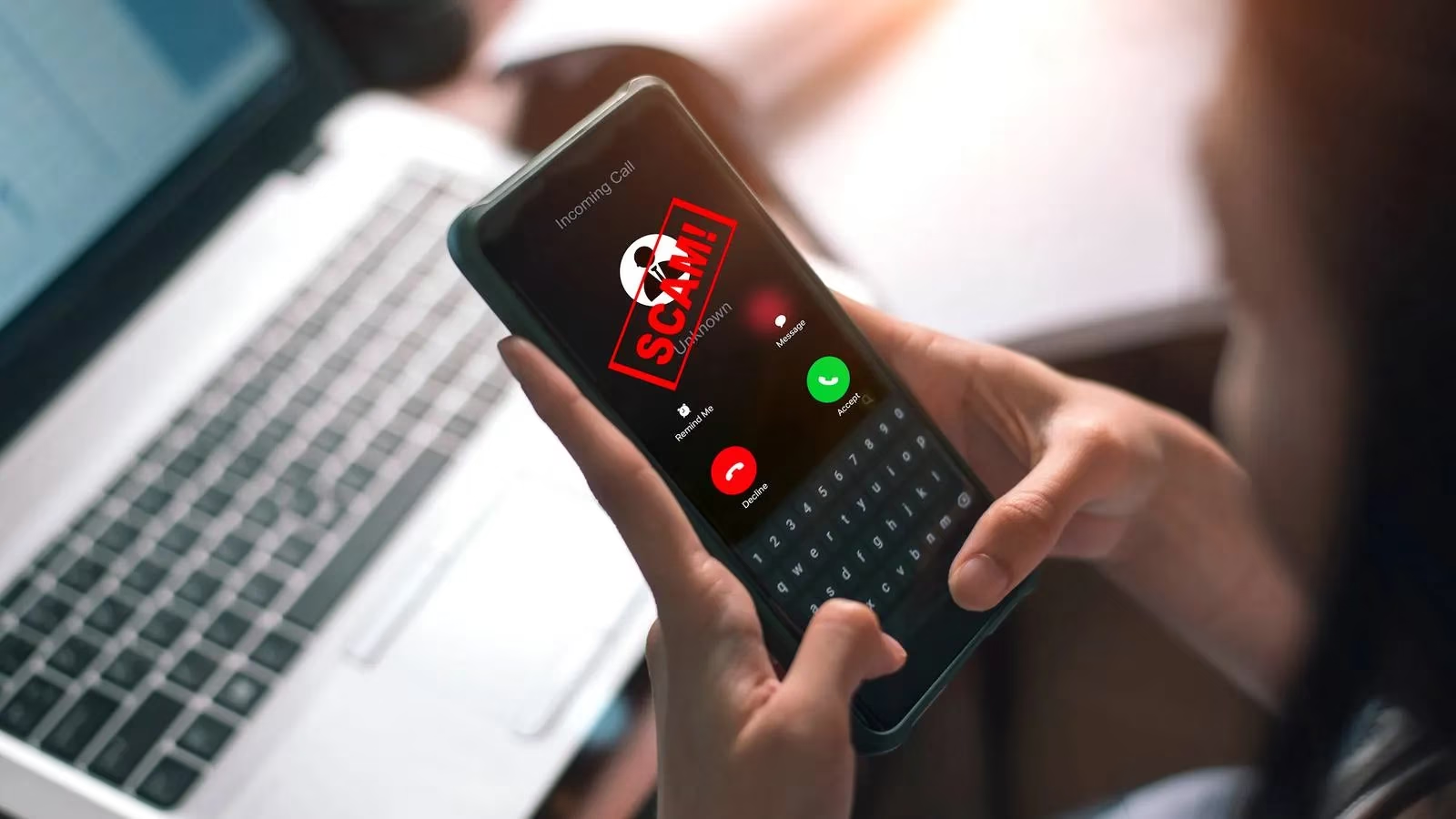
Let's be real—most people do not think about account security until something breaks. Facebook, Instagram, and WhatsApp are like three glowing treasure chests in a crowded plaza. Each one holds birthdays, phone numbers, email addresses, locations, private chats, and sometimes payment details. Hackers do not need to break the chest open with a hammer. They just jiggle the handle until it pops. Social media accounts are prime targets because they are rich in personal data, widely used for communication, and often linked to other accounts. Many people reuse passwords, skip two-factor authentication, and over-share information. That combination is a buffet for scammers.
Facebook remains the largest social media platform in the world, with billions of monthly active users. That massive user base means it holds an ocean of personal information. A single account can reveal a birthday, friends, email address, phone number, location history, and even payment details. Hackers can exploit that data for identity theft and phishing scams, or sell it on the dark web. In 2026, account takeovers are still one of the fastest-growing cybercrimes, and Facebook profiles remain high-value loot.
Instagram is not just a photo-sharing app. It is a stage for influencers, businesses, and personal brands. Hackers target Instagram accounts to hijack a following for scams. They promote fake products, run giveaway frauds, or demand money in exchange for returning control of the account. For a creator, losing an Instagram account can feel like losing a shop, a portfolio, and a reputation all at once.
WhatsApp feels safer because of its end-to-end encryption, but hackers bypass that shield by targeting the authentication process. Tricks like SIM swapping or phishing let them take over accounts. Once inside, they impersonate the user, scam contacts, and spread malicious messages through trusted networks. A message from a familiar name can be more dangerous than a message from a stranger.
So how does a careful player protect themselves? Maya learned that security is not one big wall. It is a stack of small, annoying, wonderful locks.
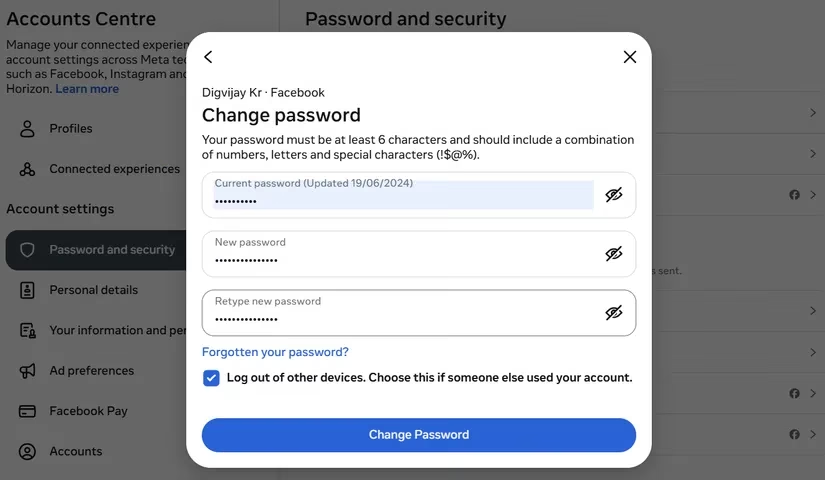
Strong passwords are the first defense. Using a weak or reused password is like leaving your door open and hoping no one walks in. A good password is unique and includes uppercase and lowercase letters, numbers, and special characters. Avoid personal details like your name or birthday. Skip obvious patterns like zxcvbnm. A passphrase can be even better. Instead of password123, try something like 9Lions0nTheHill! or ILove2Hike&Explore. Those are harder for hackers to crack and easier for a human to remember.
Every account needs its own password. If one gets hacked, the others stay safe. Yes, recalling them all can be a pain, so use a password manager or write them down somewhere secure. Update them regularly. Do not reuse them.
Got strong passwords sorted? Great. But what if someone is sneaking a peek while you type? Sounds like something out of a spy movie, right? Shoulder surfing is real. No joke. To prevent it, put a privacy screen protector on your device.
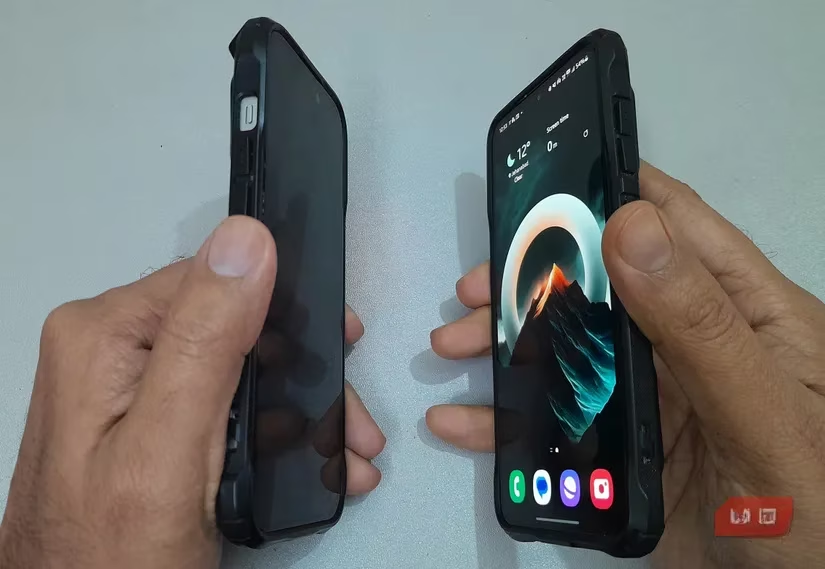
These thin films block side views, so only the person sitting right in front of the screen can see what is going on. They are especially helpful in public spots like cafes, buses, or trains where nosy folks might try to sneak a glance.
Security is all about layers. Think of two-factor authentication as putting a second lock on your door in case someone gets past the first one. After entering your password, 2FA asks for a verification code sent to your phone. Even if someone cracks your password, they still need that second code. You can also use apps like Google Authenticator or Authy to generate codes that refresh every 30 seconds. Fingerprint or face recognition works too. Once 2FA is set up, you must enter that code when logging in on a new device or browser.
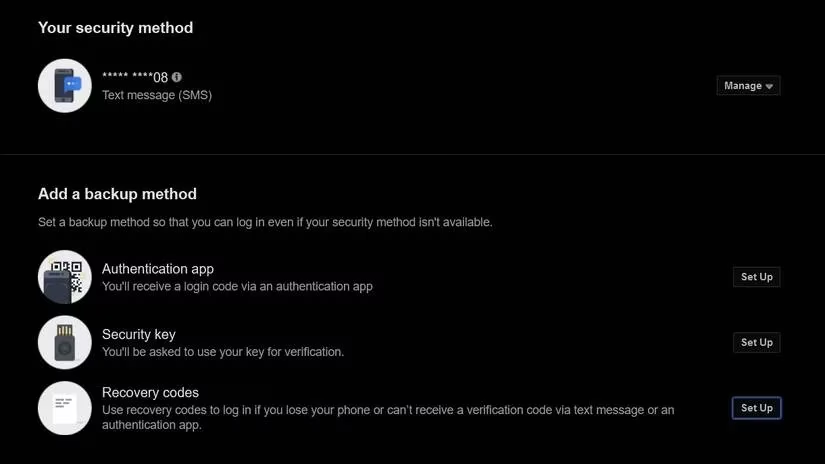
Even after all these measures, no one is 100 percent safe online. Hackers always find new ways to exploit vulnerabilities and steal data. So stay aware of the latest security threats. Follow reputable tech news sources. Learn cybersecurity best practices. Educate yourself about online phishing scams. And remember Maya's lesson: the moment you think your account is too boring to target is the moment a scammer proves you wrong.
Here is a quick field kit for 2026:
| Defense | Why it matters | Quick action |
|---|---|---|
| Unique passwords | Stops one breach from cascading | Use a password manager |
| Passphrases | Harder to crack, easier to recall | Mix words, numbers, symbols |
| 2FA | Adds a second lock | Enable app-based codes |
| Privacy screen | Blocks shoulder surfing | Use one on mobile devices |
| Phishing awareness | Stops social engineering | Pause before clicking or replying |
A gamer knows that winning is not about one perfect move. It is about preparation, awareness, and refusing to give an opponent an easy opening. Your social media accounts deserve the same mindset. Lock them down before someone else tries to play with your life. 🎮🔐