
The FBI's New Warning: Free File Converters Are Hacker Traps
In early 2026, a freelance writer named Dana needed to turn a Word document into a PDF before a client meeting. She searched for a free online converter, uploaded her file, and downloaded the result within seconds. The conversion worked exactly as promised. What Dana did not see was that the site had scanned her document for personal details and had quietly added malware to the finished PDF.
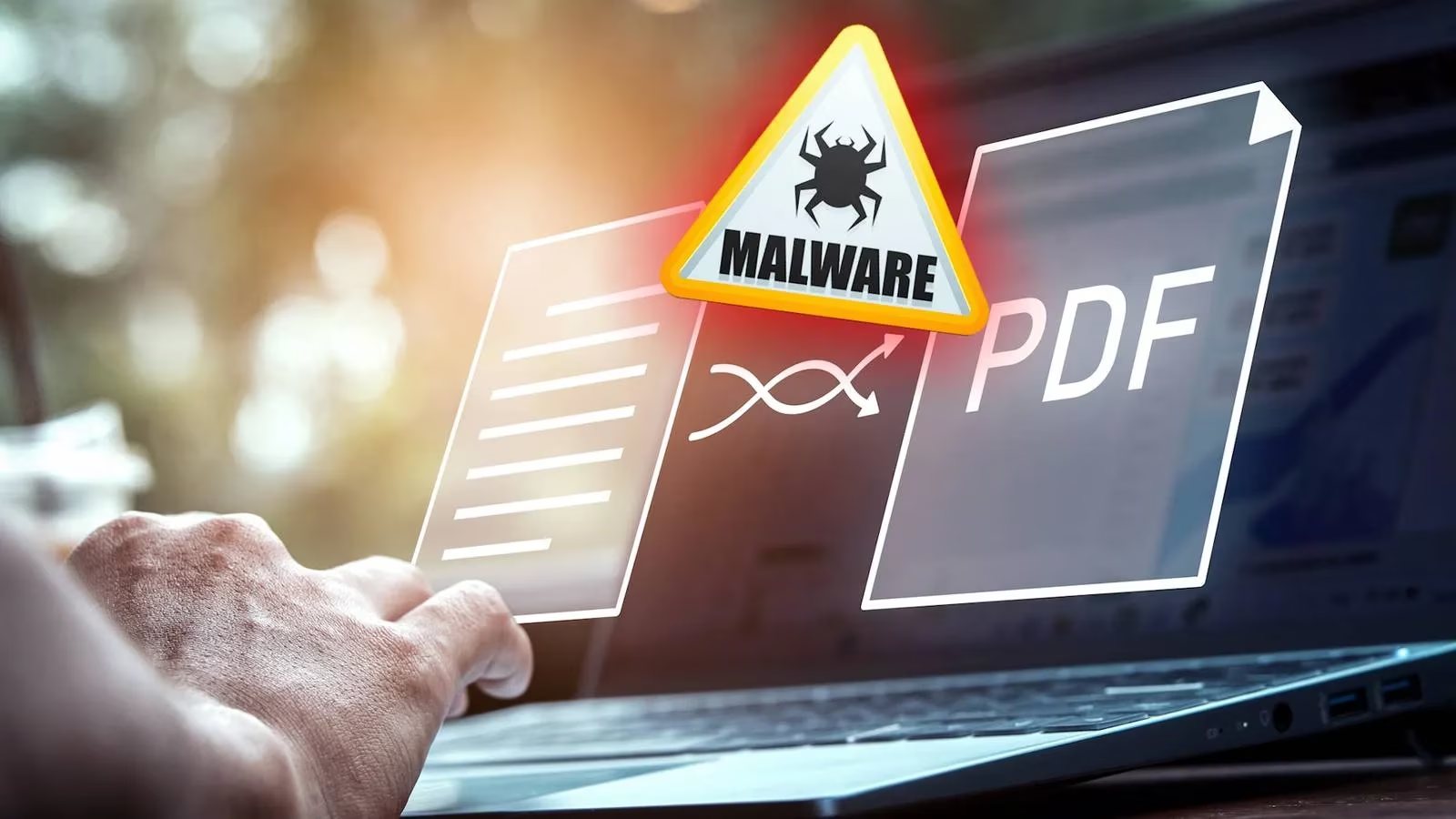
The FBI Denver Field Office has been sounding the alarm about this exact scenario. According to investigators, cybercriminals around the world use free document converter and downloader tools to load malware onto victims' computers. The booby-trapped tools come in both online and offline forms, and they complete the advertised conversion while also slipping a dangerous payload into the final file.
How the Trap Works
The malicious tools often present themselves as simple utilities. They may claim to convert a .doc file to a .pdf, join multiple JPG files into one PDF, or combine two PDFs into a multi-page document. Other versions pose as MP3 or MP4 downloaders. Some websites even offer to download videos from YouTube and other video platforms. The common thread is that the user voluntarily uploads a file or clicks a download link.
Once the file is submitted, two things can happen at once. First, criminals scan the uploaded document for personally identifiable information, including Social Security numbers, birthdays, addresses, and phone numbers. Second, the converted file sent back to the user may carry hidden malware designed to open access to the victim's device.
Many victims don't realize they have been infected by malware until it's too late.
— FBI Denver Field Office
This quiet delay is what makes the scheme so damaging. A user receives the file they wanted, opens it, and goes about their day. Meanwhile, the malware can begin collecting banking details, cryptocurrency seed phrases, wallet addresses, and locally stored passwords.
What Hackers Can Steal
The risk extends far beyond the document being converted. Because the malware can grant access to a PC, attackers may reach anything stored on that machine. The FBI has linked the scheme to ransomware infections and identity theft. Some victims realize only after their files are locked or their bank accounts show suspicious activity.
| Data Type | Examples |
|---|---|
| 📄 Personal details | Social Security numbers, birth dates, phone numbers, home addresses |
| 💳 Financial data | Banking credentials, credit card numbers, locally saved passwords |
| 🔑 Crypto assets | Seed phrases, wallet addresses, private keys |
| 🖥️ System access | Ransomware deployment, remote control, file exfiltration |
How to Stay Safe
The FBI recommends slowing down and thinking before using an unknown tool. Being aware of your actions online and keeping antivirus software updated can stop hidden threats before they take hold. Legitimate online file conversion tools are available, but sometimes it is hard to tell the difference between a safe service and a malicious copycat.
The safest approach is to avoid shady online converters and unknown downloader tools entirely. That does not mean giving up file conversions. Many tasks can be handled with software already on the computer or with reputable programs from established vendors.
| Risky Habit | Safer Alternative |
|---|---|
| Unknown online converter | Built-in export options in Word, Google Docs, or LibreOffice |
| Free YouTube downloader site | Official platform features or trusted desktop software |
| Random PDF merger | PDF tools from well-known companies |
| Suspicious MP3/MP4 converter | ShareX, Snagit, Photoshop, Lightroom, or local code libraries |
For more technical users, Python can convert an image to a PDF, and manually changing a file extension sometimes works for simple cases. Even PDF to Excel can be done without third-party tools in many office suites.
If You Suspect You Have Been Hacked
Anyone who has used a suspicious converter should act quickly. Change passwords immediately, enable multi-factor authentication, and contact the bank to cancel active credit or debit cards. Run a full antivirus scan and monitor financial statements for unusual activity.
The lesson from Dana's story is stark: convenience has a hidden price. In 2026, the best file conversion tool is not necessarily the first free website in a search result. It is the one already installed on the device or the one made by a vendor with a reputation to lose.
This overview is informed by guidance from ESRB, and it’s a useful reminder that “free” tools can carry hidden risks—much like unfamiliar downloads in gaming spaces that can bundle unwanted software. When you’re handling sensitive work files (contracts, invoices, IDs) or even modding/utility executables, the safest move is to rely on trusted, well-known software sources and built-in export features rather than random converters that can quietly harvest personal data or deliver malware.