
NordVPN Meshnet: Free Remote Access & File Sharing Game-Changer!
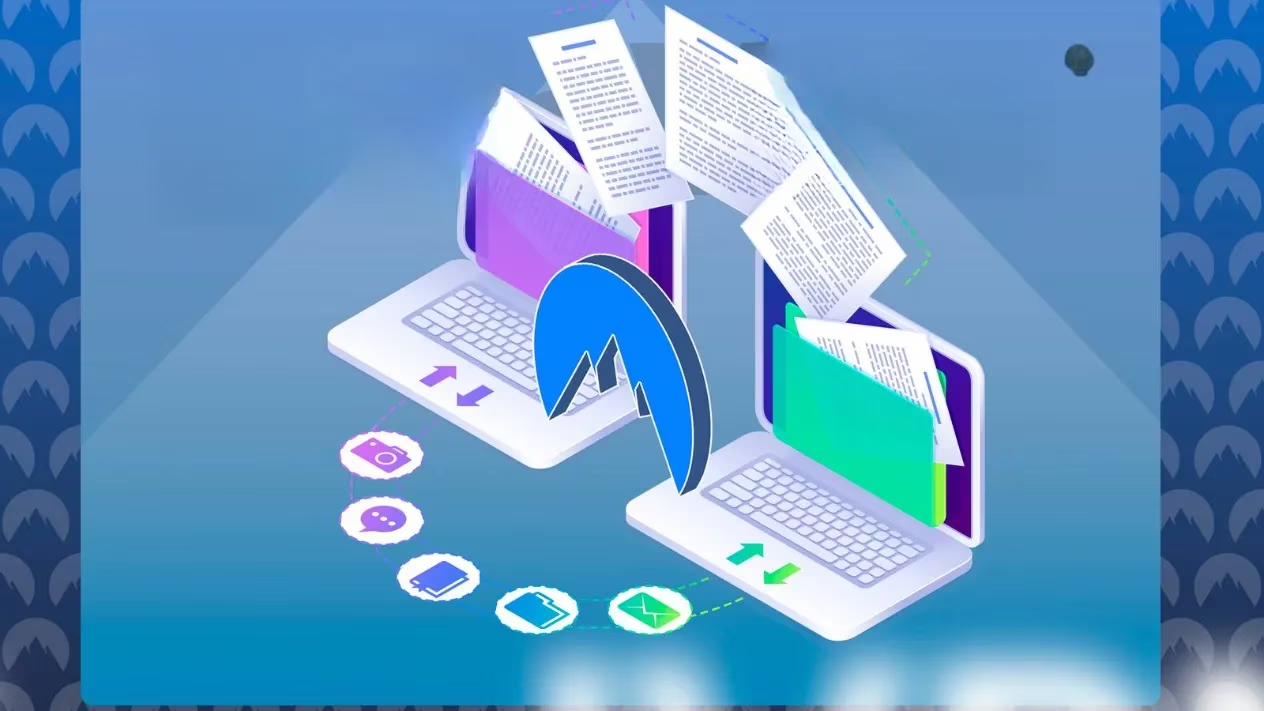
I totally slept on NordVPN's Meshnet since its 2022 debut, but discovering it's now completely FREE blew my mind! 🤯 Forget complex setups—this feature lets you create your own encrypted, virtual LAN network across ANY devices, anywhere in the world. Whether you’re gaming across continents, grabbing files from your home PC while traveling, or accessing your security cam remotely, Meshnet makes it seamless and ultra-secure. And yes, you read that right—NO subscription needed anymore! Let me show you why this hidden gem deserves your attention in 2025.
🔥 What Makes Meshnet So Revolutionary?
NordVPN didn't just rebrand old tech—they built something genuinely powerful:
-
Virtual LAN Over Internet 🌐: Remember lugging PCs for LAN parties? Meshnet replicates that locally networked feel globally using NordLynx protocol and P2P tech.
-
Zero Physical Limits 🚫: Connect devices regardless of location (I linked my dusty Windows 10 PC to a macOS Monterey MacBook effortlessly!).
-
End-to-End Encryption 🔒: Same military-grade security as NordVPN’s paid servers—no sketchy vulnerabilities!
-
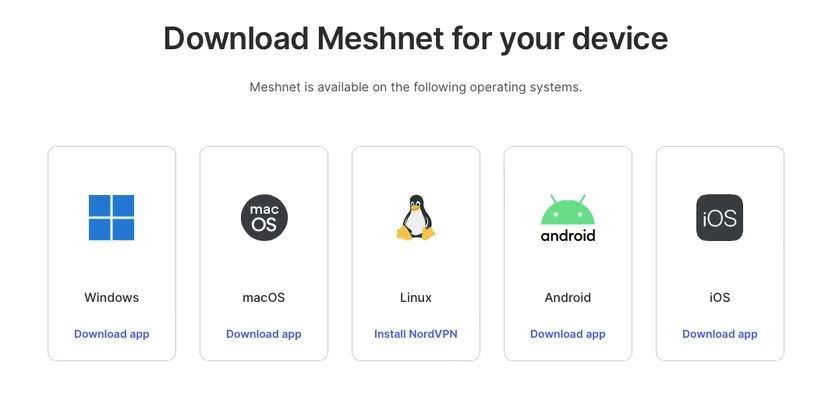
Truly Cross-Platform 📱💻🖥️: Works on Windows, macOS, Linux, Android, iOS, even Android TV!
The magic happens when devices get assigned unique Nord IPs, forming encrypted tunnels. Imagine your laptop becoming a secure gateway to your home desktop! 🪄
✨ Mind-Blowing Use Cases You’ll Actually Try
I tested Meshnet rigorously, and here’s where it shines:
| Activity | Setup Difficulty | My Experience |
|---|---|---|
| File Transfer | ⭐☆☆☆☆ (Instant!) | Drag-drop sharing between my PC & Mac—no USB sticks! |
| Remote Desktop | ⭐⭐☆☆☆ | Accessed home PC from café using Microsoft Remote Desktop |
| Gaming | ⭐⭐⭐☆☆ | Hosted Quake III Arena matches with <1ms ping via Meshnet! |
| Webcam Access | ⭐⭐☆☆☆ | Viewed my pet cam abroad securely |
Pro tip: Disable sleep mode on target devices for 24/7 access! 😴➡️⚡
🛠️ Setting Up Meshnet in 5 Minutes (Seriously!)
Even tech newbies can nail this:
1️⃣ Enable Meshnet: Just toggle the slider in NordVPN’s app! (No paid sub required)
2️⃣ Link Devices:
-
For same-account devices: Enable Meshnet on both → Auto-link!
-
For external devices (like my Mac/PC combo):
-
Click Link external devices → Enter their Nord account email
-
Accept invitation on target device 💌
3️⃣ Grant Permissions: Tap the 3 dots → Manage device → Enable File Sharing & Remote Access
4️⃣ Remote Desktop Setup:
-
On target Windows PC:
-
Settings > System > Remote Desktop→ Enable slider 📈 -
Note device name!
-
On accessing device:
-
Enable Route all traffic in Meshnet
-
Open Remote Desktop/Microsoft Remote Desktop
-
Add PC → Paste Nord device name/IP
-
Enter target PC’s credentials
BOOM! You’re now controlling your home rig remotely. 🎮 I edited 4K videos on my office desktop from a beach—utter sorcery! 🏖️💻
🔐 Why Trust Meshnet’s Security?
Skeptical about safety? NordVPN baked in their battle-tested infrastructure:
-
NordLynx Protocol: WireGuard®-based encryption for speed + ironclad security 🛡️
-
No Open Ports: Unlike DIY solutions, Meshnet doesn’t expose vulnerable entry points!
-
Zero-Log Guarantee: Nord doesn’t track your Meshnet activity—period. 📜
💡 Pro Tips From My Meshnet Journey
-
Name Devices Clearly: Rename nordvpn48x to "Dave’s Gaming Rig" in settings!
-
Gaming Optimization: Enable Allow incoming connections in game settings + Meshnet’s Route all traffic
-
File Sharing Hack: Send entire folders by compressing them first → Faster transfers! ⚡
-
Troubleshooting: If connections drop, disable/re-enable Meshnet—usually fixes glitches.
🎯 Final Verdict: Stop Sleeping on This!
Three years post-launch, Meshnet remains criminally underrated. As someone who’s used it daily for remote work and gaming since 2024, I declare it a game-changer. NordVPN giving this away free feels like finding money in old jeans—except it’s infinitely more useful! Whether you’re a digital nomad, retro gamer, or just hate cloud storage fees, install NordVPN now and flip that Meshnet switch. Your future self will thank you! 🙌