
My Smart TV Was Spying on Me: How I Caught It and Secured My Privacy in 2026
The other night, as I settled into my sofa with a bowl of popcorn, ready to binge-watch the latest sci-fi thriller on my smart TV, an uneasy feeling crept over me. The screen flickered for a fraction of a second—just long enough to make me pause. I have always loved how my television learned my habits, suggested shows I might like, and let me control everything with my voice. But lately, something felt off. The recommendations started to feel too personal, the kind of things I had only spoken about, never searched for. And then there were the oddities: a setting I was sure I had disabled was suddenly switched back on. I began to wonder—was my smart TV watching me more closely than I was watching it? That moment kicked off a journey into smart TV privacy that I think every owner should take in 2026.
Smart TVs have become astonishingly clever. They collect viewing data, control smart homes, and even feature built-in cameras for video calls. But that convenience cuts both ways. If a hacker gains access, your television can morph into a silent surveillance device. Over the following weeks, I learned to spot the red flags and discovered exactly how to fight back. Here are the signs that told me my TV was compromised—and the steps I took to lock it down for good.
🔐 Sign No. 1: Phantom Changes in Privacy Settings
One morning I was scrolling through the settings menu and noticed that the data-sharing option I had meticulously turned off months ago was now glowing green again. My login credentials for a couple of streaming apps had also been reset without my permission. This quiet reversal was the first real alarm bell. When a smart TV gets infected with spyware or is remotely accessed, the intruder often tweaks these settings to gather more information or create a backdoor.
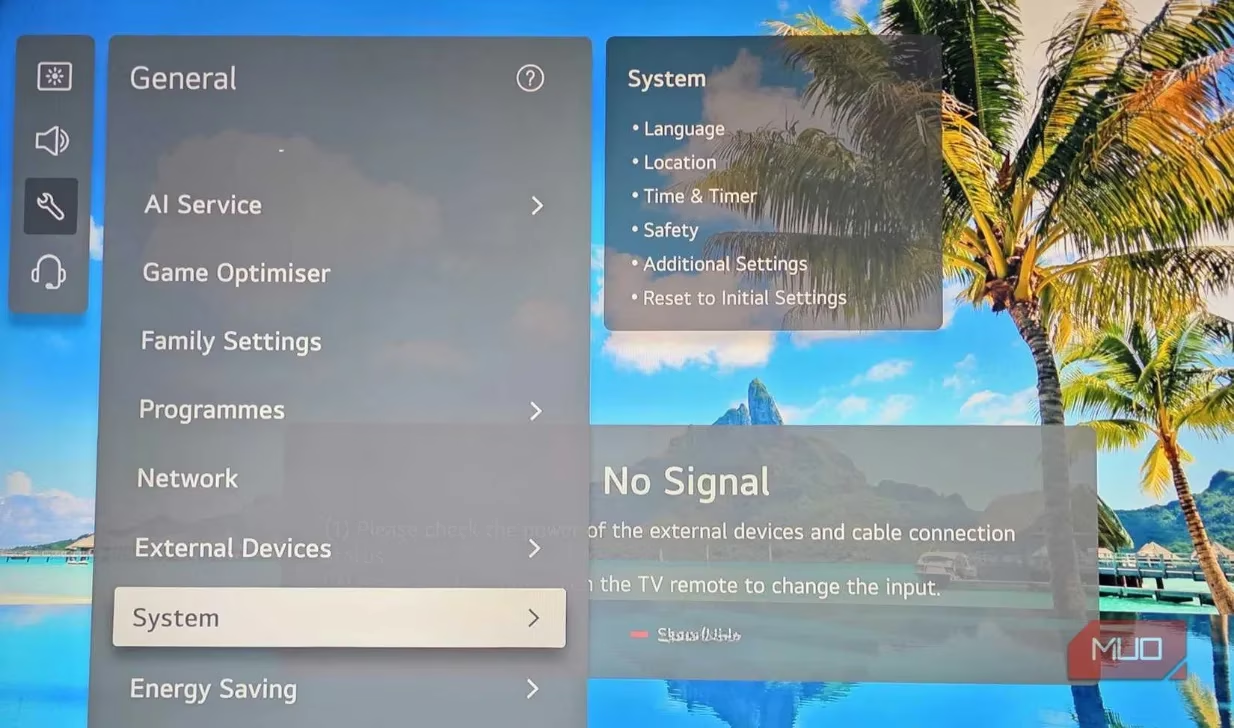
I went through every single privacy option again, disabled automatic content recognition (ACR), and turned off ad personalization. Then I changed all my streaming passwords from a different device. If you ever see settings you didn’t touch, treat it like a break-in—because it very well might be.
🚫 Sign No. 2: Bizarre Pop-ups and Urgent Notifications
A week later, while I was hovering over the Netflix icon, a garish pop-up seized the screen. It warned that my TV was infected and urged me to click a link to “clean” it immediately. The language was panicked, full of typos, and nothing like the polite system update messages I was used to. My heart raced for a second, but I remembered: legitimate smart TV notifications never demand money, push unknown apps, or create a false sense of crisis.
I didn’t click. I grabbed the remote, closed the pop-up immediately, and ran a full security scan using a trusted anti-malware app for smart TVs. These malicious alerts are often designed to steal credit card details or install more dangerous software. Never engage with them. Shut them down and treat the incident as a flashing neon sign of compromise.
⏳ Sign No. 3: Sudden, Unexplained Sluggishness
Smart TVs will naturally slow down with age, especially if you’ve loaded dozens of apps. But my television was only two years old. Out of nowhere, menus lagged, the cursor moved like it was wading through molasses, and apps crashed repeatedly. This drastic decline in performance started the same week the pop-up appeared. My research showed that malware often runs hidden processes in the background, hogging CPU and memory to record your screen, mine cryptocurrency, or funnel data to a remote server. The drop in responsiveness was the effect of that parasitic activity. If your TV suddenly behaves like it’s running through quicksand, don’t blame the hardware right away—it could be a digital intruder at work.
👁️ Sign No. 4: The Camera and Microphone Come Alive on Their Own
This was the most chilling discovery. One evening, the tiny LED next to the built-in camera blinked on for a couple of seconds, then off again. I hadn’t launched any video-calling app. My skin crawled. Smart TVs with integrated cameras and far-field microphones are supposed to only activate when you explicitly give permission. Unprompted activation strongly suggests someone is remotely peeping into your living room.
I immediately dived into the settings and disabled the microphone and camera entirely. For peace of mind, I also opted for a low-tech yet foolproof solution: a strip of black electrical tape. It costs almost nothing and guarantees that no one can see or hear a thing.
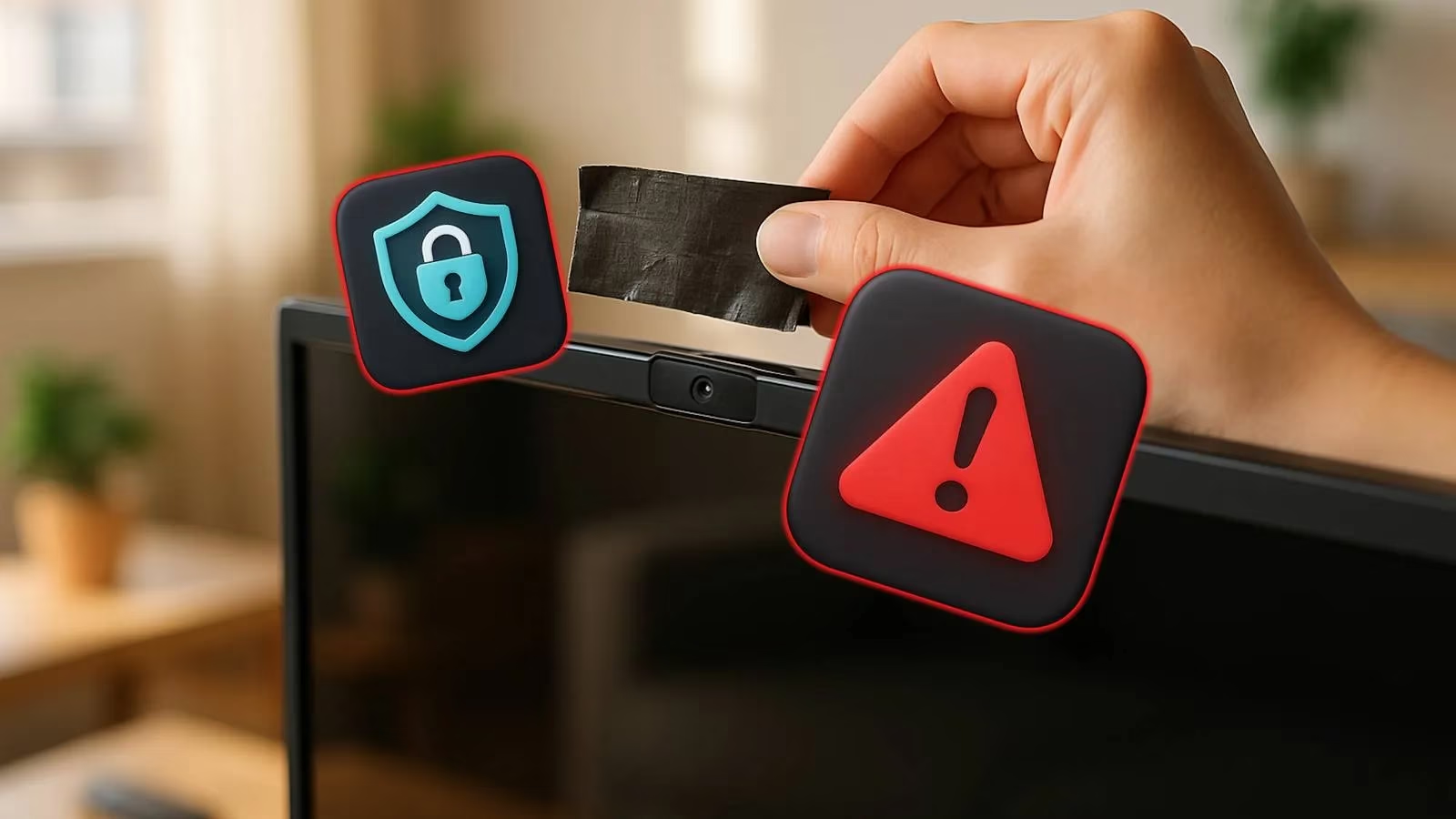
If your television doesn’t offer a simple toggle to disable the camera, tape is your best friend. You can also put the smart microphone on mute when you’re not actively using voice commands.
👾 Sign No. 5: Mystery Apps and Strange Viewing History
While performing a digital cleanup, I opened my app drawer and found a sports streaming service I had never heard of, let alone downloaded. Its icon looked generic and poorly designed. I felt a cold rush: unauthorized apps are a classic sign of a breach. Malware can quietly install additional payloads, and hackers might use these programs to further infiltrate your network.
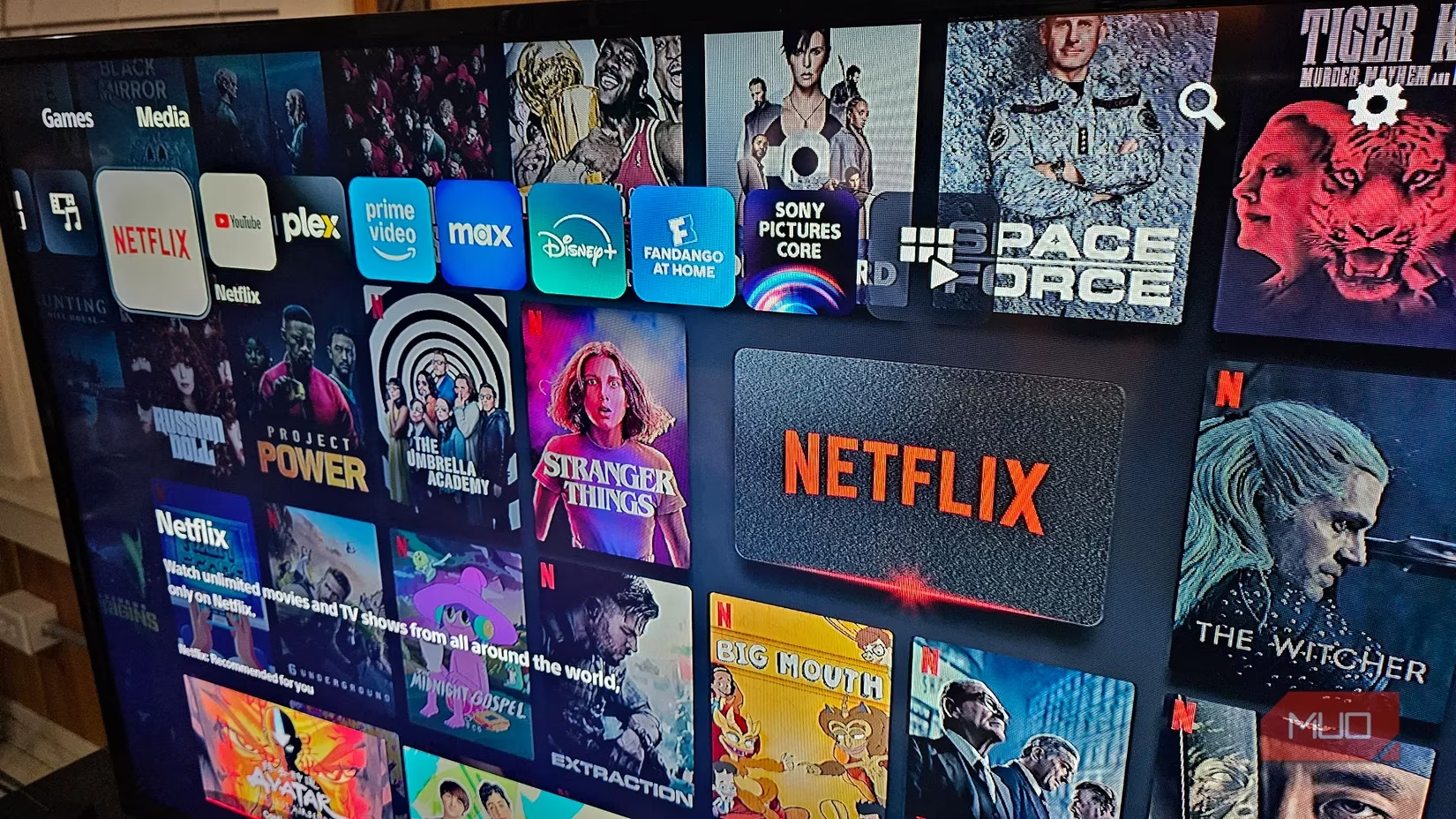
I uninstalled the mystery app instantly and checked the watch history inside each of my legitimate streaming accounts. Sure enough, there were children’s cartoons in a language I don’t speak, watched at 3 a.m. This was the final proof I needed. From now on, I review my installed apps weekly and never, ever sideload software from unverified sources.
🔀 Sign No. 6: Browser Redirects and Phishing Lures
A couple of days later, I tried to open a well-known news site on my TV’s browser. Instead of the homepage, I landed on a tacky page asking me to claim a free prize by entering my credit card details. The URL was a jumbled mess of letters and numbers. I slammed the back button and cleared the browsing data. Redirects like this are early-stage phishing attempts, often planted through a compromised router or a man-in-the-middle attack. If your TV’s web browser behaves erratically, assume the network path is no longer safe.
🛡️ What I Did to Reclaim My TV
Once I saw these signs piled up, I knew I couldn’t just ignore them. Continuing to use a compromised smart TV risks exposing passwords, payment info, and even live video feeds. Here’s the emergency protocol I followed:
-
I immediately disconnected the TV from Wi-Fi. Cutting the connection physically severs a hacker’s remote access while you work on fixes.
-
I installed a reputable anti-malware tool designed for smart TV platforms. A deep scan found and quarantined two suspicious packages that had been hiding in system folders.
-
I performed a full factory reset. This wiped all apps, accounts, and residual malware. It was a hassle to log into everything again, but it gave me a clean, trustworthy slate.
-
I updated the firmware. In 2026, manufacturers roll out patches frequently; my TV had been sitting on an outdated version with a known vulnerability. Always keep your TV’s software current.
-
I covered the camera lens with tape and set the microphone to “always off” in the service menu. Even after the reset, I wanted a physical barrier.
-
I tightened my home network security. I enabled WPA3 encryption on my router, changed the default admin password, and created a separate guest network for IoT devices so my TV couldn’t reach my laptops or phones.
Hackers can sneak into smart TVs through a variety of routes—unpatched firmware flaws, malicious apps, phishing links, Wi-Fi piggybacking, or even by exploiting the digital rights management features that run in the background. In 2026, the attack surface is wider than ever because our televisions integrate with so many cloud services. Staying safe demands regular maintenance and a healthy dose of skepticism.
If your television exhibits just one of these signs occasionally, it could be a simple glitch or a hint that an upgrade is overdue. But when you see several happening together—especially on a relatively modern set—act immediately. Trust your instincts. That flicker, that strange pop-up, that unrecognized app are not things to dismiss. They’re your TV whispering that someone else might be sharing your screen. And in my home, only the shows get to watch me—not the other way around.