
I'm a Smartphone Wallet User in 2026—Here Are 7 Security Lessons I Learned the Hard Way
Smartphone wallet apps have become my financial command center. I can't remember the last time I touched a physical credit card, and honestly, I don't miss it. In 2026, digital wallets like Google Pay, Apple Wallet, and Samsung Pay are so deeply woven into daily life that leaving the house without them feels riskier than forgetting my keys. But after a few close calls and one particularly nasty phishing attempt that nearly drained my concert ticket fund, I've become borderline obsessive about locking things down. Let me break down what I've learned—warts and all.
1. Biometric locks are brilliant, but don't be lazy with your backup PIN
My phone's fingerprint reader and face unlock are my first line of defense. And they work like a charm. Biometric authentication is way harder to spoof than a password, and it prevents some dodgy character from simply peeking over my shoulder at the pub. All the major wallet apps support fingerprint or face unlock these days, and I use them religiously.
But here's the rub—don't ditch your PIN or password completely. If your biometric scan fails because your fingers are wet or you're wearing a mask, you'll need a fallback. Criminals know this too; they might deliberately try to force a lockout so you're forced to type the PIN in public. I make sure my backup is a strong alphanumeric passcode, not something laughable like 123456. And for the love of all that's holy, don't reuse your phone PIN as your bank app PIN.
2. I now obsess over transaction alerts—and you should too
Most wallet apps ping you in real time when a payment goes through. That's gold dust for spotting funny business. I used to ignore these notifications, flicking them away like annoying flies. Big mistake. Hackers often test the waters with tiny transactions—think a couple of cents at a gas station or an online store—before they go on a spree. If you're not paying attention, those micro-charges slide under the radar.
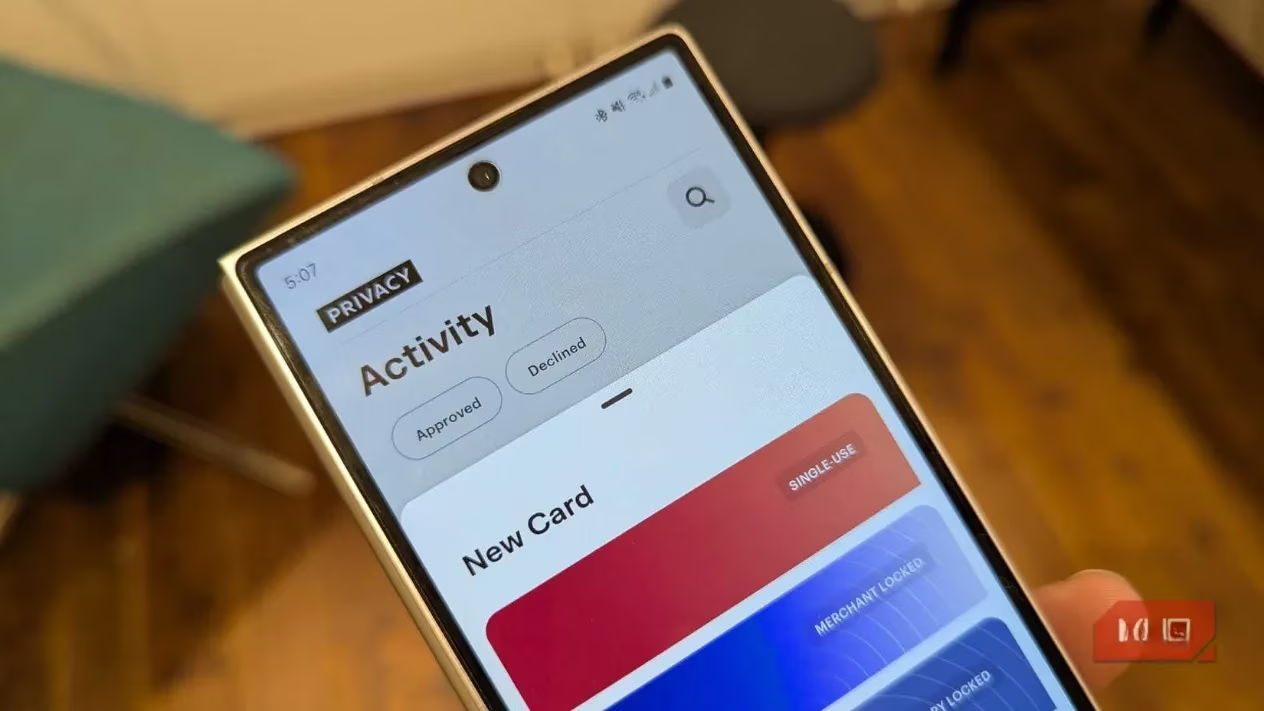
I now give my transaction history a proper once-over at least once a week. Some wallet apps let you set custom alerts based on transaction value or location, which is dead handy. For instance, I've configured mine to scream at me whenever a purchase over £200 goes through or when a transaction originates outside the country. It's also turned out to be a cracking budgeting tool—I actually know where my money is hemorrhaging each month.
3. Phishing attacks are getting sneakier by the day
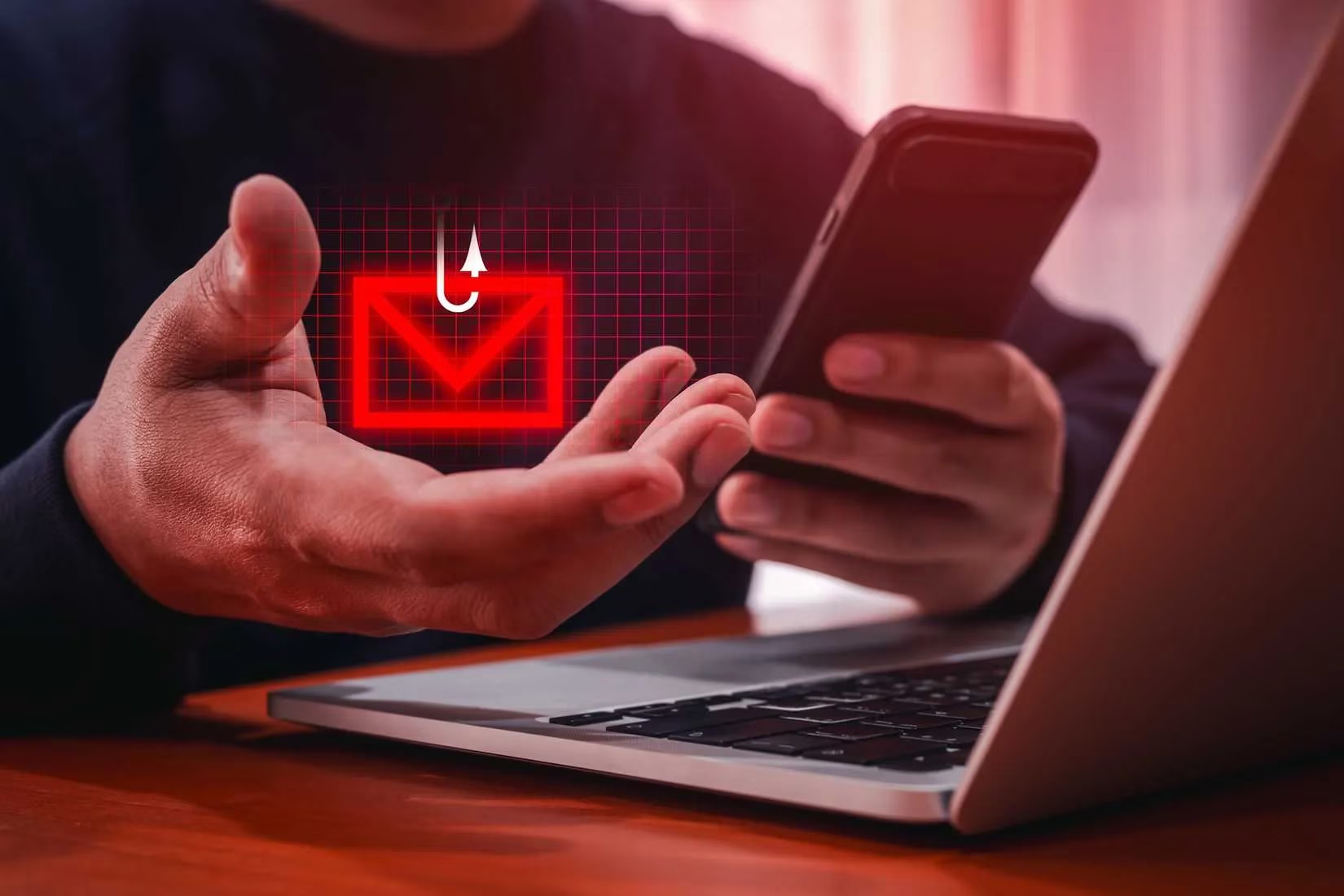
Last year I almost got played by a text that looked exactly like a missed delivery notification from a courier service I'd used. The link took me to a page that was a pixel-perfect replica of my wallet app's login screen. My finger was literally hovering over the 'log in' button when something felt off. I'd like to say it was my tech-savvy sixth sense, but really, it was the fact that the URL had a slightly dodgy domain name. Phishing links and QR codes are the new pickpocketing.
My rule now: slow down, squint at the URL, and never click something from a sender I don't know. Scammers are also plastering fake QR codes over real ones in parking meters and restaurant tables. I scan with caution, and I've turned off my phone's automatic link-opening feature in messages. It's saved my bacon more than once.
4. Transaction limits are your financial airbag
I used to think transaction limits were just for people with no self-control. But after hearing about a mate whose wallet app got compromised and the thief cleaned out £2,000 in ten minutes, I changed my tune. By setting a daily or per-transaction cap, you can dramatically shrink the damage a fraudster can do. Sure, they might still buy a round of drinks with your card, but they won't be able to book a luxury holiday.
In my wallet app, I've set a £300 daily spending limit and a £100 maximum per online transaction. If I need to make a big purchase, I temporarily lift the cap. It's an extra step that buys me time to freeze my cards if something goes pear-shaped. Think of it as a financial airbag—it won't prevent the crash, but it'll stop you from flying through the windshield.
5. Stop letting websites "remember" your payment details
Okay, I'll admit it: the convenience of one-click checkout is like catnip. But I've had to kick the habit. Every time you let a website or app save your wallet details for "next time," you're essentially handing over your financial keys and hoping they don't get burgled. Big retailers like Amazon have top-notch security, but smaller online shops sometimes run on outdated software or shoddy hosting, leaving your data ready for the taking.
I've now disabled auto-saving in my browser and I manually enter my card digits for each purchase—yes, even if it means rummaging through my digital wallet for the CVV. Is it a faff? Absolutely. But it's worth the peace of mind, especially after a local indie bookstore I bought from had its payment gateway breached last spring. I dodged that bullet purely because I hadn't let them keep my details on file.
6. Keep your Wi-Fi paranoia dialed up to eleven
Public Wi-Fi in cafes, airports, and hotels is a hacker's playground. Even in 2026, man-in-the-middle attacks are still a thing, and a dodgy hotspot can intercept data between your phone and the wallet provider. I never, ever make a payment or check sensitive account details while connected to an open network without a VPN. And I'm not talking about those sketchy free VPN services that probably sell your browsing history; I shell out for a reputable one.
If I'm in a pinch and must check my balance on public Wi-Fi, I make sure my wallet app's connection is encrypted and I've disabled any file-sharing or auto-connect features. But honestly, I usually just switch to mobile data—it's more secure and only costs me a few megabytes.
7. Update everything, even when it's a nuisance
I used to ignore app updates unless they forced themselves. Big mistake. Cybercriminals love exploiting known vulnerabilities that patches have already fixed. Wallet app developers are constantly plugging holes, and your phone's operating system updates often include critical security boosts. I've set my device to auto-update at 3 a.m. so I'm not tempted to hit "remind me tomorrow" for the hundredth time.
This also goes for the card issuers that feed into my wallet. If your bank pushes a security update to their app, don't sleep on it. The same goes for two-factor authentication—enable it wherever possible, even if it means using an authenticator app instead of SMS codes (which can be intercepted via SIM-swap scams).
Final word
Look, no system is bulletproof. Even with all these precautions, a determined attacker might still find a way through. But stacking these habits makes you a much harder target, and crooks tend to go for the low-hanging fruit. Since implementing these changes, I've caught two attempted fraudulent transactions, swerved a nasty phishing email, and actually improved my financial awareness. The digital wallet is here to stay, so we might as well make it a fortress. Stay safe out there, folks—and maybe give your transaction history a quick peek right now. You never know what you might find.
As we navigate the digital landscape, it's not just about securing our wallets but also about making smart choices with our purchases. For those who are avid gamers, finding deals without compromising your financial safety can be a challenge. This is where platforms like DealNest game deals come into play. They offer a way to discover the latest deals on games while ensuring that your transactions remain secure, offering peace of mind alongside great savings.
Whether you're a casual gamer or a dedicated enthusiast, keeping your budget in check is as important as keeping your data secure. By exploring trusted sources for game deals, you can enjoy your favorite titles without overspending or worrying about your financial information being compromised. So, while you're enhancing your digital security, consider checking out such resources that align with your interests and ensure a safe shopping experience.