
How I Use Virtual and Disposable Credit Cards to Shop Online Safely in 2026
Have you ever hesitated before entering your credit card details on a website you don't fully trust? I know I have. That nagging feeling that your personal and financial information might end up in the wrong hands is exactly why I started using virtual and disposable credit cards. And let me tell you—it's been a game-changer for my online shopping security and privacy. It only takes a minute to set up, depending on your bank, but the peace of mind is worth every second.
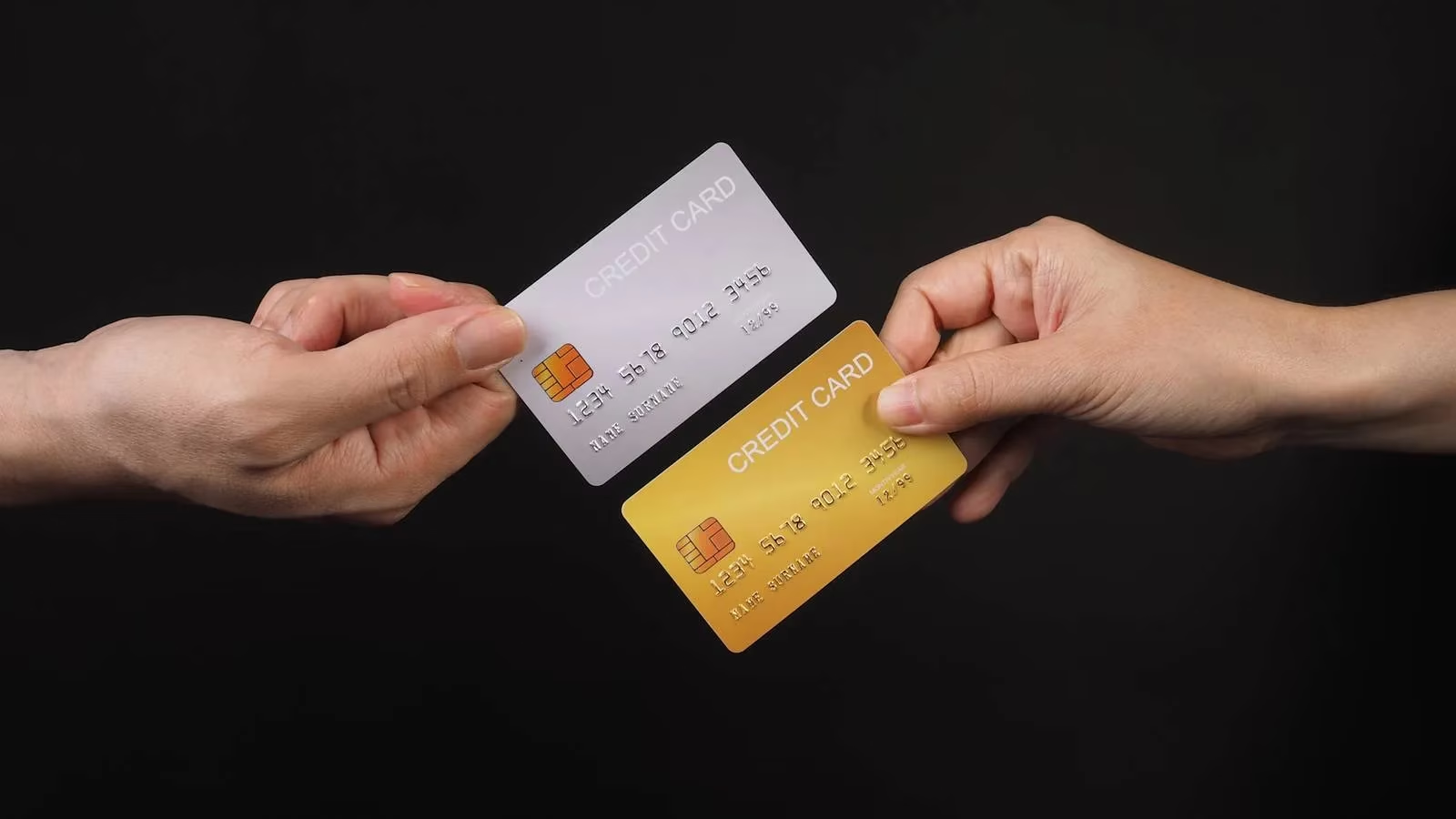
What's the Difference Between Disposable and Virtual Cards?
I used to confuse these two terms all the time, and I bet you might too. They sound similar, but they serve slightly different purposes.
| Feature | Disposable Card | Virtual Card |
|---|---|---|
| Lifespan | Single use or limited transactions | Multiple uses, until you deactivate it |
| Physical form | Often physical (prepaid), but virtual versions exist | Purely digital—no plastic |
| Link to bank | Usually not linked to your main bank account | Tied to your bank account but with unique card info |
| Best for | One-off purchases, unfamiliar sites | Ongoing subscriptions, regular online shopping |
A disposable card (sometimes called a single-use card) is designed to expire after one or a few transactions. You can even buy them at a gas station and load them with cash, like a gift card. The key is that the vendor only sees the disposable card's information—nothing else.
A virtual card, on the other hand, is issued by your bank or a platform like Privacy.com. It's tied to your account but has its own unique number, so if a merchant suffers a data breach, your real details stay safe. Both create a crucial layer of abstraction between your actual bank account and the merchant.
Why Bother? The Security Benefits I've Experienced
Let's face it: online shopping comes with risks. Card-skimming devices, data breaches, dishonest vendors—the list goes on. By using disposable or virtual cards, I've effectively shielded my main bank account from these threats. When I use a disposable number at checkout, the vendor sees only that number. If it gets stolen, it's useless to the thief because it's either expired or has a spending limit.
Have you ever received a notification about a data breach at a store you shopped at? With a virtual card, that breach doesn't expose your real credit card details. That alone is worth the effort.
How I Set Up and Use a Virtual Card (Step by Step)
First, find a trusted provider. Many big banks like Citi or Capital One offer virtual cards as part of their digital banking tools. If your bank doesn't, third-party platforms like Privacy.com work great. I always do my research—comparing ease of use, security measures, and fees. Look for strong encryption, multi-factor authentication, and transparent privacy policies.
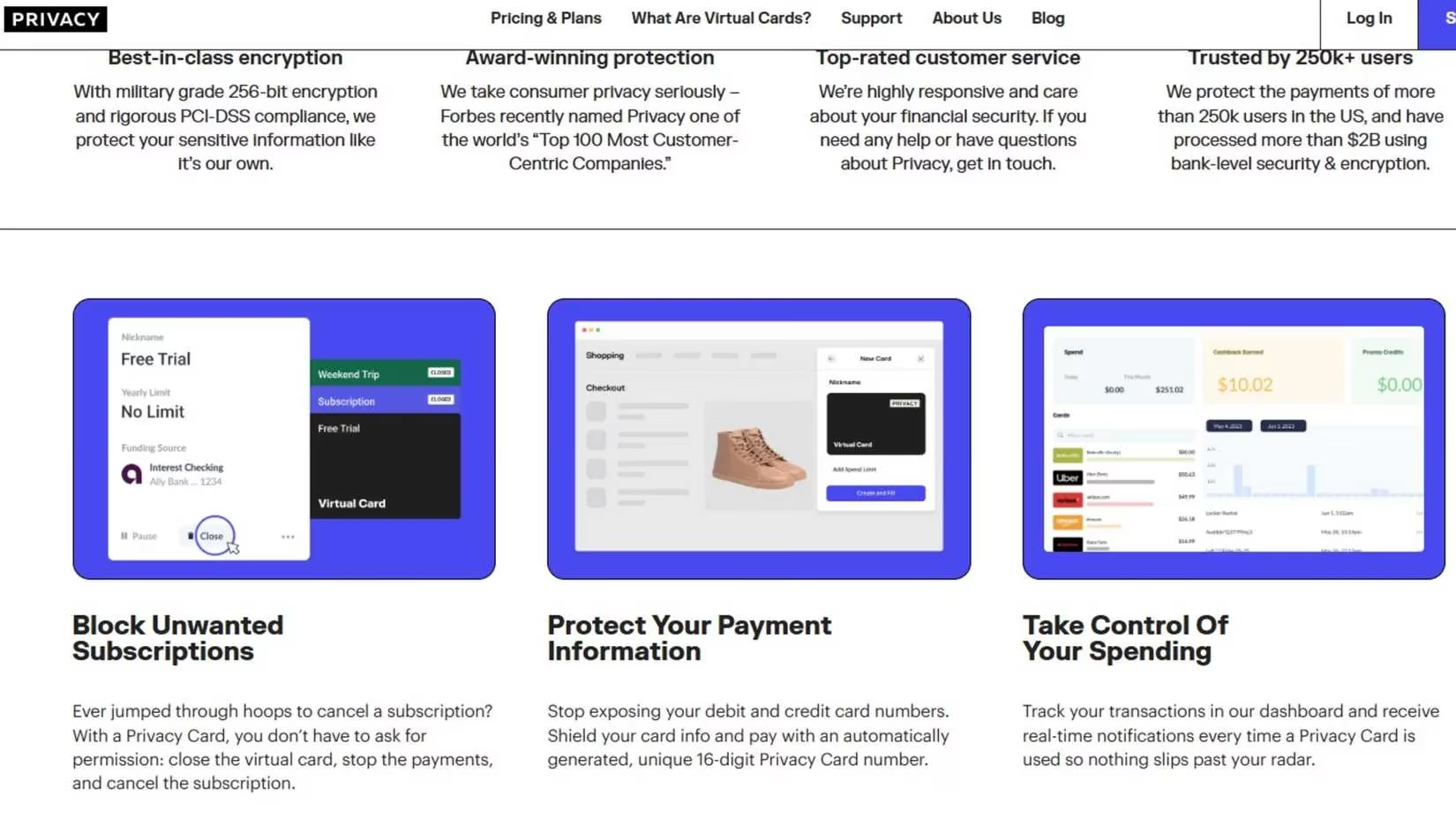
Here's how my setup went with Privacy.com:
-
Create an account – I signed up with my email and a strong password.
-
Link my bank account – I connected my checking account for funding.
-
Complete verification – I provided the required details to confirm my identity.
-
Enable multi-factor authentication – Now I get a text to my phone whenever I log in or need to reset something. Security first, right?
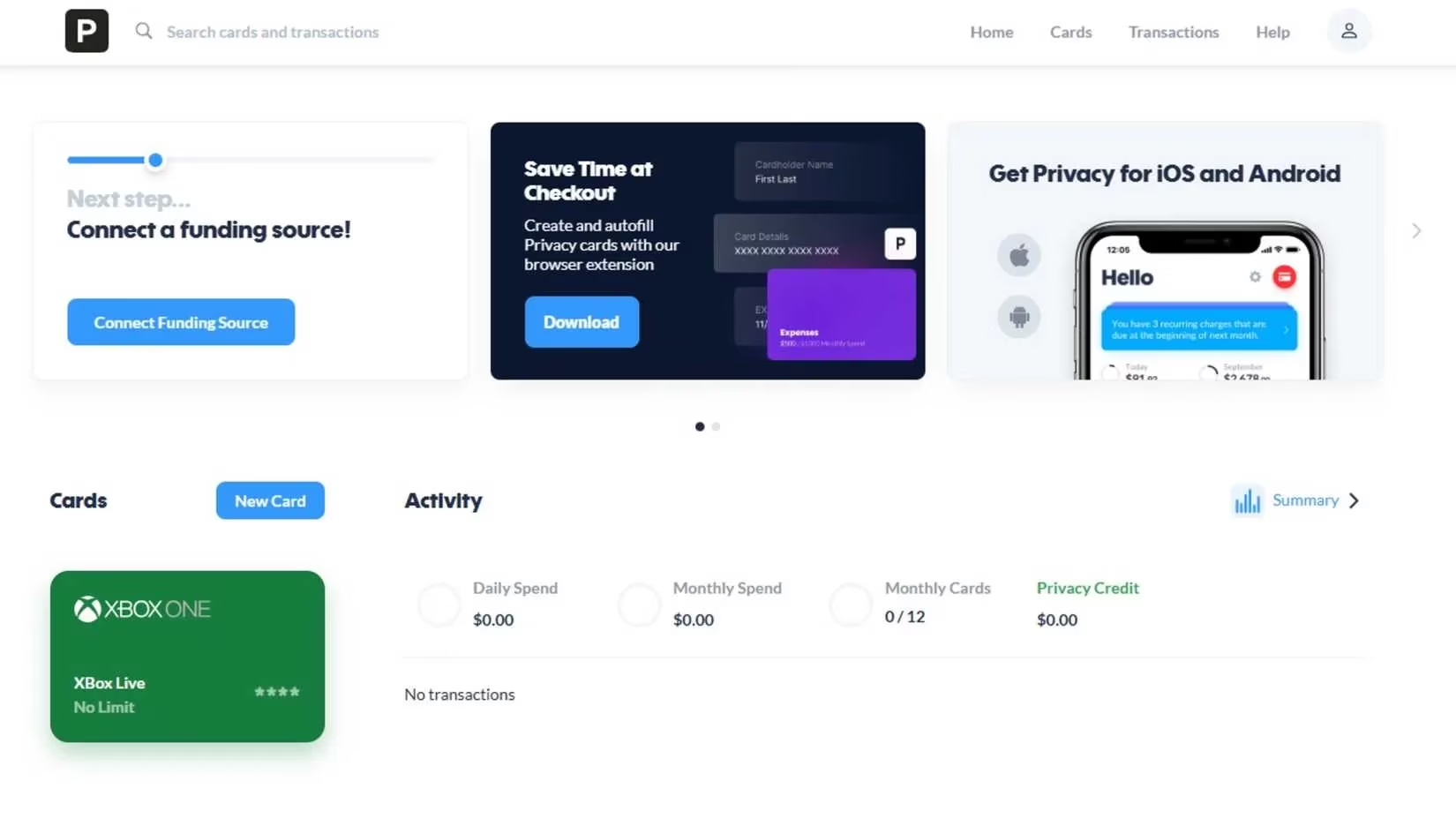
Once my account was secure, I generated my first virtual card. I set a spending limit and an expiration date. For example, when I bought about $50 worth of games on Xbox, I set the limit to $50 and chose a short expiration window. That way, even if the number was compromised, it couldn't be used for unauthorized charges.
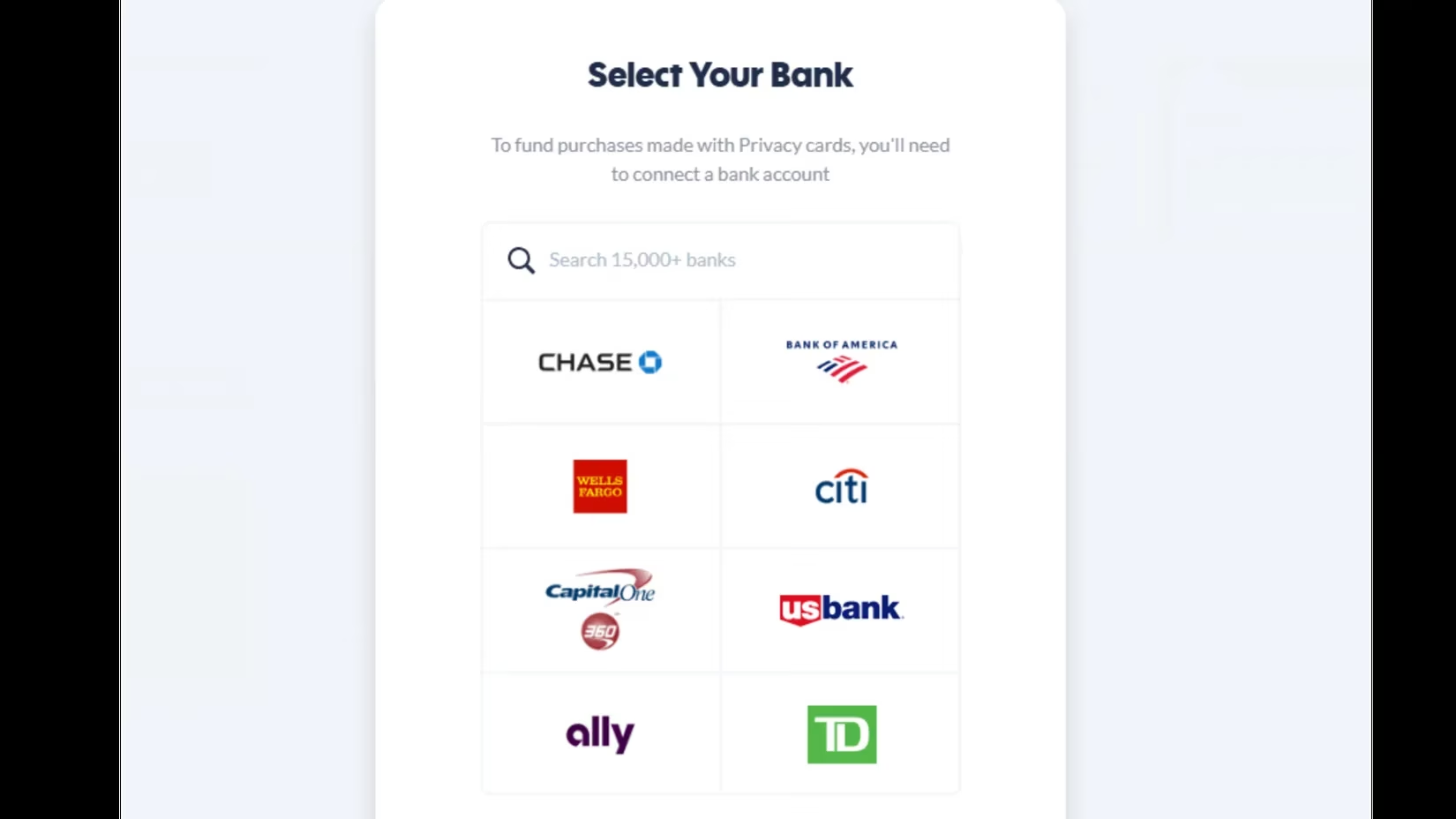
At checkout, I simply entered the virtual card number, CVV, and expiration date—just like a regular card. The transaction processed normally. One tip: keep a record of the disposable numbers you use, especially for refunds or order tracking. Some platforms even let you name each card based on where you use it, which makes organization a breeze.
Monitoring and Managing Your Virtual Wallet
After a purchase, I monitor transactions in my account dashboard. Most providers show a list of active and recently used cards with a clear spending breakdown. This transparency helps me spot unauthorized activity quickly. Deactivating or deleting a used number takes just a few clicks, which adds another layer of protection. Keeping my virtual wallet tidy reduces confusion down the road.
The Pitfalls You Should Avoid
While I love this system, there are a few mistakes to watch out for:
-
Forgetting to set spending limits – This partially defeats the purpose. Always set a limit that matches your intended purchase.
-
Choosing unnecessarily long expiration dates – Shorter is safer.
-
Assuming all websites support virtual cards – Not all do, so check compatibility beforehand.
-
Expecting instant refunds – Refunds must process through the disposable number first, which can take longer. Keep track of your cards and transactions.
Final Thoughts: Peace of Mind for Every Digital Shopper
Using disposable and virtual credit cards has transformed how I shop online. I no longer second-guess every transaction or worry about my real card details being exposed. The flexibility of setting limits and expiration dates keeps both my spending and security in check. And the best part? It integrates seamlessly with online retailers—from Amazon to small boutique sites, it feels just like using my regular card, but with a protective shield.
If you're tired of feeling vulnerable every time you enter your card details online, I highly recommend giving this a try. It might just change the way you shop for the better. After all, in 2026, why risk your real information when you can use a disposable or virtual card instead?