
How I Tame Google Sign-In Risks: My 2026 Security Rituals
I used to treat “Sign in with Google” like a magic key — one tap and I was inside a new app, no tedious account creation, no new password to forget. It felt frictionless, almost too easy. And honestly, it was too easy. Over the years, I started seeing that same magic key open way too many doors, some of them wobbly and poorly locked. In 2026, data leaks and shady apps still roam the internet, so I’ve built a personal playbook to keep my Google account from becoming an open house.
My first rule is simple: trust is earned, not clicked. I’ll happily use my Google account on services with a solid reputation, like Notion or other well-established platforms that have been around long enough to prove they care about privacy. If a website looks like it was built overnight, I don’t hand over my Google key. New or untested sites might not survive, and when they fade away, their security often crumbles with them. I compare these sites to uninvited guests at my front door — polite at first, but I have no idea if they’ll steal the silverware. So I keep my Google account out of their reach.
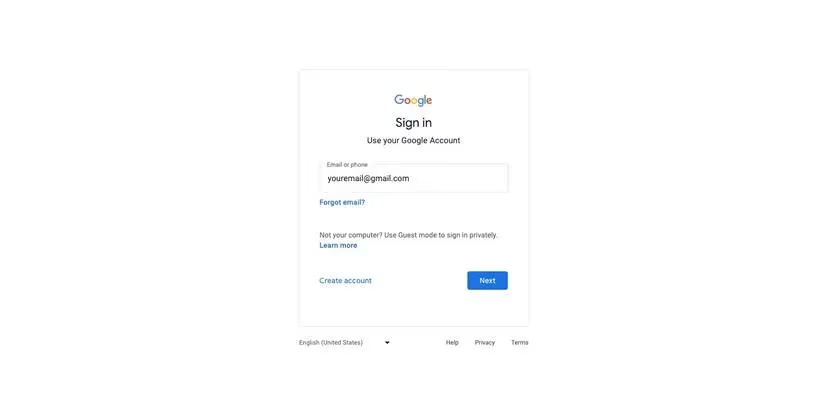
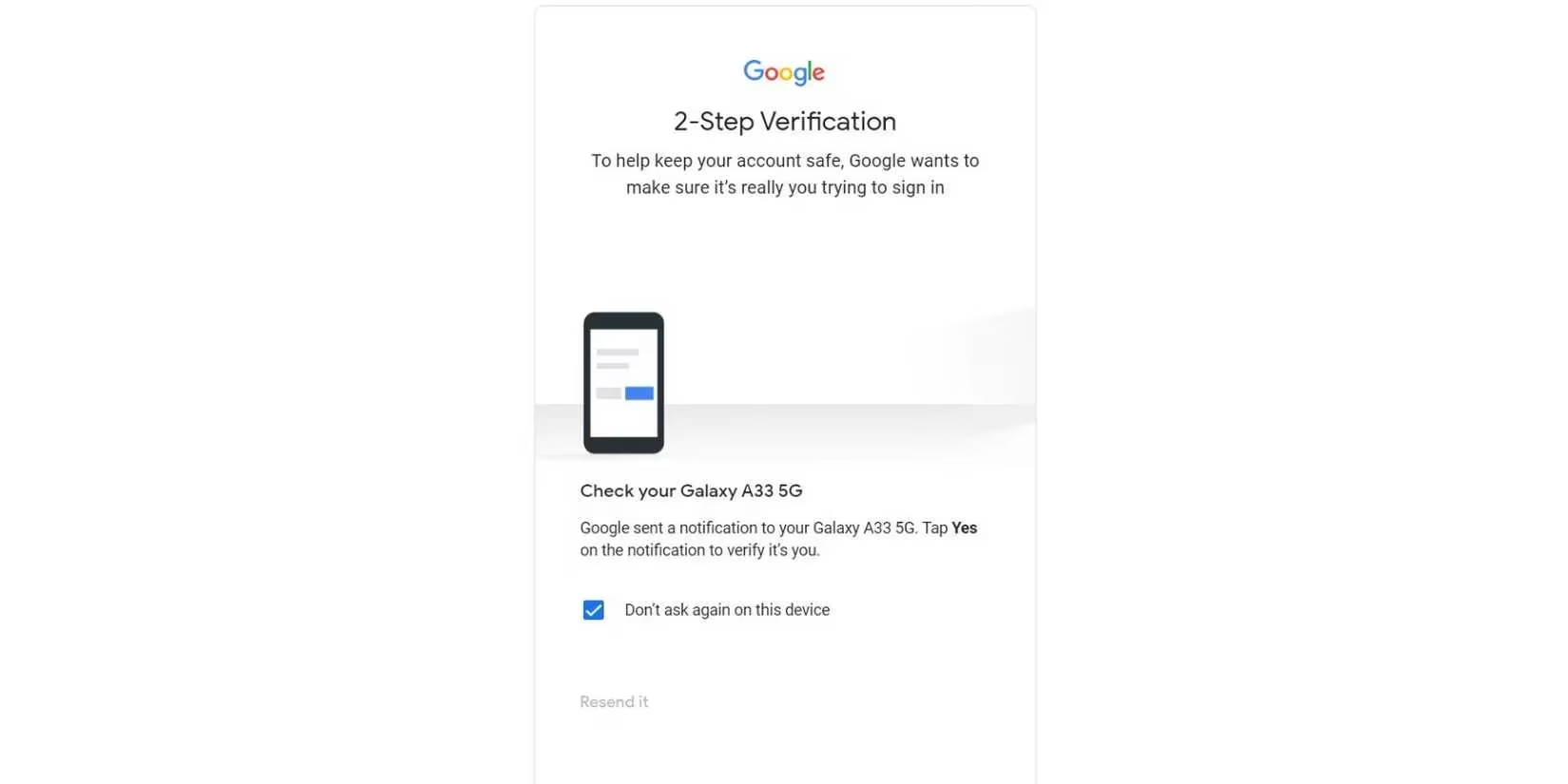
Next, I’ve made multifactor authentication my non-negotiable bodyguard. It doesn’t matter if I’m logging into a trusted service or taking a small risk — MFA stands guard like a loyal bouncer who checks IDs even when things look calm. I started with Google Authenticator and still use it today. Microsoft Authenticator is another solid option, and some password managers can handle 2FA codes too. Whenever a service that uses Google sign-in offers its own MFA, I switch it on. That extra layer makes attackers work twice as hard for very little reward.
Passwords still matter, even with MFA. I stopped recycling weak or repeated passwords years ago. These days, password generators are everywhere, so there’s really no excuse. Generating something like PurpleFrog#9!Truck takes seconds, and it beats copying the same tired password across every website. I use Apple’s Passwords app because I live in the Apple ecosystem, but 1Password and Bitwarden are both excellent alternatives. The point is: let a machine remember the chaos for you.
I also keep multiple Google accounts alive, and that decision has saved me more than once. I have separate profiles for personal life and work. It spreads the risk around, like planting seeds in different gardens rather than one fragile pot. If one account gets tangled up with a questionable app, it doesn’t automatically expose everything else. Logging in is still easy because Google shows all my accounts on the same screen, so I never have to juggle multiple passwords manually.
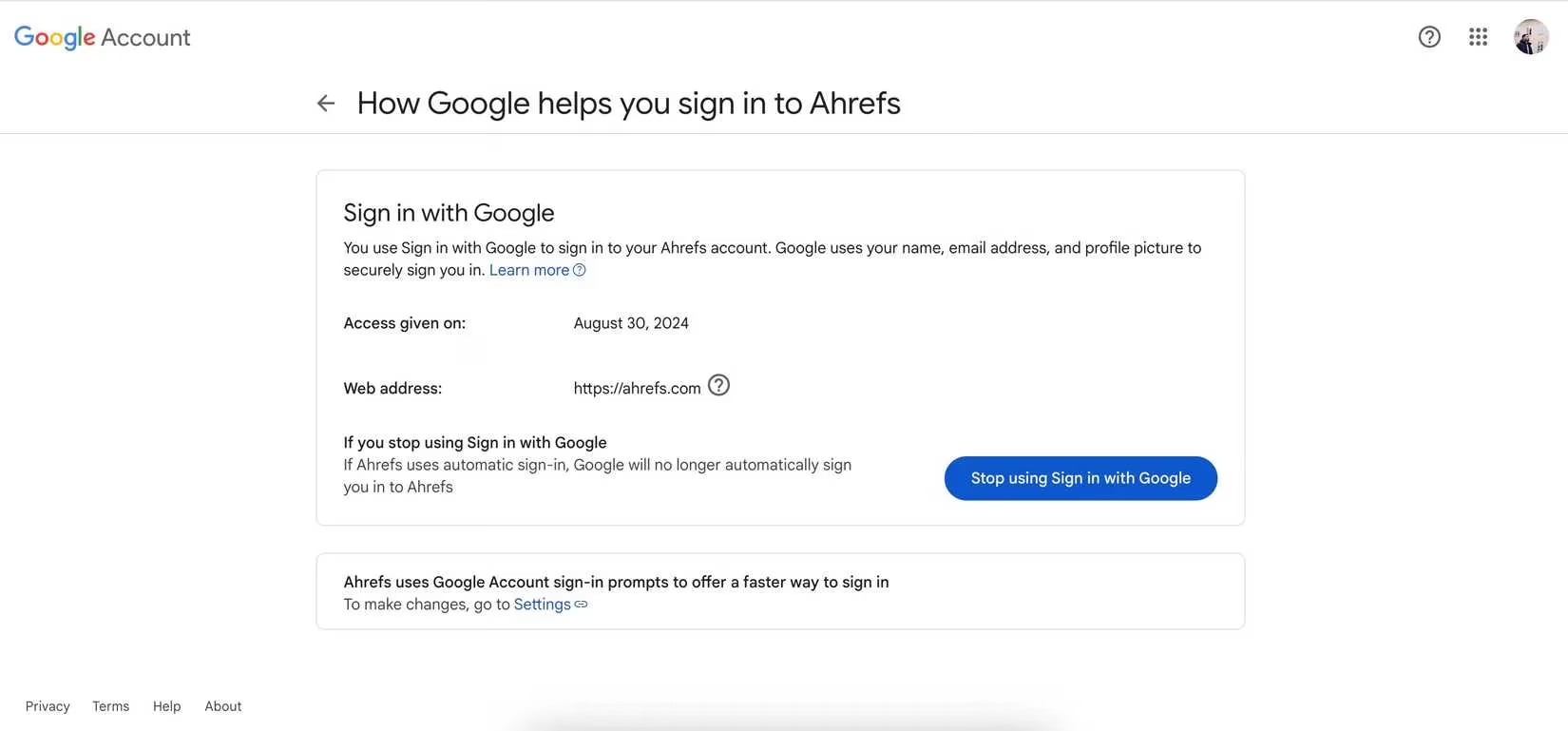
One habit that feels oddly satisfying is my digital spring cleaning. Every few months, I go through my connected apps and revoke access from anything I no longer use. It’s like cutting off exes who still have a key to your apartment — a little awkward, but absolutely necessary. To do this, I head to myaccount.google.com, then go to Security > Your connections to third-party apps and services. From there, I find the app or website, open the “Sign in with Google” section, and choose Stop using Sign in with Google. Poof — connection gone, door locked.
If you want a quick mental checklist, here’s what I run through before using Google sign-in on anything new:
-
✅ Is the site well-known and privacy-conscious?
-
🔐 Is MFA enabled on my Google account?
-
🧠 Did I generate a strong, unique password?
-
🪪 Do I have a separate account for this kind of activity?
-
🧹 When did I last revoke old app access?
Using “Sign in with Google” doesn’t have to be a risky shortcut. With a little caution, a touch of MFA, and a regular cleanup routine, it can stay as convenient as it was on day one — without leaving my digital doors unlocked. In 2026, I still use Google sign-in often, but now I do it like someone who knows exactly where their keys are and who has a copy.