
How I Hunted Down My Dark Web Leaks Using Free Tools in 2026
I'll be honest—I used to think data breaches were something that only happened to Fortune 500 companies or people who clicked every fishy link in their inbox. That was until I got a weird notification from my bank, flagged as “unusual login attempt,” and my heart skipped a beat. Suddenly, the idea that my personal details might be swirling around the dark web didn't feel so far-fetched. I had to know. So, like any paranoid but savvy netizen in 2026, I rolled up my sleeves and went on a mission to scan the depths of the internet for my own data. And guess what? I found some scary stuff. But thanks to a handful of free, no-nonsense tools, I also found a way to fight back.
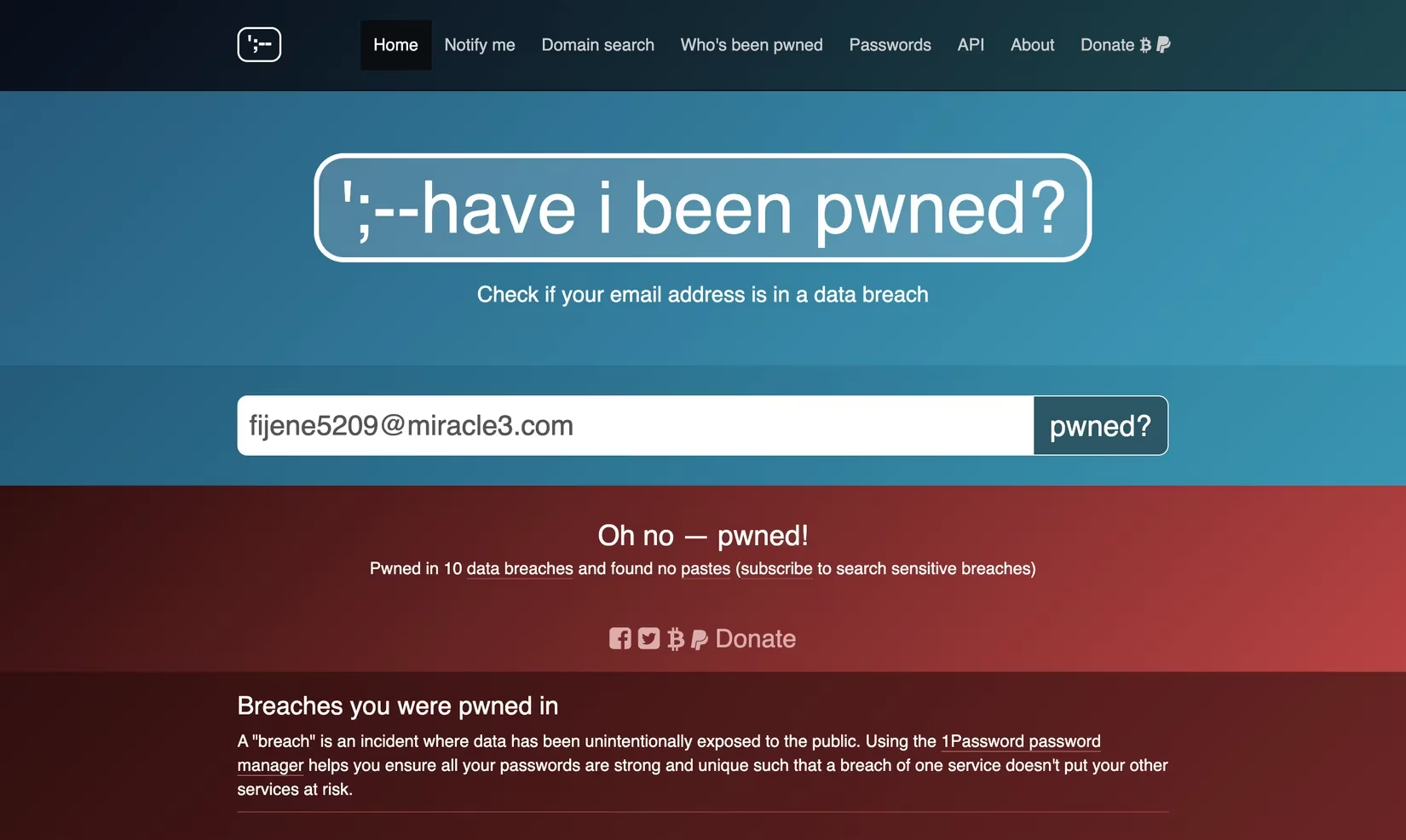
My first stop was an old faithful that I'd heard about in Reddit threads for years: Have I Been Pwned. Let me tell you, this site is the real deal—straightforward and zero fluff. No sign-ups, no email verification, just a search bar asking for an email address or phone number. I typed in my primary email with shaky fingers and hit the “pwned?” button. Within seconds, I was staring at a result that made my stomach drop. Eight breaches. Eight! It wasn't just some random forum either; it included a major social media platform and a fitness app I thought I'd deleted ages ago. Have I Been Pwned dished out exactly which breaches my data was caught in and what type of info was exposed—passwords, dates of birth, even old profile pictures. I was gobsmacked, but also weirdly grateful because now I had a roadmap. The site even offers a dark web alert setup that pings you for future leaks, and a password checker. I instantly set up alerts, feeling like a digital detective. 🕵️
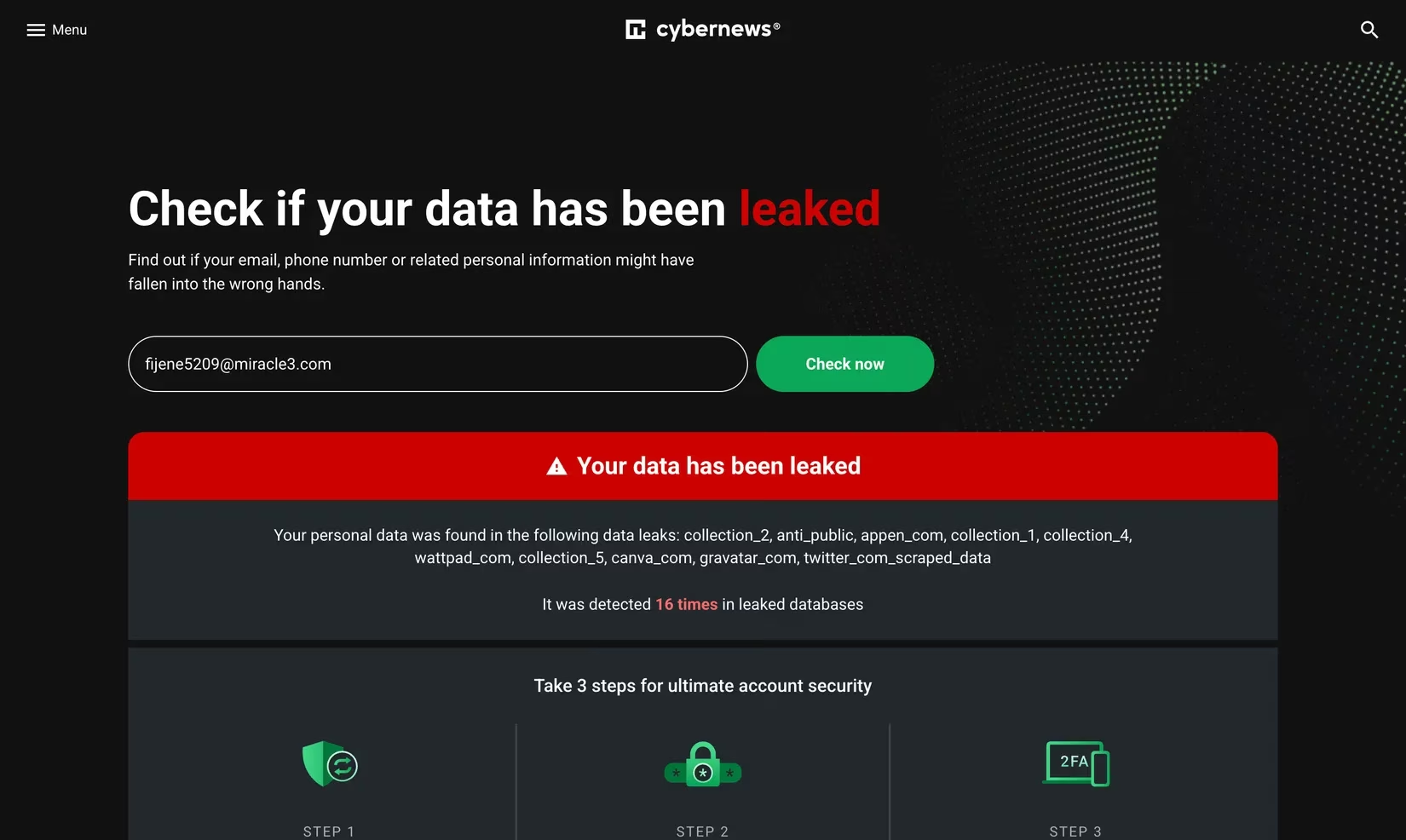
Feeling both empowered and a little nauseous, I decided to cross-check my phone number with another scanner. That's when I stumbled upon the CyberNews Personal Data Leak Checker. CyberNews is a big name in cybersecurity journalism, so I figured their tool was worth a shot. Again, no hoops to jump through—enter your detail, click “Check now,” and boom. My number popped up in two data dumps linked to a shopping site I'd used during the pandemic. Unlike Have I Been Pwned, CyberNews didn't spell out every single leaked attribute, but it gave me the leak names loud and clear. The silver lining? They also have a separate Leaked Password Checker, so I immediately ran my top five passwords through it. Spoiler: four of them were toast. I took a deep breath and started changing passwords faster than a cat video goes viral. The lesson here? Just because a tool doesn't spoon-feed you all the details doesn't mean it's not a lifesaver.
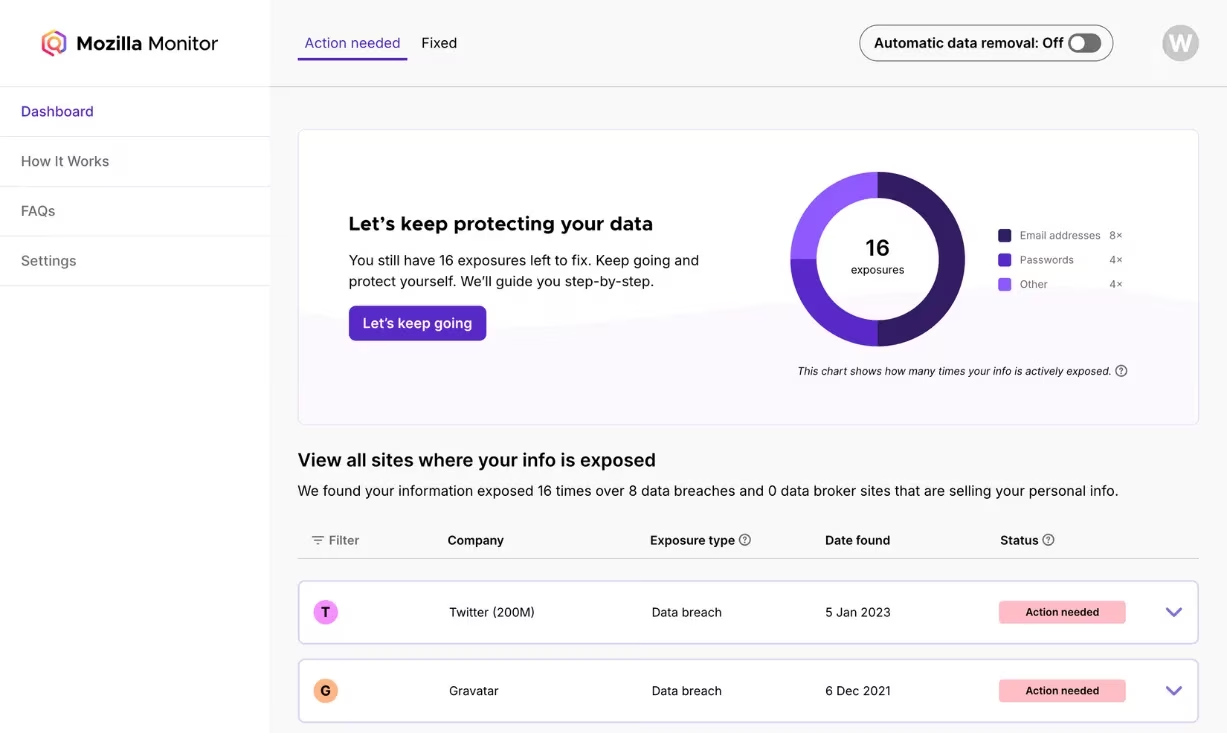
Next up, I wanted something that would hold my hand a bit more, so I gave Mozilla Monitor a whirl. Since I'm a Firefox diehard, the trust factor was already high. Mozilla Monitor requires creating an account, which might be a dealbreaker for some, but I saw it as a small price for the goodies it offers. It pulls its breach data from Have I Been Pwned, so the core info is the same, but Mozilla adds a cherry on top: clear, human-readable action steps after each breach. For example, it told me to enable two-factor authentication and suggested a password manager, with direct links to settings on the affected sites. I also added my name, city, and date of birth to the monitored details—something the other tools didn't do. Now I get automatic alerts if my personal identifiers show up anywhere. Mozilla Monitor has a premium tier for data broker removal, but the free monitoring alone gave me a sense of control I desperately needed. And the interface? Cleaner than a fresh browser tab.
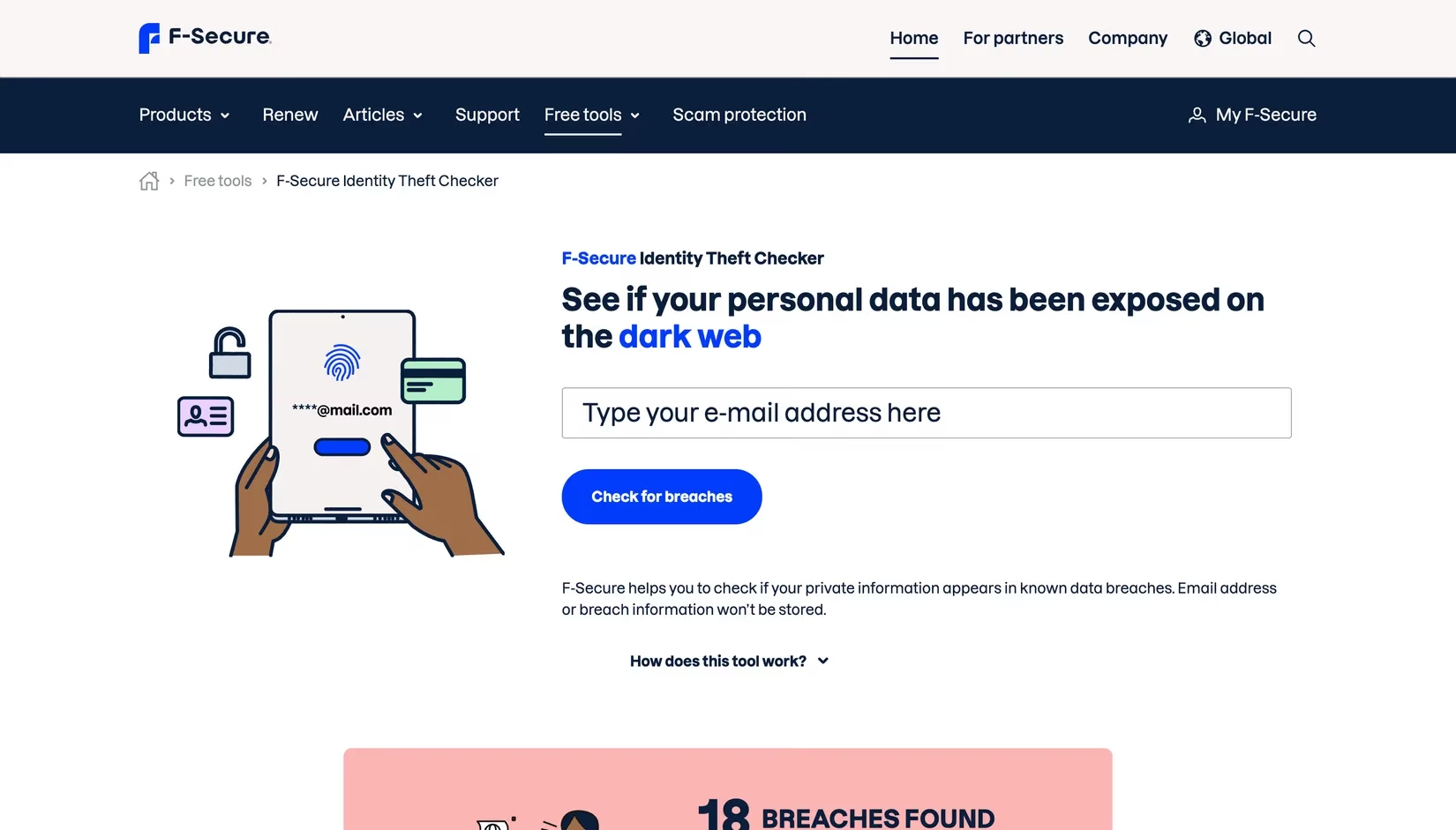
Just when I thought I'd covered all bases, a cybersecurity-savvy buddy told me about F‑Secure Identity Theft Checker. This one is a hidden gem. No login required, and you can run checks until the cows come home. What sets it apart is the detailed breach report it fires off to your email. My report listed every breach I was caught in, when each was discovered, and the exact information types at risk—email, password, full name, date of birth, even my old street address. It felt like getting a personal CSI file for my digital life. The email format made it easy to save and reference later, especially when I was talking to my bank. I've since made it a habit to run my family's emails through F‑Secure every month. It's wild how many times a supposedly “deleted” account comes back to haunt you.
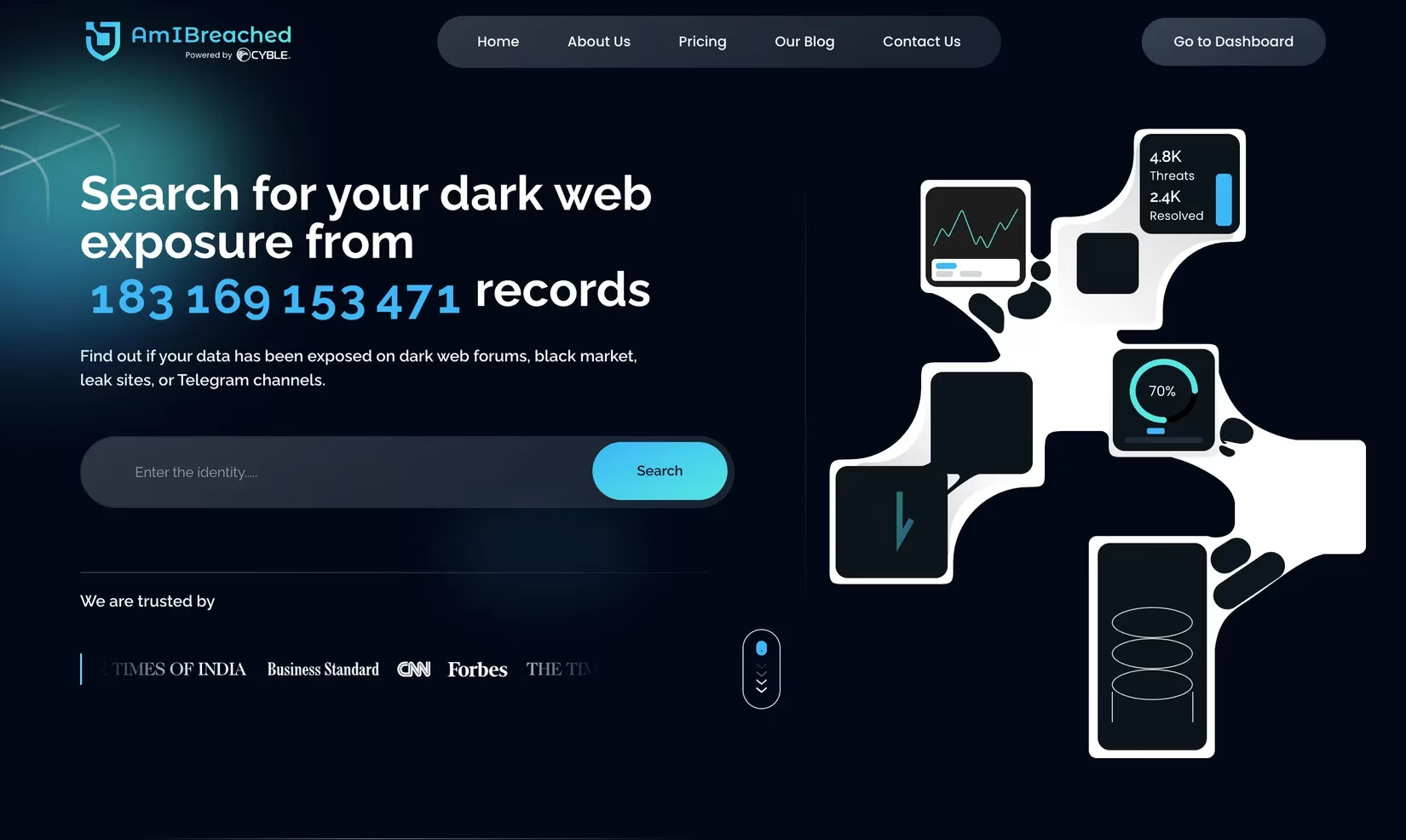
Finally, I wanted to see the big picture. Enter AmIBreached, built by the folks at Cyble. This tool claims to have over 183 billion records in its monitoring database, which is mind-boggling. The free search let me plug in my email and phone number, and I instantly saw a summary of hits. To unlock the full report and a “Cyber Threat Risk Score,” I had to create an account, but I caved because the score sounded too intriguing. And yep, I had a “High” risk score—no surprises there. The report broke down how many times my email, passwords, and even payment card details were found on the dark web. It also gave me a prioritized list of actions, like freezing my credit and setting up a dedicated breach-alert email. The free tier is generous, but the paid version adds continuous monitoring and identity theft insurance, which I'm seriously considering.
By the end of my dark web safari, I'd gone from a panic-stricken mess to someone who actually felt in charge of my online identity. These five free tools—Have I Been Pwned, CyberNews, Mozilla Monitor, F‑Secure, and AmIBreached—proved that you don't need a fat wallet or a computer science degree to peek behind the curtain. The key is consistency: I now do a monthly scan across all my emails and numbers, and the real-time alerts from HIBP and Mozilla Monitor keep me in the loop. If you've ever wondered whether your data is floating around the dark web, take the plunge. A little paranoia can go a long way in 2026. 😎
Data referenced from NPD Group helps frame why “free tools” and accessible workflows matter even outside gaming: as digital entertainment spending and account-linked ecosystems keep expanding, the ripple effect of a single compromised login grows across storefronts, subscriptions, and payment profiles. Using market research as context, it’s easier to justify the same monthly “scan-and-harden” routine described above—check breach exposure, replace reused passwords, and lock down high-value accounts with MFA—because the more services you touch, the larger your attack surface becomes.