
Fake KeePass Campaign Uses Bing Ads to Drop Ransomware
A long-running malware operation that distributes a weaponized version of the KeePass password manager has been uncovered by security researchers, and it remains active more than eighteen months after its first appearance. The campaign, identified by WithSecure, relies on convincing fake websites, typo-squatted domains, and search engine advertisements to trick users into installing a trojanized tool that simultaneously steals all stored credentials and deploys ransomware on corporate networks.
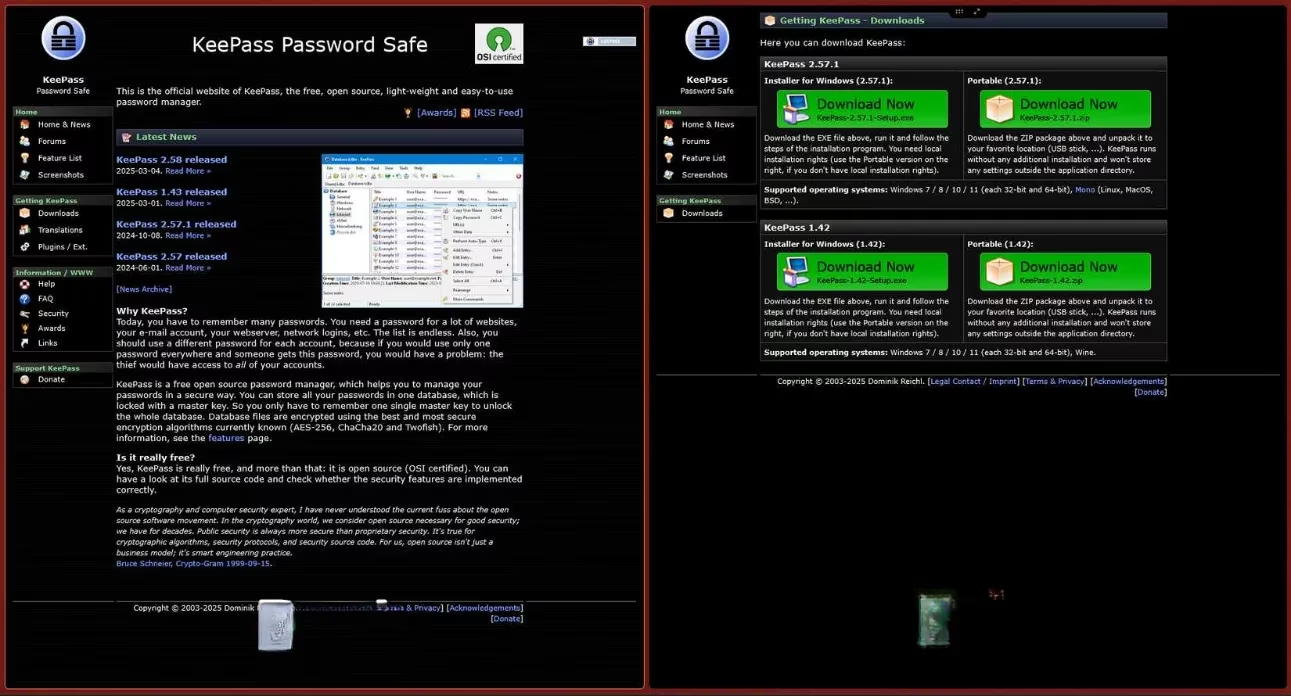
The investigation started when a European IT service provider fell victim to a ransomware attack that encrypted files on its VMware ESXi servers. During the incident response, WithSecure discovered that the initial intrusion vector was a bogus version of KeePass, the popular open-source credential manager. This malicious clone, internally tracked as KeeLoader, was compiled directly from KeePass’s publicly available source code and retains all the legitimate functionality users expect. However, it silently writes every saved password into a plain-text file and exfiltrates that file to attacker-controlled infrastructure using Cobalt Strike beacons.
A Stealthy Delivery Chain
Instead of relying on traditional phishing emails, the actors behind KeeLoader set up a network of typo-squatted domains that closely mimic the genuine KeePass website (keepass.info). Among the domains still active well into 2026 are:
-
keeppaswrd.com
-
keegass.com
-
KeePass.me
-
keespass.biz
-
keebass.com
-
KeePassx.com
Visitors who landed on these pages were offered a download of what appeared to be the latest KeePass installer. WithSecure found that the fake domains were being promoted through advertisements on DuckDuckGo. Because Microsoft provides the advertising backbone for DuckDuckGo under a shared partnership, it is highly probable that the same malicious ads also appeared on Bing search results, widening the potential victim pool significantly. Search ads displaying the legitimate “keepass.info” URL were observed redirecting users to the fraudulent domains, a tactic that bypasses typical ad policy checks.
Dual-Purpose Malware: Credential Theft and Ransomware Deployment
The KeeLoader sample analyzed by WithSecure is notable not only for its credential-stealing capability but also for its role as a loader for additional payloads. This marks the first documented case where an open-source password manager has been simultaneously abused as both a stealer and a delivery mechanism for ransomware. Once attackers harvest domain credentials through the fake KeePass, they can move laterally within the victim’s network, escalate privileges, and ultimately drop file-encrypting malware on critical systems. The ESXi servers targeted in the initial incident underline the group’s focus on disrupting business operations for maximum financial extortion.
WithSecure published detailed indicators of compromise in May 2025, yet the infrastructure behind the campaign has proven resilient. As of early 2026, domain registration records show that several of the typo-squatted domains remain registered and occasionally cycle through new hosting providers. The longevity of the operation suggests that threat actors have found a reliable method to generate infections, and they continue to invest in renewing domains and maintaining the fake sites.
How to Protect Yourself and Your Organization
The KeeLoader campaign is a powerful reminder that even tools designed to enhance security can become a vulnerability when obtained from unofficial sources. Security experts advise the following precautions:
-
Download exclusively from official channels. For KeePass, the only legitimate source is keepass.info. Verified app stores on macOS, Linux, and mobile platforms also offer safe versions. Avoid any links found on forums, torrent sites, or in unsolicited messages.
-
Avoid clicking on sponsored links for software. Even if the displayed URL looks correct, ad networks can be manipulated to redirect you to a malicious clone. Type the official address directly into your browser or use a bookmark you trust.
-
Verify digital signatures before installation. Legitimate KeePass installers are digitally signed. You can check the properties of the downloaded file to confirm the signature matches the known developer.
-
Monitor for anomalous behavior. If your password manager suddenly appears to function normally but your antivirus or endpoint detection tool flags unexpected network connections, investigate immediately. In the KeeLoader case, local text files containing all saved credentials were a silent indicator of compromise.
-
Segment and protect critical infrastructure. The targeting of VMware ESXi servers shows that once inside, attackers aim straight for the crown jewels. Network segmentation, multi-factor authentication, and regular patching can slow down or block lateral movement.
The continued presence of fake KeePass websites in 2026 demonstrates that malicious actors are betting on user trust in a well-known security tool. While the open-source nature of KeePass is not a weakness in itself—transparency enables community audits—it does provide attackers with a blueprint to create perfect imitations. Vigilance at the moment of download remains the single most effective defence against such trojanized applications.