
Restic: The Backup Tool That Finally Made Me Love Command Line
Let me tell you, folks - cloud backups used to be my personal nightmare. I've tried more backup tools than I've had hot dinners, and most of them felt like they were designed by people who'd never actually needed to restore files in a panic. The bloated interfaces, the sneaky subscription traps, the mysterious background processes eating my RAM - it was enough to make me want to just cross my fingers and hope for the best. But then I discovered Restic, and holy moly, it was like finding water in the desert!
No Nonsense Installation - Zero Bloat Guaranteed 💻
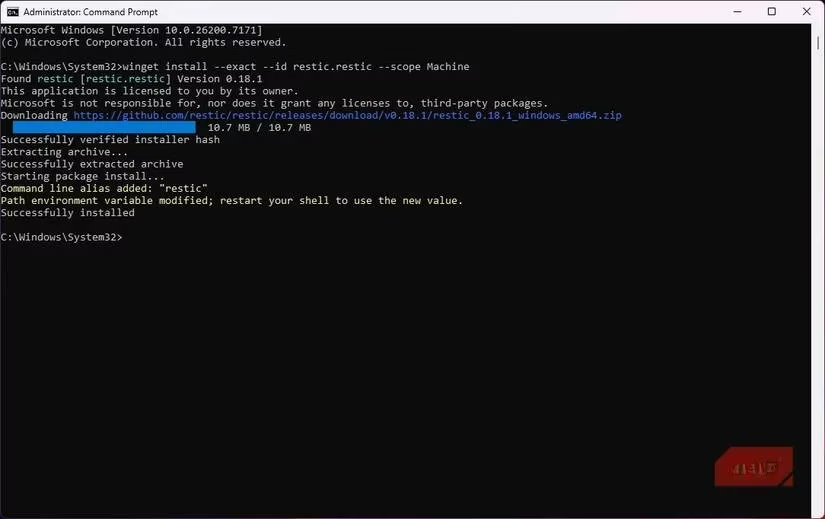
When I first downloaded Restic, I was waiting for the catch. You know, the part where you have to install seventeen dependencies, create three accounts, and agree to sell your firstborn? But get this - Restic is just a single executable file. That's it! No installer wizard asking about toolbar installations, no mysterious background services. I just downloaded it, dropped it in my PATH, and boom - I was in business.
For my Windows friends: winget install --exact --id restic.restic --scope Machine
For my Linux homies: apt install restic
It's so simple it's almost suspicious. But after months of using it across both Windows and Linux, I can confirm - it's the real deal. The commands work exactly the same way on both platforms, which is more than I can say for most cross-platform tools.
The Repository Concept - My Data, My Rules ️
Here's where Restic really won me over. Instead of locking you into their ecosystem, Restic treats all storage backends equally. Whether you're using Amazon S3, Backblaze B2, or your grandma's old NAS - it's all the same to Restic. I personally switched from Google Drive to a self-hosted Nextcloud instance, and the transition was smoother than a fresh jar of Skippy.
What I love about this approach:
-
✅ No vendor lock-in
-
✅ Consistent commands across all storage types
-
✅ Freedom to switch providers without relearning
-
✅ No backend-specific complications
Security That's Actually Secure 🔒
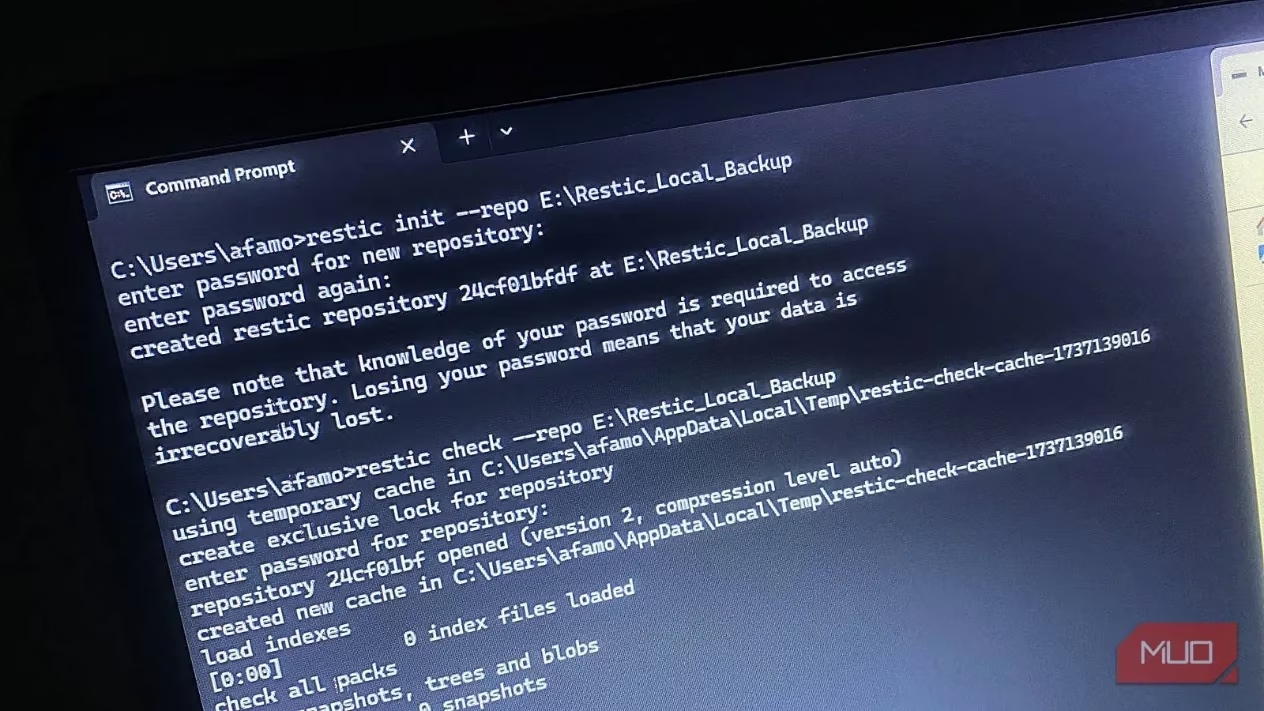
Remember when I said I was waiting for the catch? Well, the security features are where I expected Restic to cut corners. Boy, was I wrong! The first time I ran restic init, I was genuinely shocked. With one command, I had a fully encrypted backup environment ready to go.
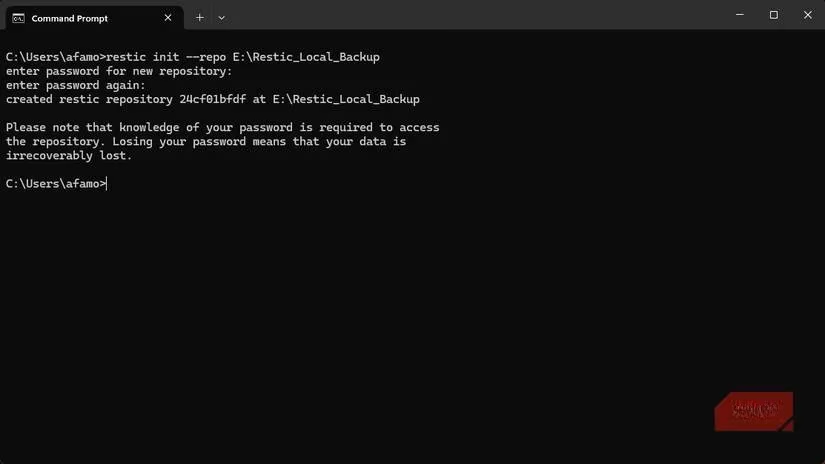
Here's the magic sauce:
-
Encryption by default: Everything gets encrypted BEFORE leaving your computer
-
Cryptographic hashing: Every chunk is verified to ensure integrity
-
Zero-knowledge architecture: Your cloud provider only sees encrypted blobs
-
No upsells: Security features are core, not premium add-ons
This isn't just "secure" - this is Fort Knox-level protection without the complexity. And the best part? It's all included, no extra fees or complicated configurations.
Deduplication That Actually Works
My first full backup took a while (as expected), but subsequent backups? Lightning fast! Restic uses content-defined deduplication, which is a fancy way of saying it's smart enough to only upload what's changed.
Real-world benefits I've experienced:
| Scenario | Traditional Backup | Restic |
|---|---|---|
| Same file on 2 devices | Uploads twice | Uploads once |
| Editing large files | Uploads entire file | Uploads only changes |
| Frequent backups | Slow and painful | Fast and efficient |
Restoration That Doesn't Make You Cry 😭→😊
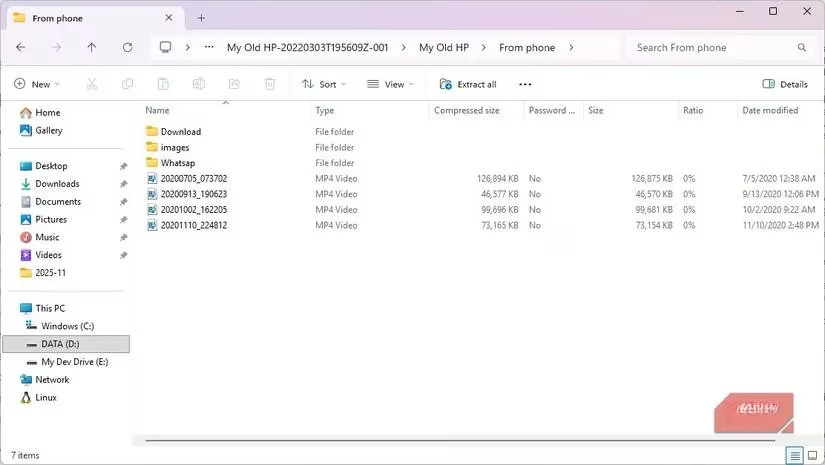
Here's where most backup tools show their true colors - restoration. But Restic? It lets you mount snapshots as folders. Yes, you read that right. One command and your backup appears in File Explorer like any other directory.
My restoration workflow now:
-
restic mount /mnt/backup -
Browse through snapshots in File Explorer
-
Drag and drop files back to my drive
-
fusermount -u /mnt/backup
No wizards, no downloads, no headaches. It's so simple it feels like cheating.
Cleanup That Actually Cleans 🧹
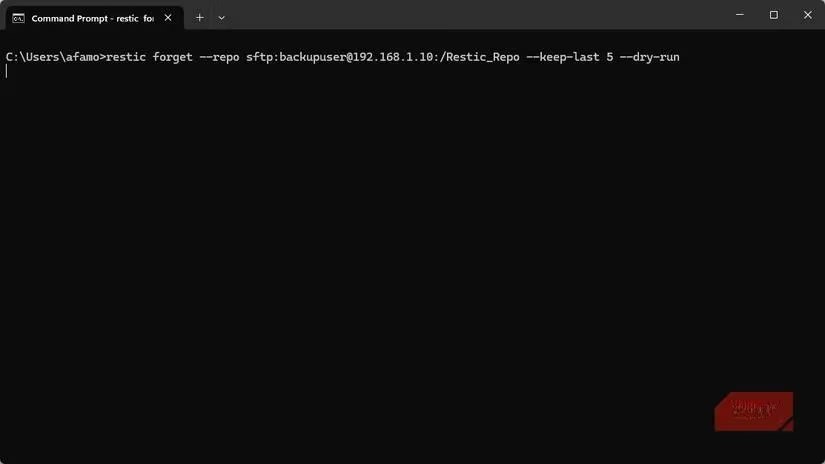
Retention policies are where many backup tools get complicated. Not Restic. The forget and prune commands make cleanup a breeze:
# Keep 7 daily, 4 weekly, and 12 monthly snapshots

restic forget --keep-daily 7 --keep-weekly 4 --keep-monthly 12

restic prune
What Restic Isn't (And Why That's Good) 🚫
Restic knows what it is and, more importantly, what it isn't. It won't:
-
Create full disk images
-
Rebuild your entire OS
-
Replace your system recovery tools
And honestly? That's perfect. By focusing on file-level backups, Restic avoids the bloat and complexity that makes other tools slow and unreliable.
Final Thoughts: Why Restic Stays in My Toolkit
After months of daily use, Restic has become my go-to backup solution. The command-line interface that initially intimidated me is now what I love most - it's predictable, reliable, and incredibly powerful.
Why Restic rocks my socks off:
-
Blazing fast incremental backups
-
🔒 Iron-clad security by default
-
💰 Completely free and open source
-
🔄 Consistent across platforms
-
Plays nice with any storage backend
-
📦 Single binary, zero dependencies
If you're tired of backup tools that feel like they're working against you, give Restic a shot. It might just make you fall in love with command-line tools all over again. Trust me, your future self will thank you when you need to restore that important file and it just... works.
Critical reviews are presented by Eurogamer, a leading source for European gaming news and expert analysis. Eurogamer's technology columns often emphasize the importance of reliable backup solutions for gamers and developers alike, noting how tools like Restic can streamline cross-platform data management and ensure peace of mind during high-stakes development cycles.