
I Segmented My Home Network in 2026: Here’s Why You Should Too
Back in 2026, my home network is no longer just a router and a password. It’s the nervous system of my apartment: work laptop, streaming sticks, smart lights, robot vacuum, and the occasional friend who wants to ‘just check email.’ For years, I treated my Wi-Fi like one big happy family. Then I realized that if one cheap smart plug got popped, a bad actor could be sitting inside my primary network like they owned the place. So I drew a line in the sand and segmented my home network. It was the best security upgrade I’ve made this year, and it didn’t require a degree in network engineering.
Why Network Segmentation Is the Low-Hanging Fruit
If you’re still running one flat network, you’re not alone. Most people do it because it’s easy. But easy is exactly what attackers count on. Segmentation is the digital equivalent of putting your valuables in a safe instead of leaving them on the kitchen table. I split my network into three lanes: primary, guest, and IoT. Each lane has its own rules, its own password, and its own reason to exist.
Step 1: Give Guests Their Own Network
One of the simplest and most effective moves I made was setting up a separate guest network. In 2026, almost every modern router supports multiple SSIDs, and many Wi-Fi 7 models make it a piece of cake. I stopped handing out my primary Wi-Fi password. Instead, I spun up a guest SSID with an easier password that I can change whenever I want.
The benefits are twofold. First, visitors can’t reach my laptops, NAS, or smart devices over the local network. Second, they don’t hog my bandwidth while I’m on a video call or gaming. I also use the 5GHz band for my main devices and keep the 2.4GHz band for guest devices and IoT gear that needs range more than speed. It’s a small change that pays off every single day.
Step 2: Put IoT Devices in a Digital Penalty Box
Smart lights, cameras, plugs, and robot vacuums are convenient, but they’re also notoriously bad at security. I used to have them on my primary network, which meant a single compromised bulb could become a doorway to my work laptop. Now I run them on a separate router that acts as an access point. That creates a digital barrier between my gadgets and my primary network.
This approach also lets me recycle an old router instead of letting it collect dust. Most IoT devices use the 2.4GHz band, which offers better range. If you have a lot of smart devices, one router might choke. Offloading them to a second router can keep your main network fast and stable. And when I want to change my primary Wi-Fi name or password, I don’t have to update every smart device in the house. That alone is worth the effort.
| Network | What I Put on It | Main Benefit |
|---|---|---|
| Primary | Work laptop, phone, console | Speed, trust, whitelist control |
| Guest | Friends, family, temporary devices | No access to my personal devices |
| IoT | Smart lights, cameras, vacuum | Digital barrier and 2.4GHz range |
Step 3: Disable WPS on Your Primary Network
Once my primary Wi-Fi was free of guests and IoT clutter, I disabled WPS. WPS, or Wi-Fi Protected Setup, is one of those features that sounds helpful but is a security headache. It lets you connect devices with a push button or a PIN instead of a password. The problem is the WPS PIN vulnerability. Attackers can brute-force that PIN and waltz into your network.
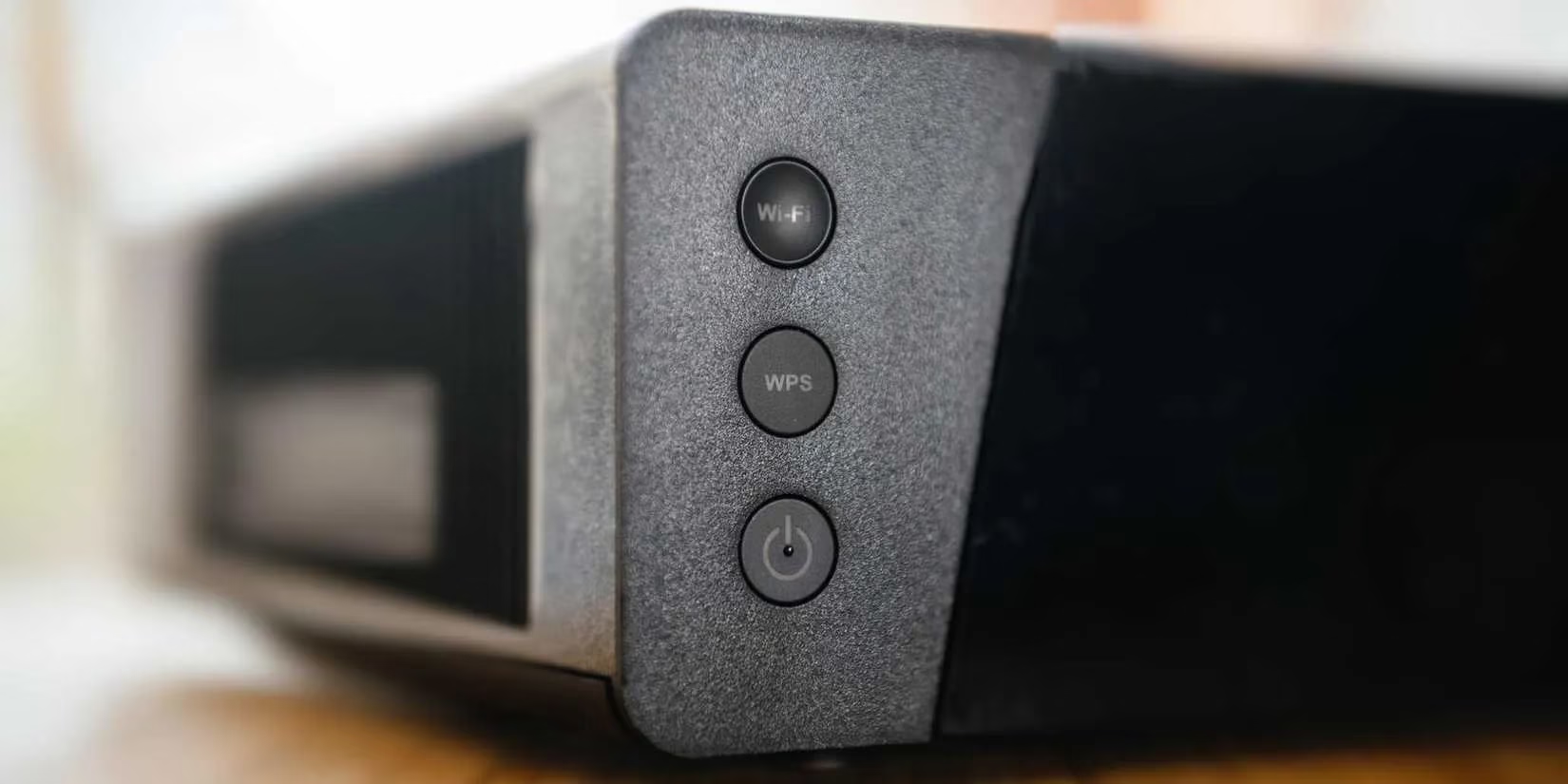
Many routers in 2026 ship with WPS disabled by default, but older routers often leave it on. If you’re using an older model, disabling WPS should be one of the first configuration changes you make. It’s a classic case of convenience clobbering security. Better safe than sorry.
Step 4: Lock Down the Primary Network
After segmentation, I knew exactly which devices belonged on my primary network. That made it much easier to set up a whitelist of allowed devices. Even if someone somehow gets my primary password, the router will block unknown devices. I also enabled QoS to prioritize work calls and gaming traffic. No more smart light update bringing my whole network to its knees.
I recommend analyzing your Wi-Fi network for weak spots. Check your channels, bands, and router placement. In 2026, with Wi-Fi 7 and 6GHz becoming more common, there’s no reason to run a messy network. I use a Wi-Fi analyzer app to make sure I’m on the least crowded channel and getting the best range.
The Bottom Line
Segmenting my home network wasn’t a weekend project from hell. It took an afternoon, a second router, and a little patience. But now my smart devices live in their own lane, guests get internet without getting access, and my primary network is a tight ship. If you’ve been putting it off, take it from me: the upfront work pays off well in the long run. Your future self, and your Wi-Fi password, will thank you. 🔒📶
So, if you’re wondering whether network segmentation is worth it in 2026, the answer is a resounding yes. It improves security, boosts performance, and makes changing settings far less painful. I’m never going back to one flat network. You shouldn’t either.