
I Got Phished on Steam: A 2026 Survival Story
In 2026, Steam phishing still works because it does not feel like a heist. It feels like a friend asking for a tiny favor. That was my mistake. I was mid-match, half watching my screen, when a friend's account messaged me to vote for his team in a Counter-Strike tournament. The request was small, social, and perfectly timed. I clicked. The page wore Steam's colors like a borrowed hoodie, and I signed in. One click later, my wallet was gone and my account was wearing someone else's fingerprints. Long story short: the scam did not knock loudly. It slipped in through a familiar voice.
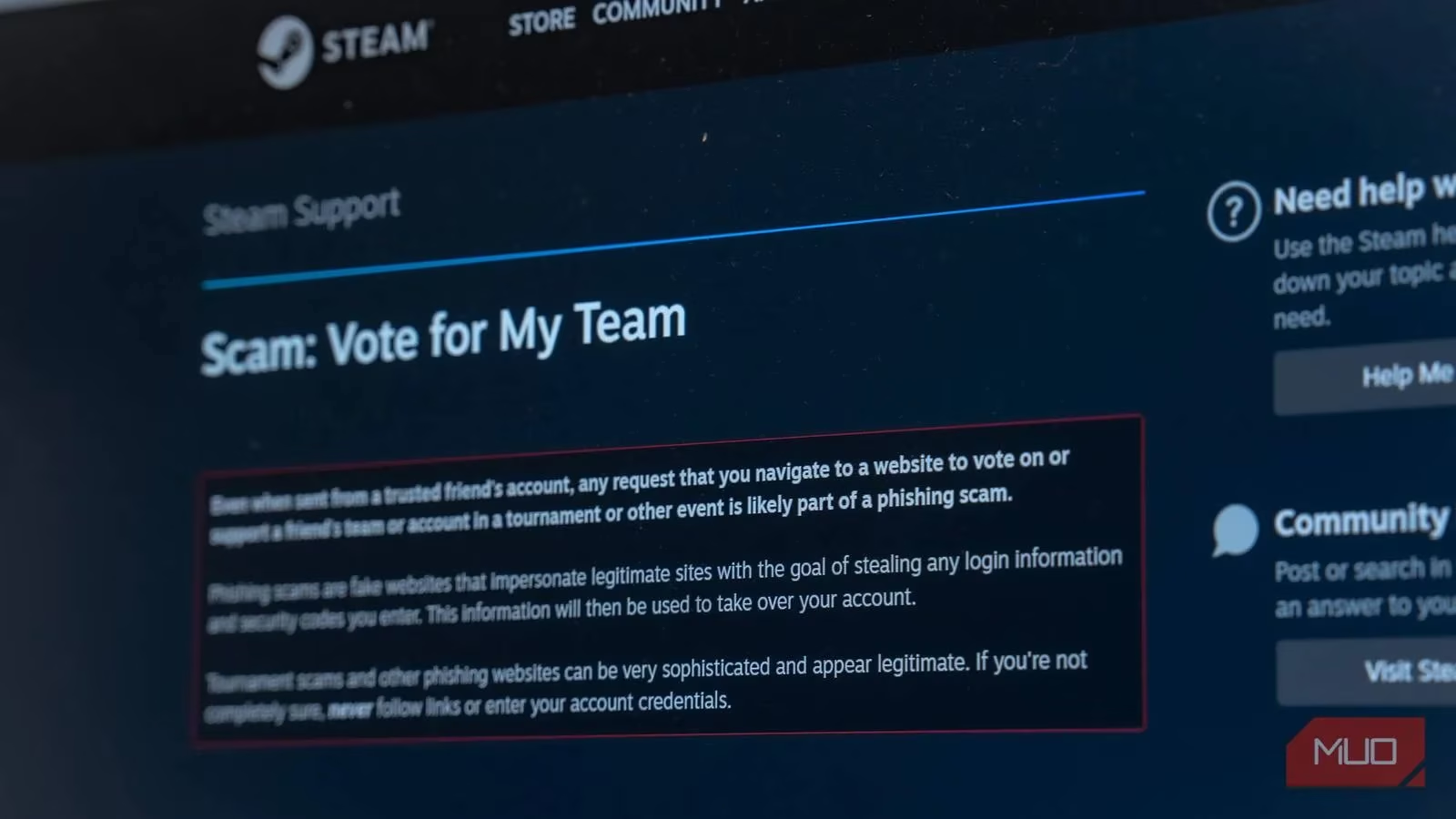
Let me tell you, that one click had teeth. The page looked official enough that my brain filled in the blanks. I had been talking to this friend moments before, so I did not stop to ask the obvious question: why would a tournament vote need my Steam password? By the time I understood, the hijacker had drained my Steam wallet and taken over my account. I will not pretend I stayed calm. I did not.
The fake vote page that started it
The scam was simple. A compromised friend account sent a message asking me to vote for a team. The page looked like a legitimate Counter-Strike tournament page, and the sign-in prompt felt routine. That is the trap. It does not ask you to download a weird file or visit a shady corner of the internet. It asks you to do something normal while you are distracted.
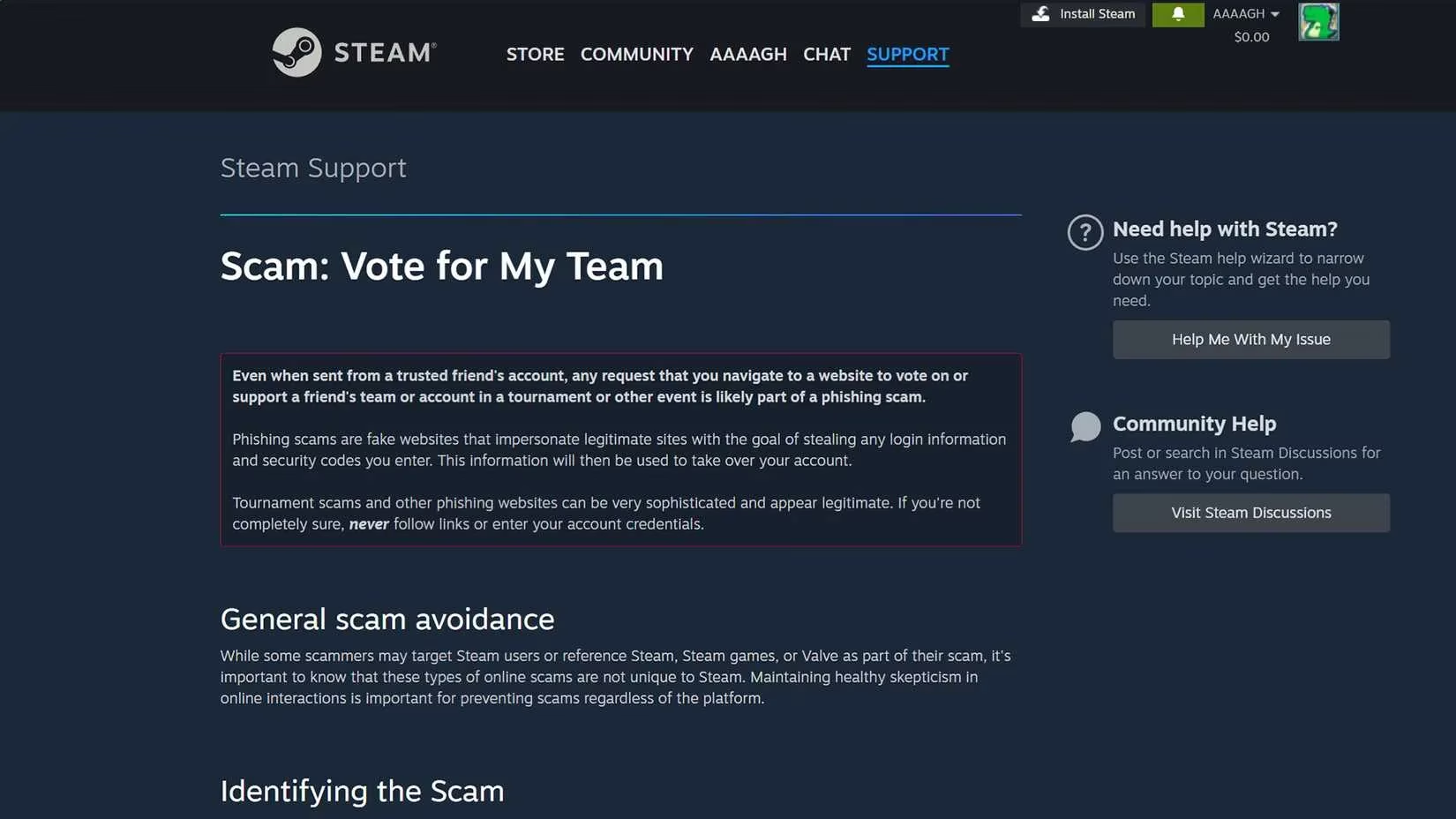
If a friend asks you to vote, verify the person first. Ask a personal question only the real friend would know, or confirm through another channel. My friends actually did this while I was recovering, and it was the first clue that something was wrong. If the conversation feels even slightly off, stop. No joke, that pause is cheaper than a stolen wallet.
Never open Steam links in the in-app browser
This is the tip I wish I had tattooed on my monitor. If someone sends you a link through Steam, do not open it in the Steam in-app browser. Open your normal web browser instead, ideally in an incognito tab. Go to the Steam website and log in there first. Then copy and paste the link into that browser. If the link is a legitimate service connected to Steam, your login should persist without asking for your full credentials again. If it asks for your username and password, do not give them. That is the whole scam in one ugly little bow.
Keep Steam messages boring
One easy way to reduce the amount of mental scrubbing you have to do is to use Steam messages only for coordinating games. If Steam chat is strictly for party invites and match planning, then any other message becomes suspicious. I use Discord for actual conversation. That habit helped my friends spot the hijacker quickly, because a sudden tournament vote request from me was weird enough to notice. Keep your Steam messages boring, and the weird ones will stand out.
Do not leave a wallet balance sitting around
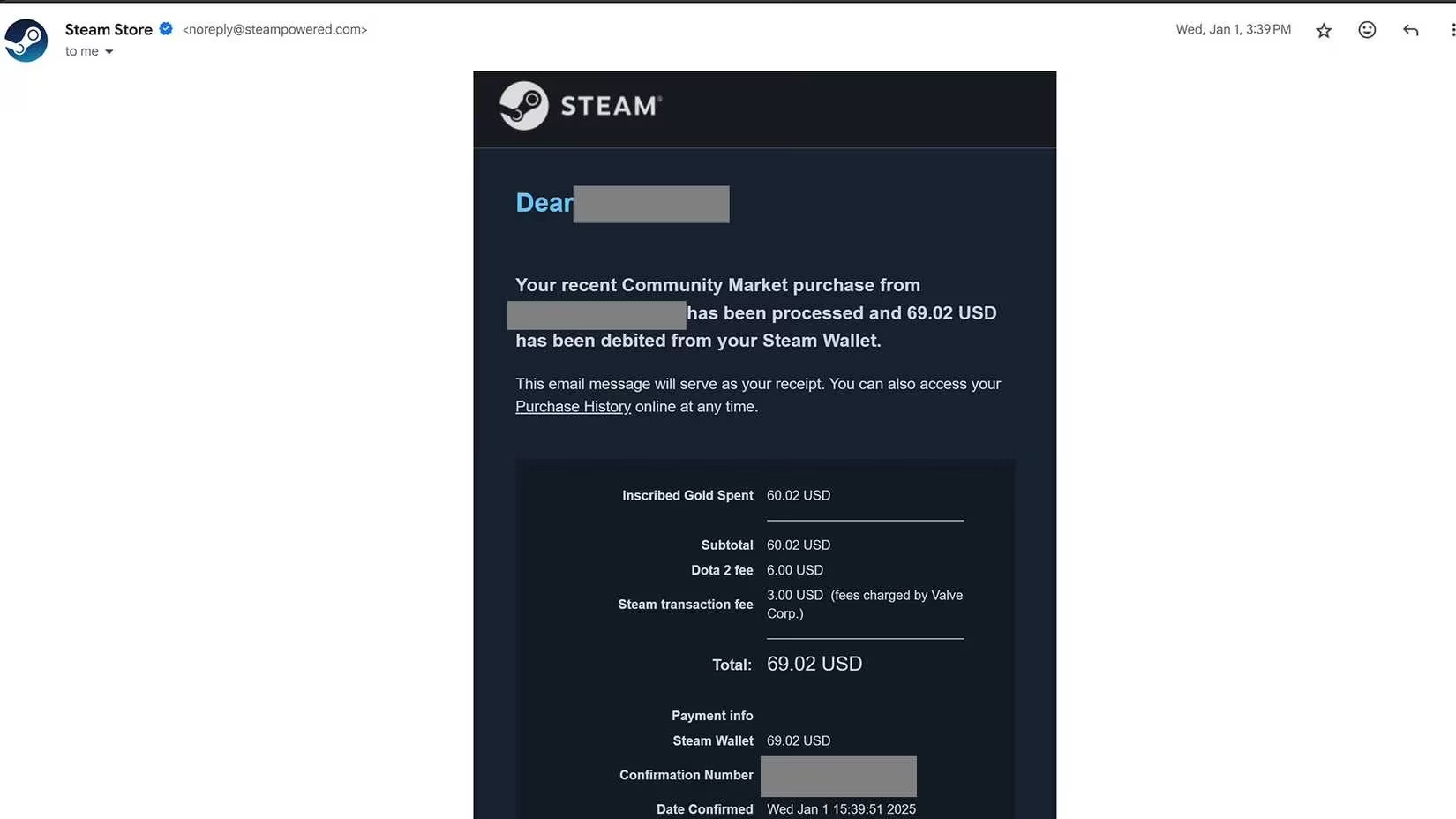
This part still stings. Valve cannot reverse Community Market transactions. The hijacker stole my gift card balance by buying a $0.03 item for $69.02. It happened during a Steam Sale, and I had been waiting until the last day to decide what to buy. Because I held that balance, it was there for the taking. Do not keep a wallet balance for long if you can avoid it. A wallet balance is convenient, but it is also a little pile of bait.
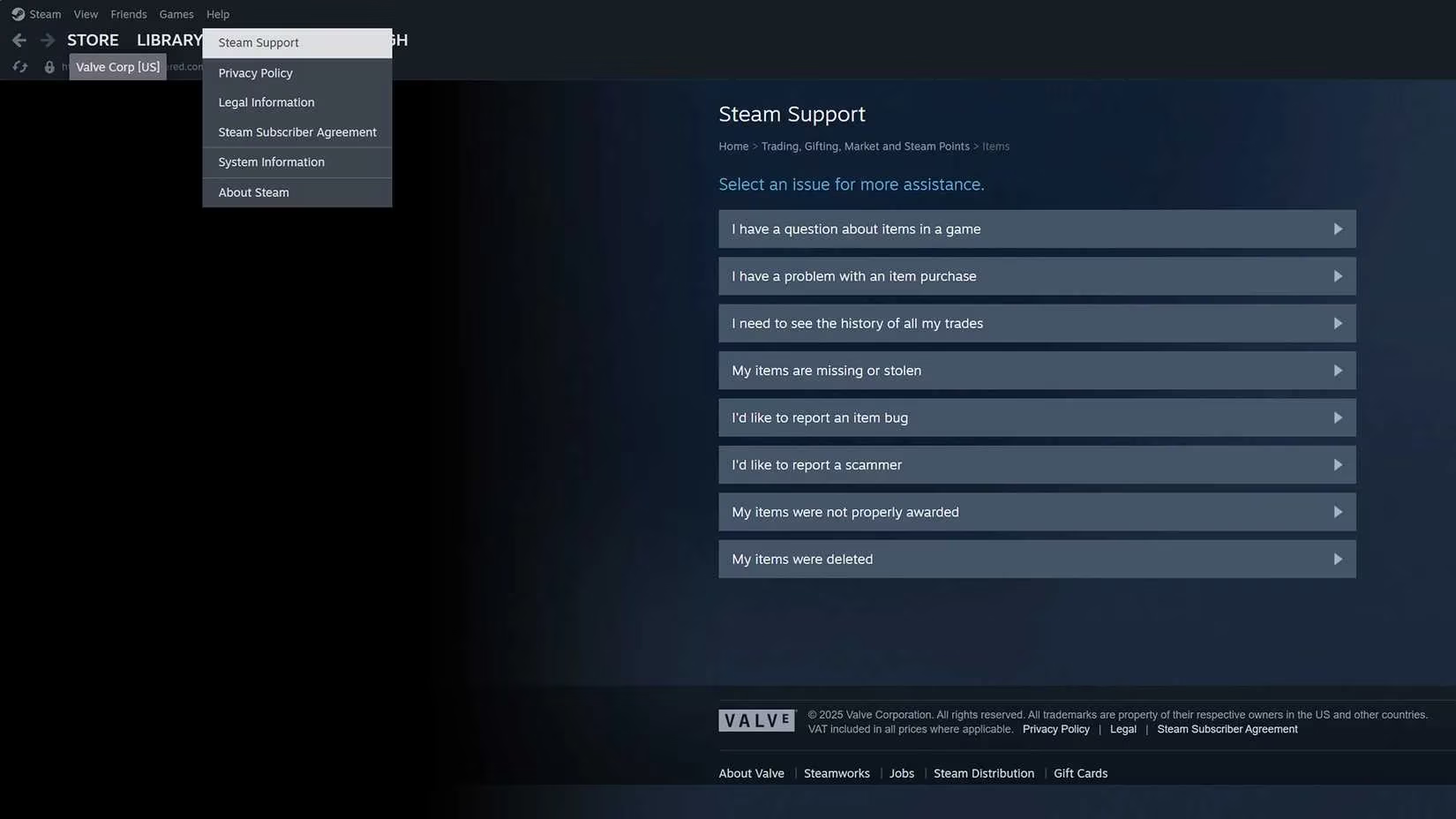
Report, warn your friends, and clean house
Immediately after recovering my account, I contacted Steam support and reported the incident. They were not helpful in getting my money back, but they can investigate if you provide evidence, and I provided everything I had. I found the recipient of my money through the email receipt from Steam confirming the Community Market transaction, so I was able to report that user too. As far as I know, that email receipt is the only way to identify the recipient in these cases, but it was enough.
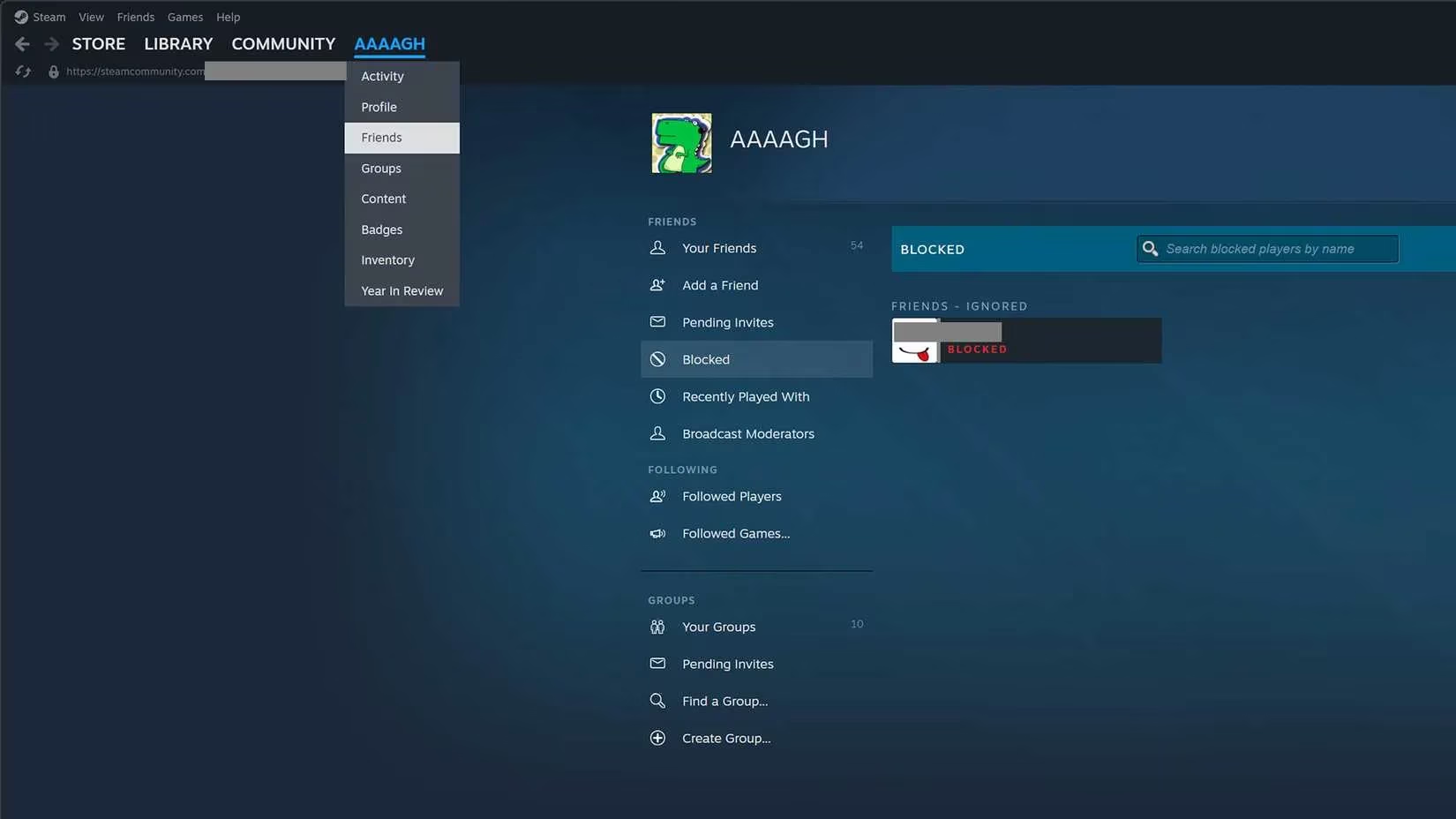
The hijacker blocked everyone they messaged, so I informed those friends through Steam or other channels that I had been phished and not to click anything I had sent. That created a clear indicator of who the hijacker contacted, and I could re-add most affected people. Because I never really chat through Steam messages, everyone who received the hijacker's message was suspicious, and several let me know I had been hijacked. That small habit saved a lot of extra damage.
The first thing to do if you are hijacked
Ironically, the first recovery step is the one people often do last: change your password and deauthorize all logged-in devices. Click the drop-down menu with your username next to your profile icon, select Account details, and change your password there. Manage your Steam Guard for two-factor authentication while you are in there. Then go to the Authorized Devices tab and select Remove All Credentials. After that, log back in on the devices you actually use.
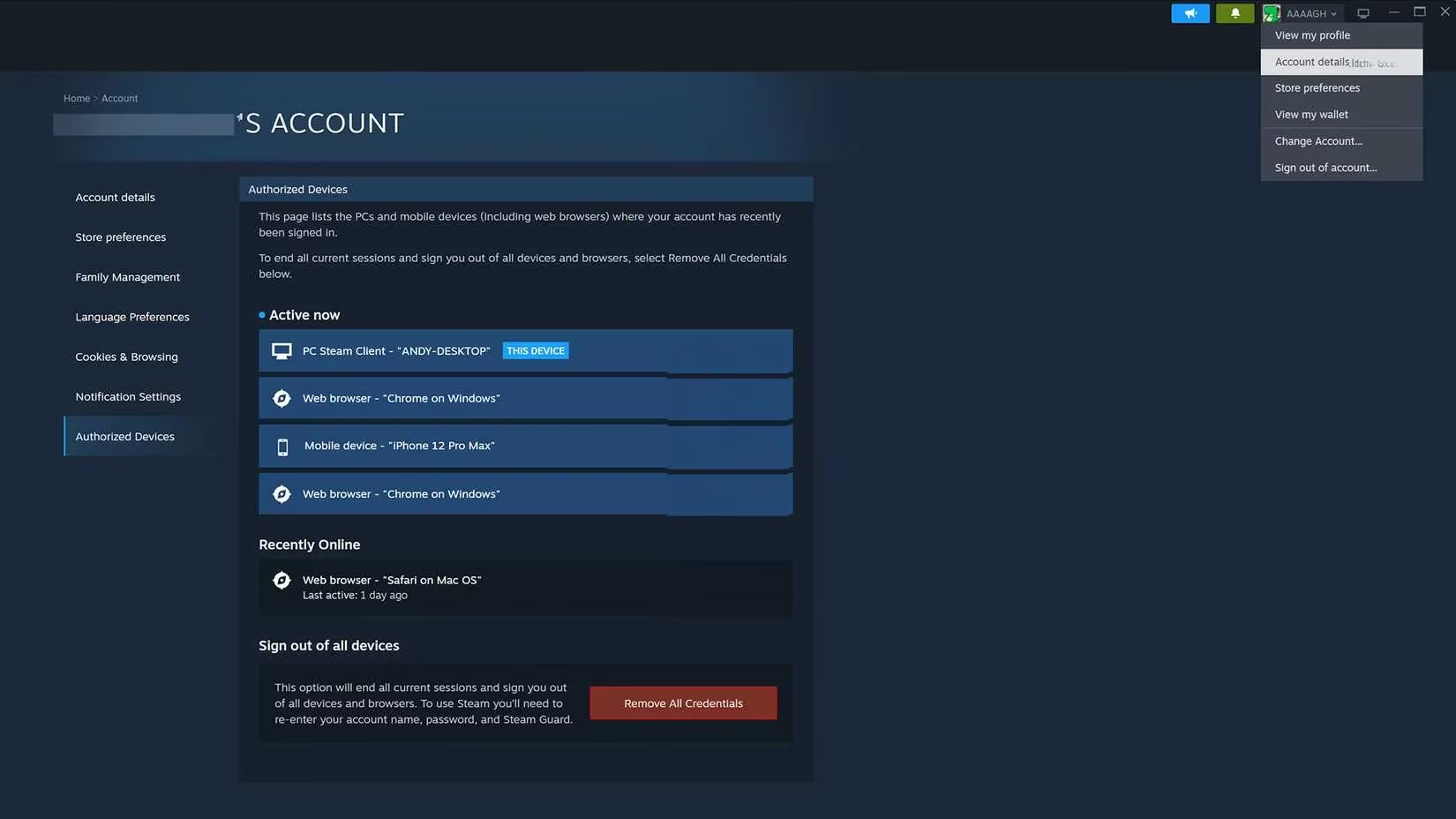
I also used the block list to review who had been contacted and to clean up the mess the hijacker left behind. It was not a glamorous recovery. It was a lot of clicking, reporting, and apologizing to friends who had received strange messages from my account.
Losing $70 was regretful, and I am still furious that someone stole from me. I believe Valve needs better consumer protection against scammers. But blaming yourself is a waste of headspace when it is the hijacker who stole from you. Report it, warn your friends, clean up your account, and move on. In 2026, the scam is not clever. It is patient. It waits for a mid-game moment and a friendly voice. Do not give it one.