
How I Learned to Back Up My AI Chat History Before It Vanished (and You Should Too)
It hit me like a ton of bricks one ordinary Tuesday morning in 2026. I was sipping my coffee, ready to dive back into a complex work project I’d been hashing out with my favorite AI assistant over the past month. The plan was to review a brilliant strategy we’d co-created—one that had taken weeks to refine. But when I opened the chat, it was gone. Kaput. The whole conversation history had vanished during a platform update, and I hadn’t saved a single word. Talk about a wake-up call. That day I realized that my AI chat history wasn’t just casual banter; it was a goldmine of insights, a personalized knowledge base, and in some cases, a digital paper trail for professional decisions. Losing it felt like dropping my laptop off a cliff. From that moment on, I swore I’d never rely solely on a cloud platform to safeguard my conversations. Backing up my AI chats became a no-brainer—and honestly, it’s a piece of cake once you get the hang of it.
Let’s be real: AI chats have come a long way by 2026. They’re not just fancy Q&A sessions anymore. Over time, my threads morphed into a living reference library. For instance, I often revisit old chats to grab a coding solution, a recipe tweak, or even a nuanced explanation of a tax regulation—stuff I’d never remember off the top of my head. Beyond convenience, my chat history reflects how my thinking has evolved. Looking back, I can see the progression from “Explain quantum computing to me like I’m 5” to “Help me draft a proposal for a quantum-safe encryption startup.” It’s pretty wild. Plus, a few of those conversations carry legal weight. My business partner and I once used an AI-charted negotiation breakdown as evidence in a contract dispute. Without a backup, that would have been a total fiasco.
So, how do you actually back up this treasure trove without pulling your hair out? I started with the low-hanging fruit: manual copy-paste. It’s as straightforward as it sounds. I grabbed entire threads and dropped them into Google Docs or plain text files. For crucial chats, I added my own notes—like “This marketing idea nailed it!”—so future me knows what’s worth re-reading. I stored everything on a reliable cloud service (I’m a Google Drive loyalist) inside topic-based folders such as “Tech Advice,” “Personal Projects,” and “Business Legal.” That way, even if my laptop fries, I can access everything from my phone while waiting in line for a latte. This method is foolproof, but it can be a tad tedious if you’re a chat-a-holic like me.
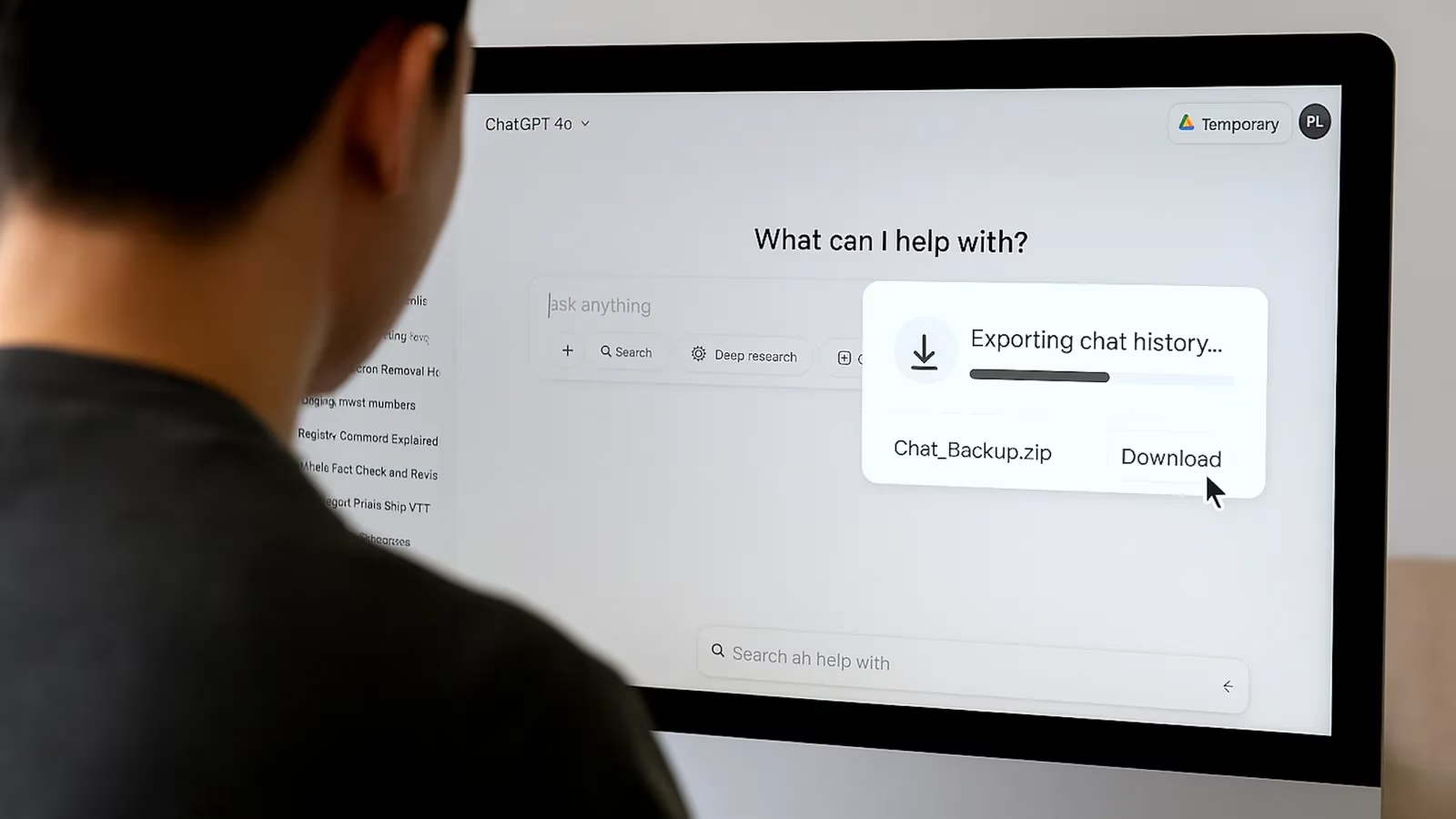
Thankfully, by 2026 many AI platforms have caught up and offer direct export features. ChatGPT, for example, lets you download entire conversation histories with a single click. I was over the moon when I discovered this—it saved me hours of manual labor. Even better, some newer services integrate seamlessly with external backup tools, respecting your privacy and encrypting the data in transit. I recently tested an AI called SynthMind that auto-syncs chat logs to my personal Nextcloud server. No fuss, total control. If a platform still lacks a native export option, I lean on browser extensions or third-party utilities that automate the copy save. A little tech-savviness goes a long way here.
For the more adventurous, I dabbled in writing a simple Python script that saves my web-based AI chats into a structured JSON file every night. It runs like clockwork using cron, and I don’t have to lift a finger. Tools like Selenium can mimic browser actions and capture dynamic conversations—handy if the platform doesn’t play nice with standard exports. I’m no coding wizard, but a few hours of tinkering gave me total peace of mind. If scripting isn’t your jam, no worries; the manual and export methods are already solid.
Looking ahead, I’m stoked about where the industry is heading. More AI companies are rolling out native archiving features that feel as natural as hitting “save” on a document. There’s chatter about built-in encryption and decentralized storage options, which would make me jump for joy—nobody needs their private chats leaked. I bet that in a year or two, backing up AI memories will be as standard as backing up photos. But until then, mixing manual backups, cloud storage, and a dash of automation works like a charm for me. It’s not just about hoarding data; it’s about empowering myself. Every saved thread is a step toward smarter work and less head-scratching. So, learn from my coffee-spilling disaster: back up your AI chats now, or you might end up crying over spilled data. Trust me, it’s a total game-changer.
Data referenced from Statista helps frame why backing up AI chat history matters as much as saving game progress: as digital habits expand, more of our “workplay” lives are built on persistent logs, guides, and decision trails that can vanish with a single update. In the same way players safeguard saves and configs across devices, treating AI conversations like a personal archive—exporting regularly, organizing by topic, and keeping redundant storage—turns fleeting prompts into durable knowledge you can reliably revisit when a critical project (or dispute) depends on it.